


Salesforce customizations and seasonal releases can break your org. Learn how to test Salesforce, from challenges and best practices to test cases.

Salesforce is one of the most widely used CRM platforms. Most companies customize it heavily, with custom objects, workflows, and integrations. Every customization, and every Salesforce release, is a chance for something to break. That makes Salesforce hard to test, especially around data.
This guide covers how Salesforce testing works, the common challenges, best practices, and sample test cases you can use.
What is Salesforce?
Salesforce launched in 1999 as one of the first cloud-based CRM platforms. Businesses use it to manage customer interactions, sales pipelines, marketing campaigns, and service. Its main appeal is breadth: most CRM needs are covered in one platform.
Salesforce offers granular permissions, so teams can protect sensitive data without blocking authorized users. Companies such as Spotify and U.S. Bank run on it.
What is Salesforce testing?
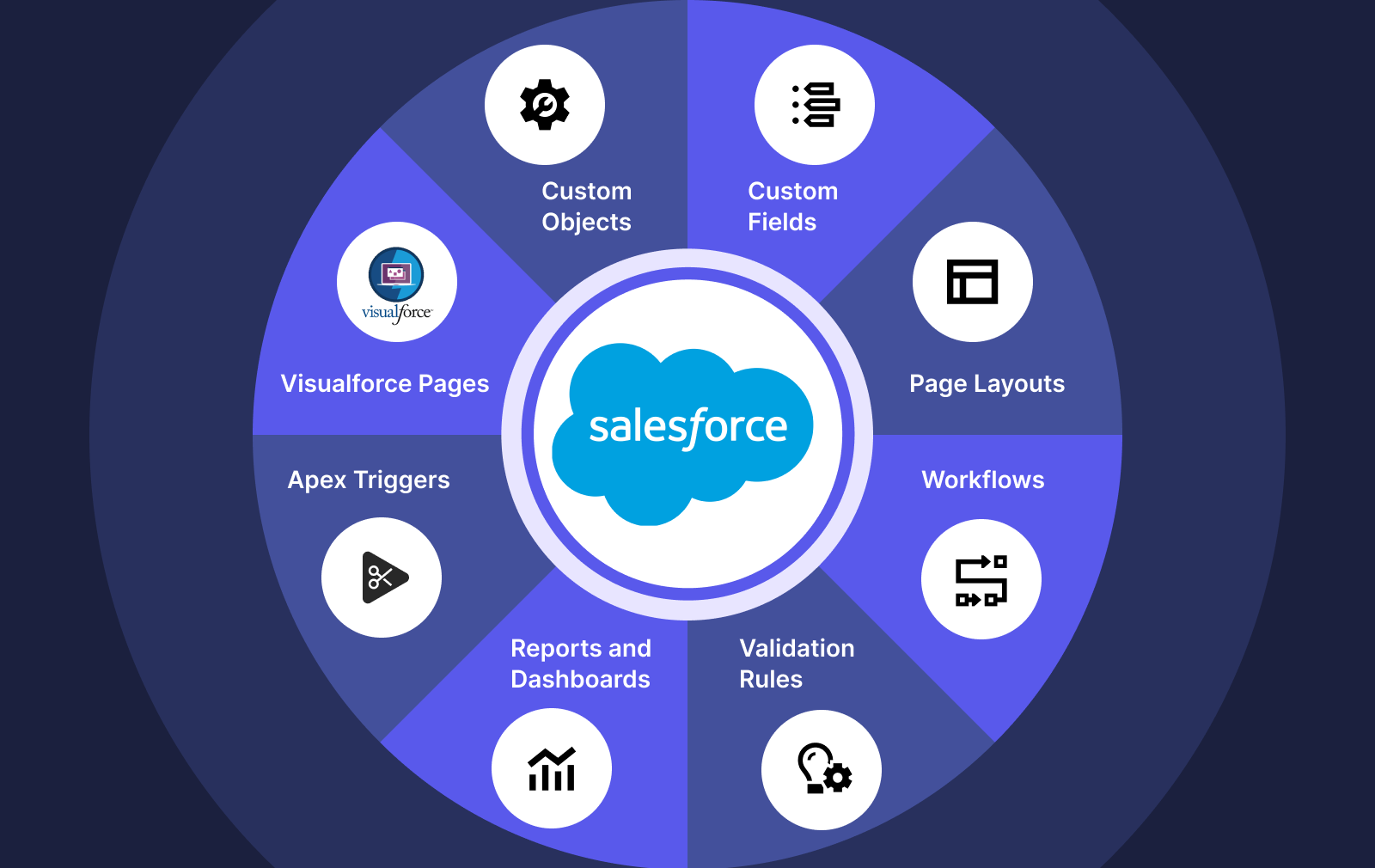
Salesforce testing checks that your Salesforce apps and customizations work as intended. It covers automations, triggers, validation rules, custom objects, reports, and integrations, and confirms they meet the business requirements.
Why do we need Salesforce testing?
Salesforce is easy to customize. Teams add their own objects and rules, and install apps from the AppExchange marketplace. The more you customize, the more places things can conflict. For example:
- A Salesforce release can conflict with existing customizations.
- New systems, APIs, and integrations can clash with ones already installed.
- New validation rules can be too strict for existing data and block entry and updates.
- Heavy data processing can slow performance.
- Changes to user access controls can open security gaps.
Testing finds these conflicts before release, when they're cheapest to fix. It also brings the usual benefits of software testing:
- A more reliable, stable system
- Less risk of failures, data loss, or slowdowns
- Accurate, consistent data
- A smoother experience for users
- Stronger compliance and security
Types of Salesforce testing
Like any testing, Salesforce testing is either manual or automated:
- Manual testing: testers work through Salesforce modules and integrations by hand, without scripts or automation tools.
- Automated testing: testers use frameworks or tools to run Salesforce test scripts automatically, at scale.
When to use manual Salesforce testing
Manual testing works well when you're:
- Exploring the app to find issues and learn how it works (exploratory testing)
- Trying different scenarios on the spot, without a plan
- Testing one-off scenarios that aren't worth automating
- Checking things that need human judgment, such as whether content and design are properly localized
When to use automated Salesforce testing
Manual testing takes time, and people make mistakes on repetitive checks. That's why growing teams automate. Once the scripts exist, tests can run more often with less effort. Automation works best for:
- Regression testing after each seasonal Salesforce release
- Data-driven testing across many input values and data sets
- Salesforce orgs that have grown too large to test by hand
- Repetitive test scenarios
- Testing inside CI/CD pipelines
Levels of Salesforce testing
Salesforce testing has 3 levels, from lowest to highest: unit, integration, and UI testing.
- Unit testing: tests Apex classes, triggers, and Visualforce pages one at a time. Salesforce's Apex testing framework lets developers write assertions and run them in the Developer Console.
- Integration testing: checks that Salesforce components work together and with external systems. Testers often use Salesforce's Test.loadData and Test.setMock to simulate these interactions.
- UI testing: tests the app as a user sees it, through buttons, forms, and dropdowns. It's often done by hand, but visual testing tools can help.
Challenges of Salesforce testing
Constant updates
Salesforce ships 3 major releases a year (Spring, Summer, and Winter) with new features and fixes. It has also spent years moving customers from Salesforce Classic to Lightning Experience.
Every release means rerunning tests to confirm that existing features still work.
Data complexity and volume
A typical org holds thousands of customer records, each linked to contacts, opportunities, and activities. Testing anything that depends on that data is complex because of the sheer volume.
Customization and configuration issues
Each Salesforce org can build the same page in several ways. Every variation affects how the page works for users, so each one needs testing. Your test tool has to cope with heavy, org-specific customization.
Dynamic elements
Pop-ups, dynamic menus, and conditional fields are hard to test. Their IDs and attributes change between sessions, so static locators break. Tests need locators built on stable attributes instead.
Dynamic elements also cause timeouts. After a click opens a pop-up, the test must wait until the pop-up is visible before the next step. Load times vary, so wait for a condition instead of a fixed delay.
Salesforce testing best practices
Manage test data deliberately
- Analyze your data before you plan test data management.
- Make test data mirror production, creating or changing records where needed.
- Set clear rules for when test data gets cleaned up.
- Identify and protect sensitive data during testing.
- Use automation to create and compare test data, so data errors surface quickly.
- Keep test data in one central repository to save time and cost.
Run regression testing for every Salesforce release
- Define your regression approach: coverage, automation, environments, and reporting.
- Cover both Lightning and Classic if your users still use both.
- Pick test cases by core functionality, new features, environment sensitivity, and past defects.
- Update the regression suite as the system changes.
- Run regression tests often, especially after adding new functionality.
- Automate regression tests, especially in large orgs with many integrations. Choose a tool that fits your testing strategy.
Track test metrics and keep improving
- Pick metrics that match your goals, such as test coverage, defect density, execution results, and cycle time.
- Record them consistently. A spreadsheet works to start, but growing teams need a dedicated system.
- Review results regularly to spot trends, recurring issues, and coverage gaps.
- Act on what you find, then watch how the metrics change.
Sample Salesforce test cases
User interface (UI) testing
- Verify that all buttons, links, and menus work.
- Check the alignment and visibility of UI elements across browsers and devices.
- Test responsiveness by resizing the browser or opening the app on mobile devices.
Functional testing
- Create a new record and verify that it saves correctly.
- Run a search and check that the expected results appear.
- Test data entry fields such as text fields, dropdowns, and checkboxes.
Integration testing
- Verify data sync between Salesforce and external systems, such as an ERP or marketing automation platform.
- Check data flow between Salesforce modules, such as leads converting to contacts.
- Test integrations with third-party APIs for data retrieval and updates.
Security testing
- Verify that user authentication works as expected.
- Test how sensitive data is handled, including encryption of confidential information.
- Run vulnerability tests to find security gaps.
Automation (Flow) testing
Salesforce has moved automation from Workflow Rules and Process Builder to Flow, so focus these tests on your Flows.
- Check that record-triggered Flows fire under the right conditions.
- Verify that automated actions, such as field updates and emails, run correctly.
- Test each Flow against different scenarios, including edge cases and error paths.
Mobile app testing
- Install and test the Salesforce mobile app on different devices and operating systems.
- Check that data syncs between the mobile app and the web app.
- Test performance and responsiveness under different network conditions.
Frequently asked questions
Salesforce testing is the process of evaluating the functionality, quality, and performance of Salesforce applications and customizations, covering workflows, triggers, validation rules, custom objects, reports, and integrations, to ensure everything works as intended and meets business requirements.
Salesforce is highly customizable and often connected to many integrations, so conflicts can arise from upgrades, new integrations, stricter validation rules, heavy data processing, or access-control changes. Thorough testing helps identify and resolve issues before release to protect reliability, data integrity, user experience, compliance, and security.
Manual Salesforce testing is suited for exploratory testing while learning the system, adapting scenarios on the spot, one-off or non-repetitive scenarios that are not worth automating, and scenarios requiring human judgment (such as evaluating localization of content and design).
Automated Salesforce testing is appropriate for repeated and scalable scenarios, including regression testing after seasonal Salesforce updates, data-driven testing across multiple datasets and inputs, scaling beyond what manual testing can handle, and integrating testing into CI/CD pipelines that require automation.
Three levels are described: Unit testing (Apex classes, triggers, Visualforce pages; with Apex Testing Framework in the Developer Console) Integration testing (interactions among Salesforce components and external systems; using tools like Test.loadData or Test.setMock) UI testing (end-user perspective on functionality and visual elements; can be manual or supported by visual testing tools)
Key challenges include constant seasonal updates (three times per year), complex and high-volume data dependencies, extensive customization and configuration variations, and dynamic UI elements that are difficult to locate and can require careful timeout and synchronization handling.
Best practices highlighted include implementing strong test data management (mirror production, protect sensitive data, define cleanup rules, automate data creation/comparison, centralize test data), conducting regression testing during updates (define coverage/environments, consider Lightning vs Classic, select cases by risk and defect history, update suites regularly, automate for efficiency), and tracking test metrics for continuous improvement (coverage, defect density, execution results, cycle time). Sample test cases include UI checks (buttons/menus, alignment, responsiveness), functional checks (create records, search, field behaviors), integration checks (data sync with external systems and module flows), security checks (authentication, encryption, vulnerability testing), workflow automation checks (rules/process builders), and mobile app checks (install, sync, performance under network conditions).





Test everything. Ship with confidence.
From generating test cases to spotting failures, Katalon's AI works across your entire pipeline, automatically.
