No single tool covers a whole DevOps pipeline. Learn how to choose DevOps tools, then compare 15 top options across test orchestration, containers, automation testing, CI/CD, configuration management, IaC, and more.
Key takeaways
The 30-second version of this article
DevOps is a practice, not a tool, and no single vendor covers every pipeline capability.
Choose tools based on infrastructure fit, developer workflow integration, open integrations, ease of use, scalability, and total cost.
Leading options span test orchestration (Katalon TestOps), containers (Kubernetes, Docker), testing (Katalon Studio, Ranorex), and CI/CD (Jenkins, Azure DevOps).
Configuration management, version control, infrastructure as code, build, ALM, and monitoring tools round out a complete DevOps stack.
Check interoperability between tools from different vendors, or use an integrated suite to keep the pipeline smooth.
DevOps is a practice, not a tool, but tools are needed to implement it. Breaking down communication walls and creating visibility and trust across all the teams involved in delivering software is challenging. The right tools make the automation and integrations needed across functional teams smooth, open, and scalable.
This article looks at the top CI/CD, automation, orchestration, and other DevOps pipeline tools to give you a detailed list of our top 15 DevOps tools.
How to Choose the Right DevOps Tools
You can’t order DevOps in a box. No one tool, and no single vendor, can provide all the capabilities needed to support a DevOps practice or their pipeline. But there are some key areas to consider when choosing tools and products for your organization’s needs and specific DevOps goals. Those goals typically vary according to the organization’s structure, operations, and environment.
When it comes to choosing the right tools for any given project or organization, there are a few things to keep in mind:
Application and technology infrastructure: What are your application and software platforms? What infrastructure technologies power them? Can the tool work with applications and infrastructure hosted across cloud, local, or hybrid environments?
Developer process integration: Can the tool integrate with your current development tools, IDEs, and ALM or project management platform?
Open and broad integration: Can the tool integrate with various DevOps pipeline technologies such as:
Testing frameworks (e.g., Selenium, TestNG, Jest, JUnit, Mocha)
Communication platforms (e.g., Slack, Teams)
Project management systems (e.g., Jira)
CI/CD (e.g., Jenkins, CircleCI, GitHub Actions)
Ease of use and scalability: Make sure your team can easily learn and implement the tool, and that it can scale as your team’s capabilities improve and your organization grows.
Licensing and cost models: Is the tool open source or commercial? Be sure to consider costs beyond licensing. Free tools may cost nothing to license but be expensive to deploy and maintain. Is a product licensed by the seat or by usage? Simple licensing combined with an honest view of operational costs makes planning easier and removes future roadblocks to rolling out your DevOps pipeline across projects and teams.
Top 15 DevOps Tools
Best Test Orchestration Tools
1. Katalon TestOps
Katalon TestOps is an orchestration platform for automated testing that unites test management, planning, execution, and quality analytics. TestOps connects QA, product, and DevOps teams with instant, actionable feedback loops.
Feature highlights:
Easy-to-use UI with reporting-centric features
Integration with popular testing frameworks and tools (Katalon Studio, Selenium, TestNG, JUnit, etc.), CI/CD systems (Bamboo, Jenkins, Azure DevOps, CircleCI, etc.), and environments (Kubernetes, Docker, Kobiton, etc.). View Katalon Integrations Ecosystem
Integrations with management platforms (Jira, Slack), plus SDK and REST APIs for effective team collaboration
Real-time data monitoring and customizable alerts to act early on rising issues
A full picture of quality through shareable dashboards with the metrics that matter most to your team
In-depth failure analysis of test cases through rich execution reports with HAR files, videos, screenshots, execution logs, error messages, and artifacts
Kubernetes is an open-source system for automating deployment, scaling, and management of containerized applications. It schedules workloads onto compute cluster nodes and actively manages them to ensure that their state matches the users’ intentions.
Feature highlights:
Run anywhere: on-premise, hybrid, or public cloud
Automated rollouts, rollbacks, and scaling
Service Discovery and load balancing
Storage orchestration
Helm charts to deploy multiple projects with the same customized applications
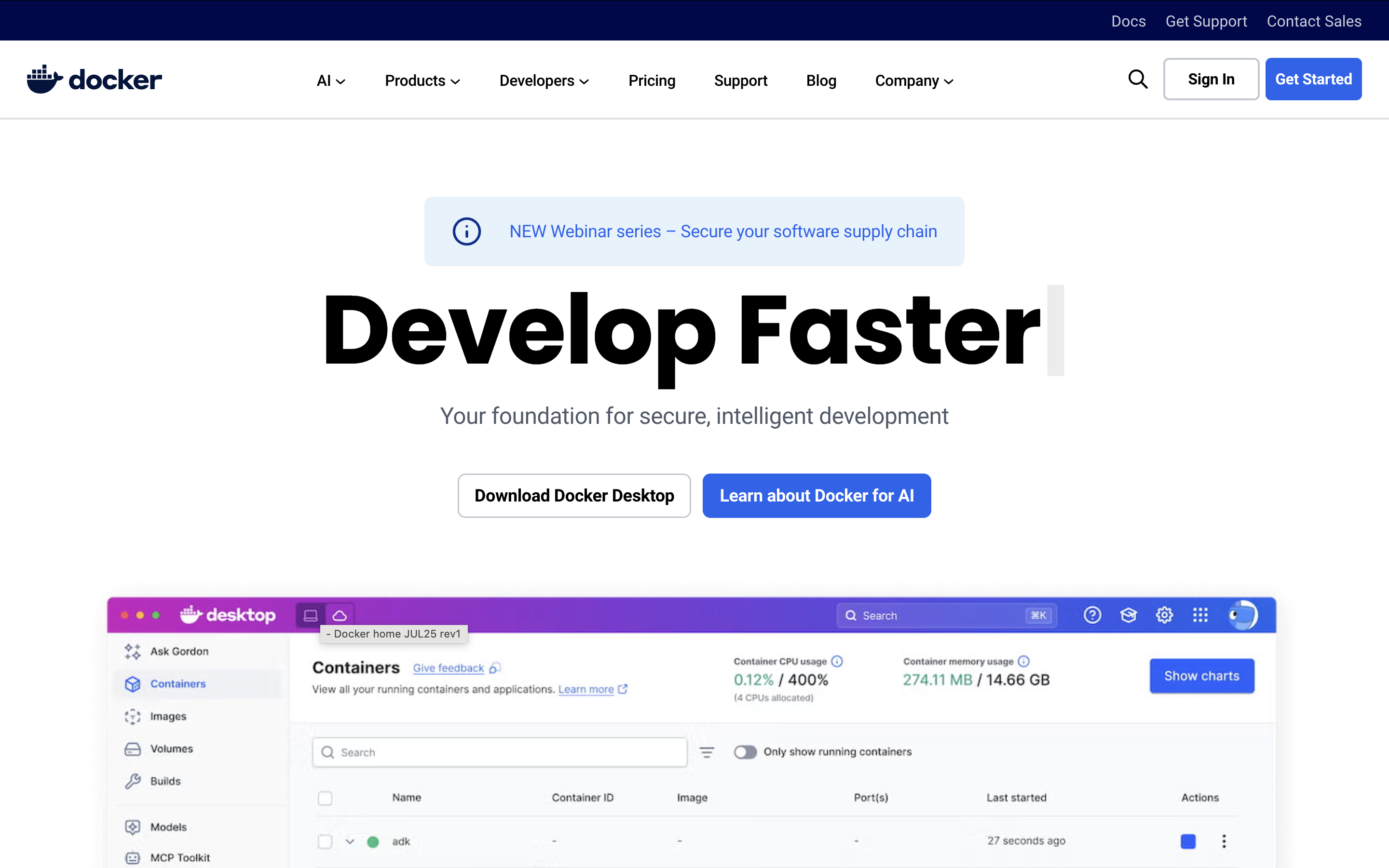
The Docker technology stack allows DevOps teams to create, ship, and operate container-based distributed applications. This platform enables enterprises to develop applications, exchange container images, and collaborate with users by allowing them to build programs from components.
Feature highlights:
Provide a consistent and isolated environment that is cost-effective due to its rapid deployment, trial run, and rollback capabilities.
Package applications to run in a variety of environments consistently, from on-premise to AWS, Azure, Google, etc.
Image management made simple with a private registry for storing, managing and configuring image caches as well as a public registry for sharing and collaborating with your community of users
Katalon Studio is a low-code, all-in-one test automation tool for web, API, mobile, and desktop (Windows). It is a popular alternative to self-built frameworks, reducing the time spent creating, running, maintaining, and reporting on automated tests.
Feature highlights:
Low-code and scripting test creation modes with Record & Playback, built-in keyword libraries, drag-and-drop, and Script Mode (Java and Groovy supported)
AssertJ support to create fluent assertions in BDD style
Data-Driven Testing (Excel, CSV, PostgreSQL, MySQL, Oracle SQL, SQL Server) and parallel execution for wider coverage
Various testing report formats (HTML, PDF, CSV, JUnit, etc.) and Report History to store and track results over time
Built-in Debugging Mode, Test Artifact/Desired Capabilities Sharing, and Test Object Refactoring for stress-free maintenance
Ranorex Studio is a test automation tool to test desktop, web, and mobile applications. It is simple for beginners to use but capable enough for experts, thanks to its reliable capture-and-replay tool, drag-and-drop UI objects, and code modules for keyword-driven testing.
Feature highlights:
Access the Ranorex core automation framework entirely in C# and VB.NET without leaving the development environment
Use the comprehensive XML-based test report to view test results and monitor project progress
Best Continuous Integration and Deployment (CI/CD) Tools
6. Jenkins
Jenkins is an open-source automation server for building, testing, and deploying software. It is one of the most popular CI/CD tools thanks to its large plugin ecosystem for automating almost any project.
Feature highlights:
View builds and branches of code through a simple GUI
Detailed build history and the locations of any errors
2,000+ plugins that simplify configuration and customization to meet specific requirements
Azure DevOps is a Microsoft platform that enables the development and deployment of software using an end-to-end DevOps toolchain. It also integrates with most industry-leading tools, making it a great choice for orchestrating a DevOps toolchain.
Feature highlights:
A large collection of connectors, integrations, and extensions
Microsoft 365 integration (Teams and SharePoint)
Numerous training and documentation resources, and a sizable user community
IDE integration with Microsoft Visual Studio
End-to-end capabilities from IDE to cloud execution
Ansible is a widely used DevOps tool for orchestration, automation, configuration, and managing IT infrastructure. It helps teams respond to and scale with demand.
Feature highlights:
Thousands of modules and collections for automating, configuring, deploying, and orchestrating IT infrastructure
Chef enables users to express infrastructure, security policies, and application lifecycles as code, modernizing any application’s development, packaging, and delivery to any platform.
Feature highlights:
Deploy simple or full system changes out to a large group of servers with little human interaction
Support a broad range of technologies, including difficult-to-automate legacy desktop applications.
Git is a free and open-source distributed version control system designed to handle everything from small to very large projects with speed and efficiency.
Feature highlights:
Provide various options for managing code repositories and collaboration between team members to manage codebases and branches
Direct integration with IDEs like Eclipse, VS Code, and IntelliJ
Terraform is an infrastructure-as-code tool that lets you manage hundreds of cloud services through a consistent CLI workflow. HashiCorp moved Terraform to the Business Source License in 2023; OpenTofu is the community-maintained open-source fork.
Feature highlights:
Variables make templates generic so they can be reused across environments and resources
Plan and preview infrastructure changes before applying them
Pricing: Free CLI; HCP Terraform paid plans available
Best Build Management Tools
12. Gradle
Gradle Build Tool is one of the most widely used build tools for JVM projects. Many popular projects have migrated from Maven to Gradle, with Spring Boot being a prominent example.
Feature highlights:
Easy-to-add dependencies and plugins to facilitate multi-module builds
Widespread adoption, with support in all major IDEs such as IntelliJ IDEA and Eclipse
Short, clean build configurations thanks to a flexible DSL based on Groovy or Kotlin
Jira is a well-known platform for tracking issues and managing projects. Jira is available as a cloud (SaaS) solution or as a self-managed Data Center solution.
Feature highlights:
Agile software development with Scrum and Kanban boards
A drag-and-drop interface to create automation rules
Integrations with Bitbucket, GitHub, and Microsoft Teams to automate your workflow
Raygun is a cloud-based platform that monitors your web and mobile applications for errors, crashes, and performance. With Raygun’s suite of tools, teams can gain complete visibility into the issues their users encounter, down to the code level.
Feature highlights:
Simple error logging for .NET and many other platforms
Crash reporting and user tracking to surface real-time errors
APM for application performance and error management workflows
Before selecting DevOps tools, assess your current development process requirements, strengths and weaknesses, and maturity. If tools come from multiple providers, consider how well they work together. An integrated suite can help keep the process smooth.
Frequently asked questions
No. There is no single tool or vendor that can provide all the capabilities required for a DevOps pipeline. Successful DevOps implementation relies on a toolchain that spans CI/CD, testing, orchestration, infrastructure, monitoring, and collaboration tools. 📖 Refer to: Section: “How to choose the right DevOps tools”
Key considerations include: Compatibility with your infrastructure and tech stack Integration with development tools, IDEs, and CI/CD systems Ease of use and scalability as your team and system grow Licensing vs. operational costs Support for cross-functional collaboration 📖 Refer to: Section: “How to choose the right DevOps tools”
Katalon TestOps is an orchestration platform for automated testing. It brings together test management, execution, and analytics in one interface, offering real-time feedback loops, integration with CI/CD systems, and rich test reporting to empower QA, DevOps, and product teams. 📖 Refer to: Section: “Katalon TestOps” under “Best Test Orchestration Tools”
Popular CI/CD tools include: Jenkins – Open-source automation with 2,000+ plugins Azure DevOps – End-to-end Microsoft pipeline integration Both tools offer extensive pipeline orchestration, build history, and IDE integration for efficient delivery workflows. 📖 Refer to: Section: “Best Continuous Integration & Deployment (CI/CD) tools”
Top infrastructure and container tools include: Kubernetes – Container orchestration across any environment Docker – Container-based application deployment Terraform – Infrastructure as code with reusable templates Ansible – Agentless configuration and automation 📖 Refer to: Sections: “Best development environment tools”, “Best Infrastructure-As-A-Code tools”, “Best configuration management tools”
Tools like Jira and Trello are used for tracking, planning, and managing software projects. Jira supports Agile workflows and integrates with code repositories. Trello offers visual project management using boards and cards. 📖 Refer to: Section: “Best application lifecycle management tools”
Yes. Tools like: Katalon Studio – All-in-one, low-code automation testing for web, API, mobile, and desktop Ranorex Studio – UI-driven automation for multiple platformsThese tools support parallel testing, debugging, and integration with CI/CD and ALM tools. 📖 Refer to: Section: “Best automation testing tools”
Over the years, Alex has had the opportunity to learn from and work with highly talented people at some of the largest software and services companies in the world where, together, they transformed the way software was developed, tested and released for countless Fortune 500 companies.
See how Katalon fits the way your team tests.Book a demo of Studio, TestOps or all of Katalon True, built around the apps and workflows you test today.