


Compare 14 of the best CI/CD tools, including Jenkins, GitHub Actions, GitLab, CircleCI, Azure Pipelines, and TeamCity. See each tool's key features and licensing to find the right fit for your pipeline.
“Quality at Speed” is the new norm in software development.
Enterprises are making their moves toward DevOps methodologies and Agile culture to accelerate delivery speed and ensure product quality. In DevOps, a continuous and automated delivery cycle is the backbone that makes fast and reliable delivery possible.
That creates the need for proper continuous integration and continuous delivery (CI/CD) tools. A good CI/CD tool fits your team’s current workflow, makes the most of automation, and helps you build a solid CI/CD pipeline. If you are new to CI/CD, here is an introduction to CI/CD.
With so many CI/CD tools on the market, picking the right one can be hard. This list covers 14 of the best CI/CD tools, along with their key features, to make the selection process easier for you and your team.
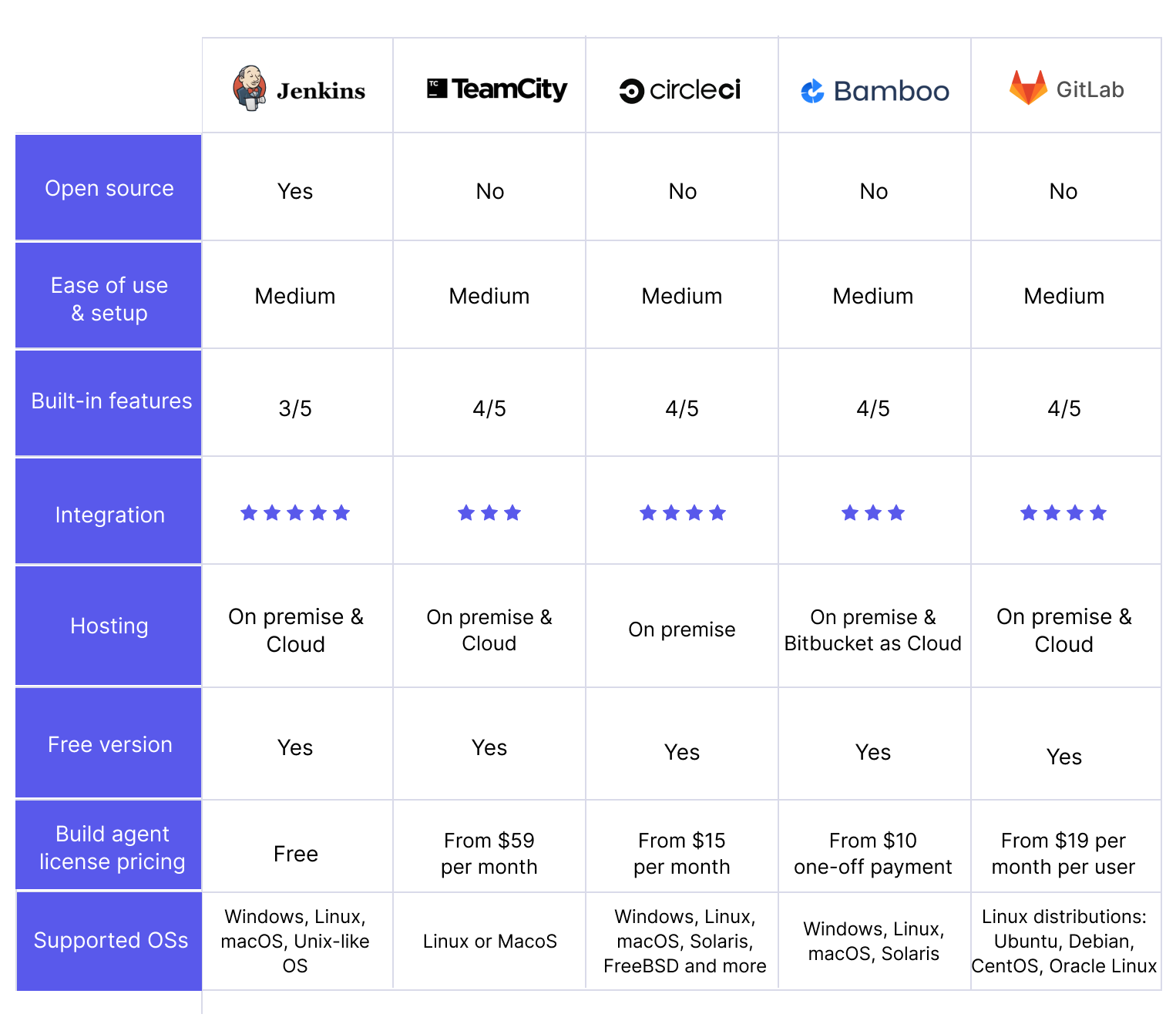
Top 5 CI/CD tools
Another important criterion of a quality CI/CD tool is its ability to integrate with continuous testing software. Katalon Studio, an automated and continuous testing solution, can integrate with the most common CI/CD tools in the industry. With native built-in integrations, you can use Katalon to create, plan, execute automated tests, analyze reports, and integrate with your desired CI/CD pipeline.
1. Jenkins
Jenkins is an open-source automation server in which the central build and continuous integration process take place. It is a self-contained Java-based program with packages for Windows, macOS, and other Unix-like operating systems. With hundreds of plugins available, Jenkins supports building, deploying, and automating software development projects.
Jenkins key features:
- Easy installation and upgrade on various OSs
- Simple and user-friendly interface
- Extensible with huge community-contributed plugin resource
- Easy environment configuration in the user interface
- Supports distributed builds with a controller-agent architecture
- Build schedules based on expressions
- Supports shells and Windows command execution in pre-build steps
- Supports notification on the build status
Visit Jenkins Website | G2 Reviews
License: Free. Jenkins is an open-source tool with an active community.
2. CircleCI

CircleCI is a CI/CD tool that supports rapid software development and publishing. CircleCI allows automation across the user’s pipeline, from code building, testing to deployment.
You can integrate CircleCI with GitHub, GitHub Enterprise, and Bitbucket to create builds when new code lines are committed. CircleCI also hosts continuous integration under the cloud-managed option or runs behind a firewall on private infrastructure.
CircleCI key features:
- Integrates with Bitbucket, GitHub, and GitHub Enterprise
- Runs builds using a container or virtual machine
- Easy debugging
- Automated parallelization
- Quick tests
- Personalized email and IM notifications
- Continuous and branch-specific deployment
- Highly customizable
- Automated merging and custom commands for package uploading
- Fast setup and unlimited builds
Visit CircleCI Website | G2 Reviews
License: Free plan with monthly build credits; paid plans add more credits, concurrency, and features.
3. TeamCity

TeamCity is JetBrains’ build management and continuous integration server.
TeamCity helps build and deploy many types of projects. It runs in a Java environment, integrates with Visual Studio and JetBrains IDEs, can be installed on Windows and Linux servers, and supports .NET, Java, and many other project types. It also offers a cloud-hosted option.
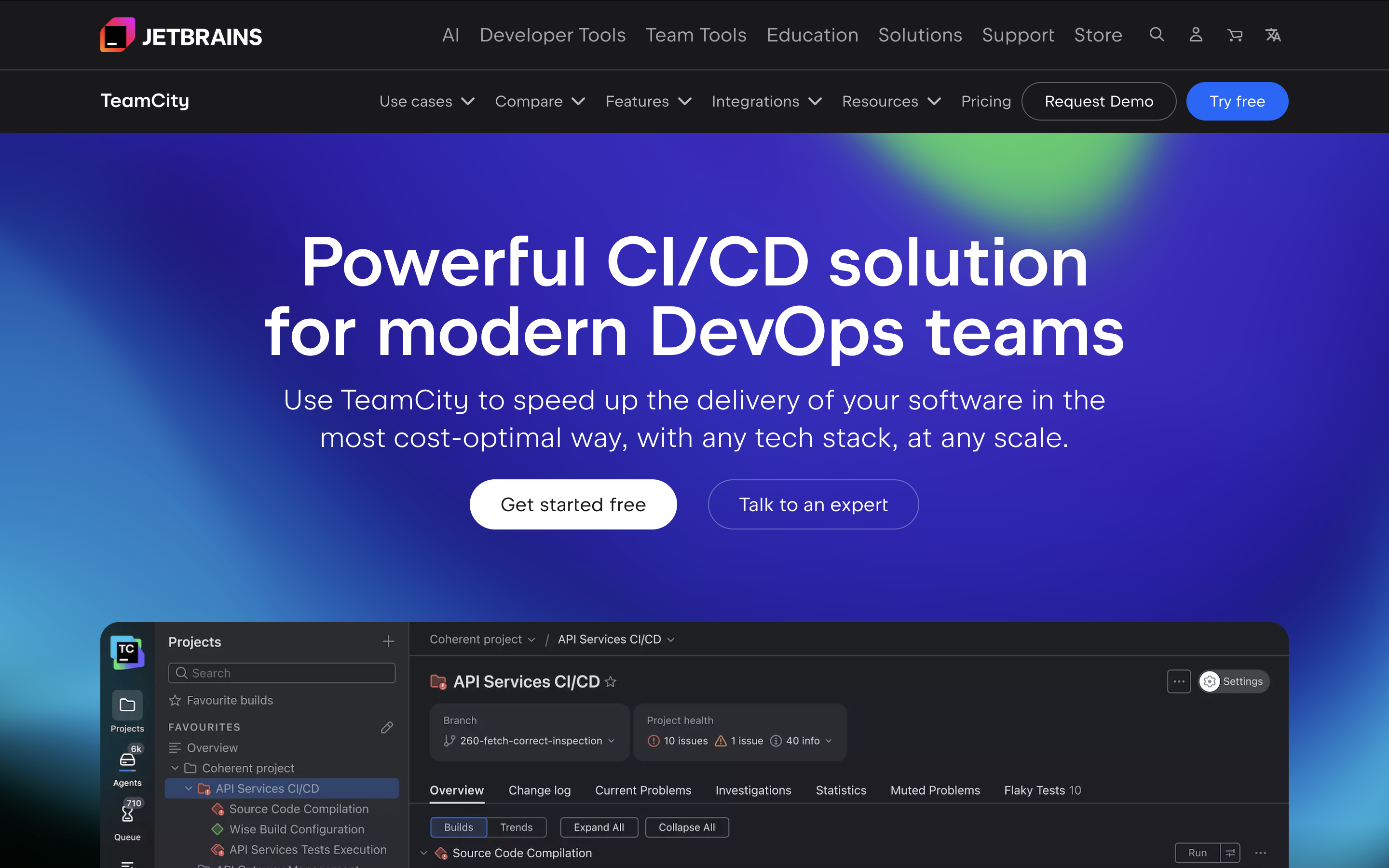
TeamCity key features:
- Provides multiple ways to reuse settings and configurations of the parent project to the subproject
- Runs parallel builds simultaneously on different environments
- Enables running history builds, viewing test history reports, pinning, tagging, and adding builds to favorites
- Easy to customize, interact with, and extend the server
- Keeps the CI server functional and stable
- Flexible user management, user roles assignment, sorting users into groups, different ways of user authentication, and a log with all user actions for transparency of all activities on the server
Visit TeamCity Website | G2 Reviews
License: TeamCity is a commercial tool with both free and proprietary licenses.
4. Bamboo

Bamboo is a continuous integration server that automates the management of software application releases, thus creating a continuous delivery pipeline. Bamboo covers building and functional testing, assigning versions, tagging releases, deploying and activating new versions on production.
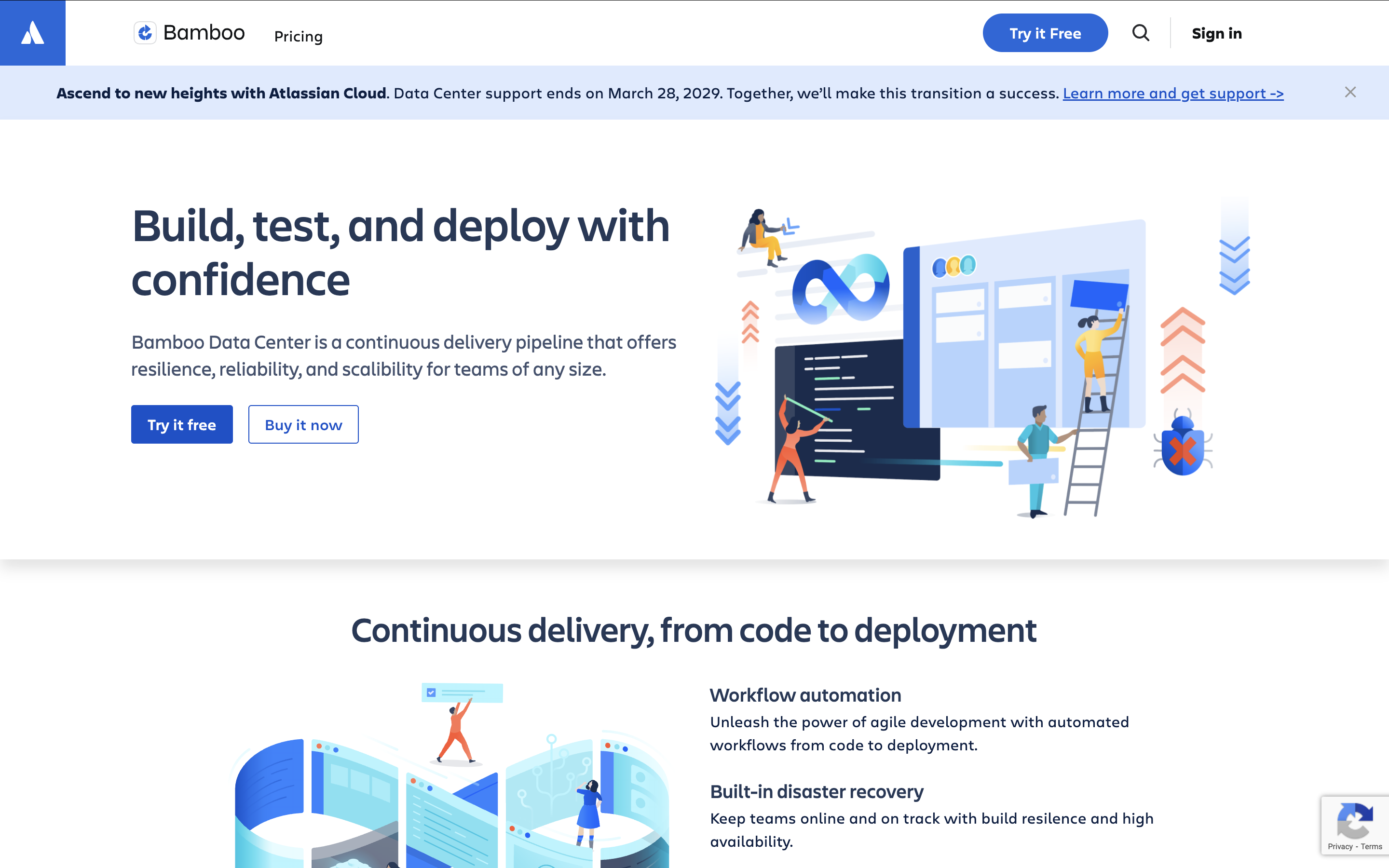
Bamboo key features:
- Supports up to 100 remote build agents
- Run batches of tests in parallel and get feedback quickly
- Creates images and pushes them into a registry
- Per-environment permissions that allow developers and testers to deploy to their environments on-demand while the production stays locked down
- Detects new branches in Git, Mercurial, and SVN Repos and applies the main line’s CI scheme to them automatically
- Triggers build based on the changes detected in the repository. Pushes notifications from Bitbucket, a set schedule, the completion of another build, or any combination thereof.
Visit Bamboo Website | G2 Reviews
License: Bamboo Data Center is priced by the number of remote agents rather than users. More agents means more processes can run concurrently, in the same build or across builds.
5. GitLab

GitLab is a suite of tools for managing different aspects of the software development lifecycle. The core product is a web-based Git repository manager with features such as issue tracking, analytics, and a Wiki.
GitLab allows you to trigger builds, run tests, and deploy code with each commit or push. You can build jobs in a virtual machine, Docker container, or on another server.
GitLab key features:
- View, create, and manage code and project data through branching tools
- Design, develop, and manage code and project data from a single distributed version control system for rapid iteration and delivery
- A single source of truth for collaborating on projects and code
- Automates builds, integration, and verification of source code so delivery teams can fully embrace CI
- Container scanning, static application security testing (SAST), dynamic application security testing (DAST), dependency scanning, and license compliance
- Helps automate and shorten application releases and delivery
Visit GitLab Website | G2 Reviews
License: GitLab offers a free tier and paid plans, available as SaaS on GitLab.com or self-managed on-premises or in the public cloud.
6. Buddy

Buddy is a CI/CD software that builds, tests, and deploys websites and applications with code from GitHub, Bitbucket, and GitLab. It employs Docker containers with pre-installed languages and frameworks to build on, along with DevOps, monitoring and notifying actions.
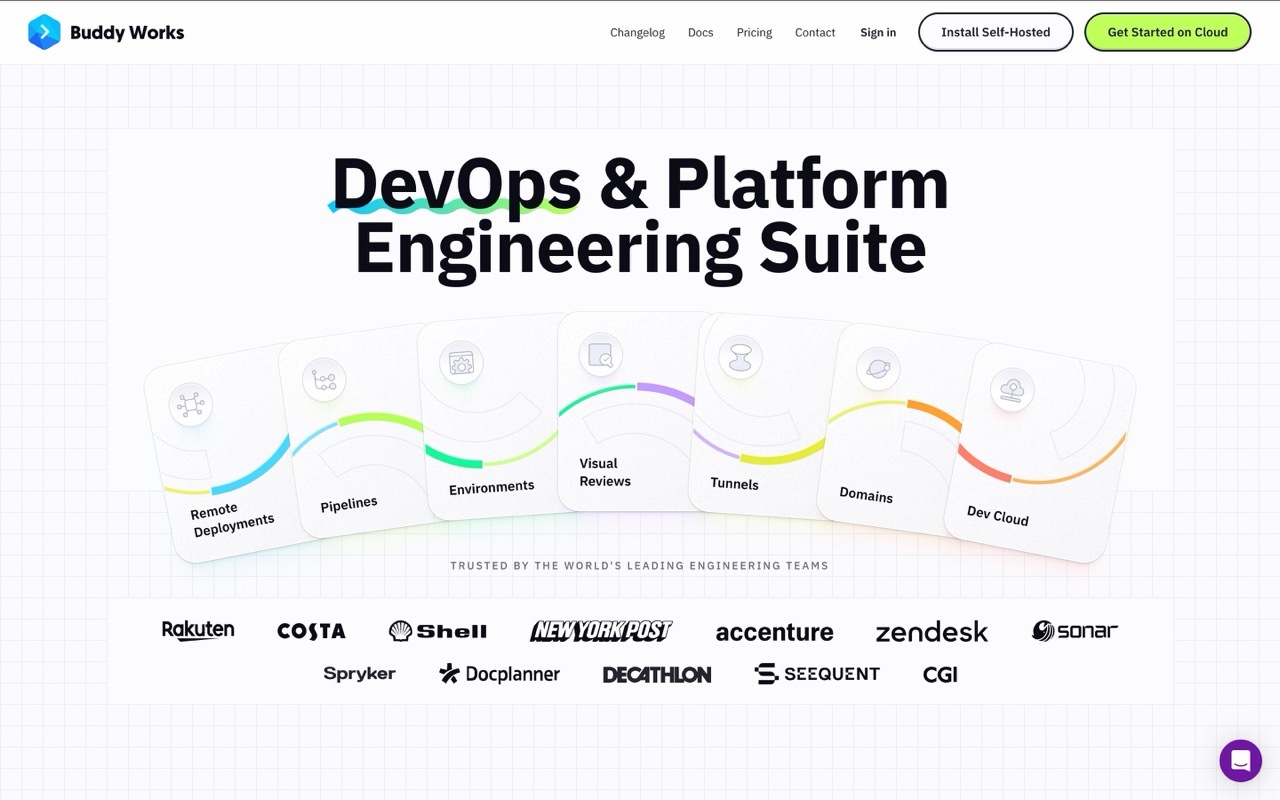
Buddy key features:
- Easy to customize Docker-based images as a test environment
- Smart change detection, state-of-the-art caching, parallelism, and all-around optimizations
- Create, customize, and reuse builds and test environments
- Plain and encrypted, fixed and settable scopes: workspace, project, pipeline, actions
- Attachable services with Elastic, MariaDB, Memcached, Mongo, PostgreSQL, RabbitMQ, Redis, Selenium Chrome, and Firefox
- Monitor with real-time progress and logs, unlimited history
- Workflows management with templates to clone, export, and import pipelines
- First-class Git support and integrations
Visit Buddy Website | G2 Reviews
License: Free plan; paid plans available.
7. Travis CI

Travis CI is a CI service used to build and test projects. Travis CI automatically detects new commits made and pushed to a GitHub repository. And after every new code commit, Travis CI will build the project and run tests accordingly.
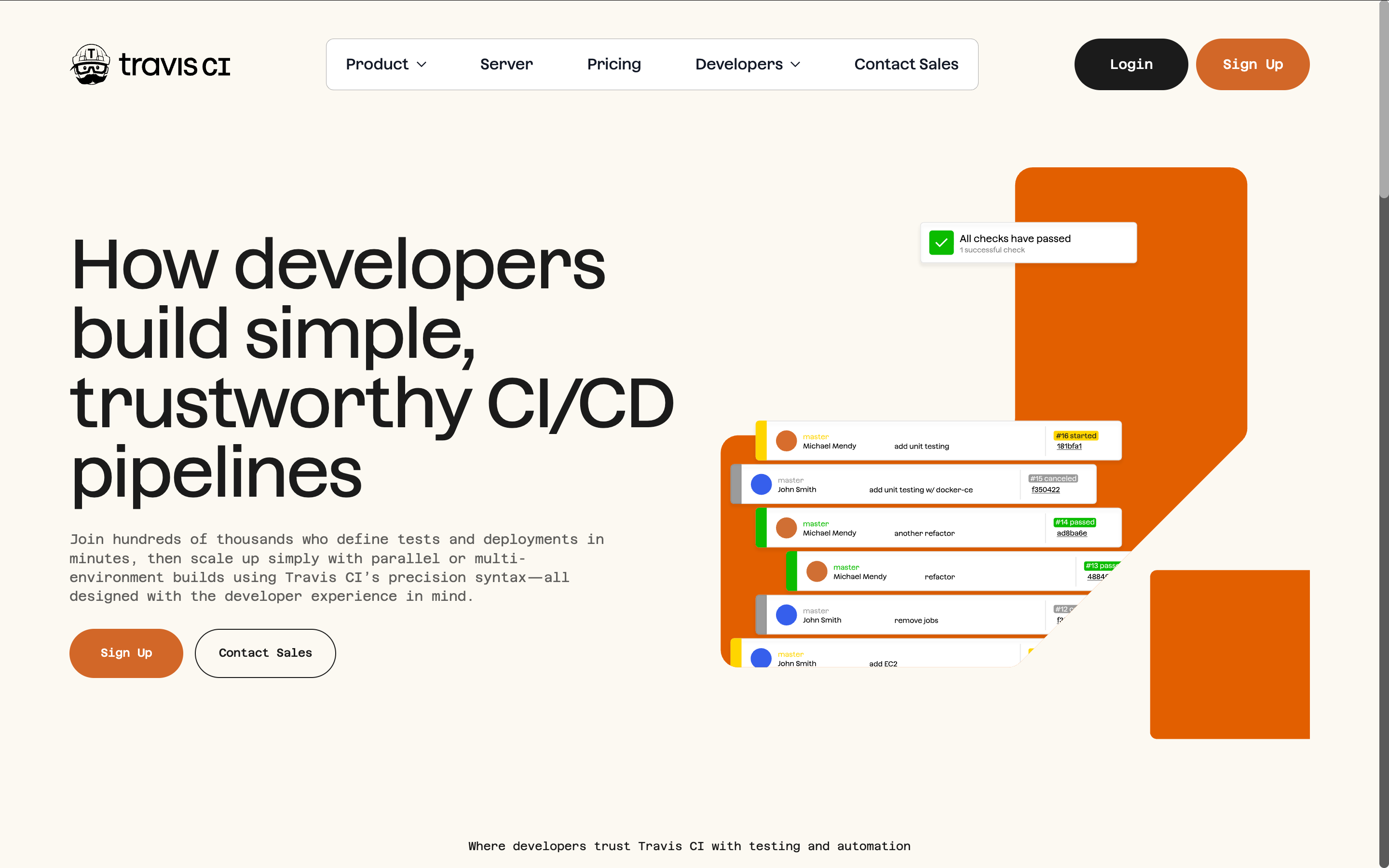
The tool provides support for many build configurations and languages like Node, PHP, Python, Java, Perl, and so on.
Travis CI key features:
- Quick setup
- Live build views for GitHub projects monitoring
- Pull request support
- Deployment to multiple cloud services
- Pre-installed database services
- Auto deployments on passing builds
- Clean VMs for every build
- Supports macOS, Linux, and iOS
- Supports multiple languages, such as Android, C, C#, C++, Java, JavaScript (with Node.js), Perl, PHP, Python, R, Ruby, and so on.
Visit Travis CI Website | G2 Reviews
License: Travis CI is a hosted CI/CD service with a free trial and paid plans; open-source projects can apply for free credits.
8. GitHub Actions
GitHub Actions is the CI/CD platform built into GitHub. It lets you automate build, test, and deployment workflows right from your repository, triggered by events like pushes and pull requests.
GitHub Actions key features:
- Workflows defined in YAML and stored in your repository
- Triggers on GitHub events such as pushes, pull requests, releases, and schedules
- GitHub-hosted runners for Linux, Windows, and macOS, plus self-hosted runners
- Matrix builds to test across multiple versions and operating systems in parallel
- Thousands of reusable actions in GitHub Marketplace
- Encrypted secrets and environment protection rules for deployments
License: Free for public repositories; private repositories include a monthly allowance of minutes by GitHub plan, with paid usage beyond that.
9. GoCD

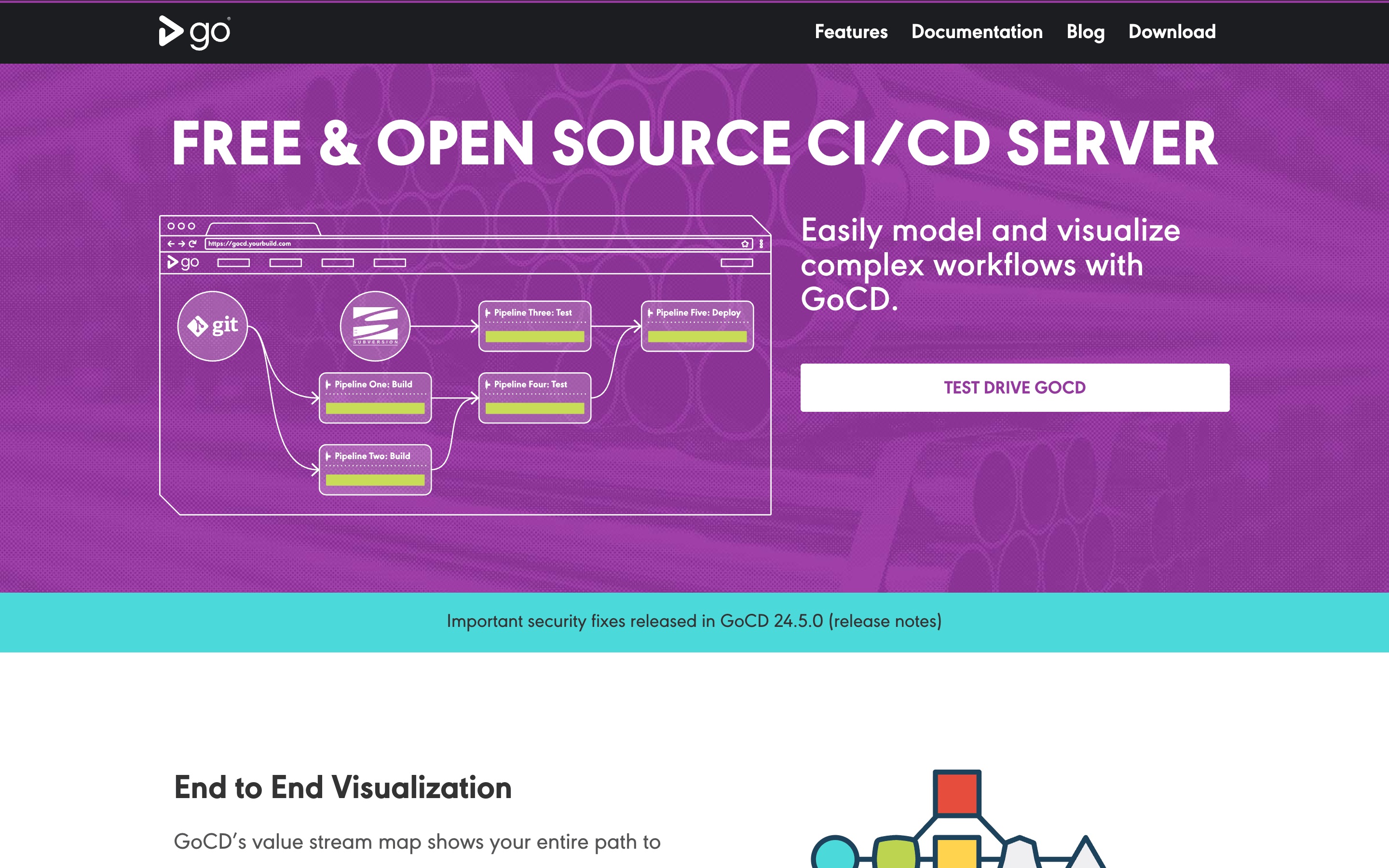
From ThoughtWorks, GoCD is an open-source tool to build and release software that supports modern infrastructure on CI/CD.
GoCD key features:
- Easily configure dependencies for fast feedback and on-demand deployments
- Promotes trusted artifacts: Every pipeline instance is anchored to a particular changeset
- Provides control over your end-to-end workflow, tracks changes from committing to deployment at a glance
- Easy to see the upstream and downstream
- Deploy any version at any time
- Allows deploying any known good version of your application to wherever you like
- Gets a simple bill of materials for any deployment with the Compare Builds feature
- Keeps configuration tidy by reusing pipeline configurations via GoCD’s template system
- Numerous plugins available
Visit GoCD Website | G2 Reviews
License: Free and open-source
10. Azure Pipelines
Azure Pipelines is the CI/CD service in Microsoft Azure DevOps. It automatically builds, tests, and deploys code to any target, and works with projects hosted on GitHub, Azure Repos, and other Git providers.
Azure Pipelines key features:
- Builds and tests code in any language, on Linux, macOS, and Windows agents
- YAML pipelines stored alongside your code, plus a classic visual editor
- Deploys to Azure, AWS, Google Cloud, Kubernetes, or on-premises targets
- Microsoft-hosted or self-hosted agents
- Integrates with GitHub, Azure Repos, and other Git providers
- Approvals, gates, and environments for controlled releases
License: Free tier with limited parallel jobs and minutes; additional parallel jobs are paid.
11. Semaphore

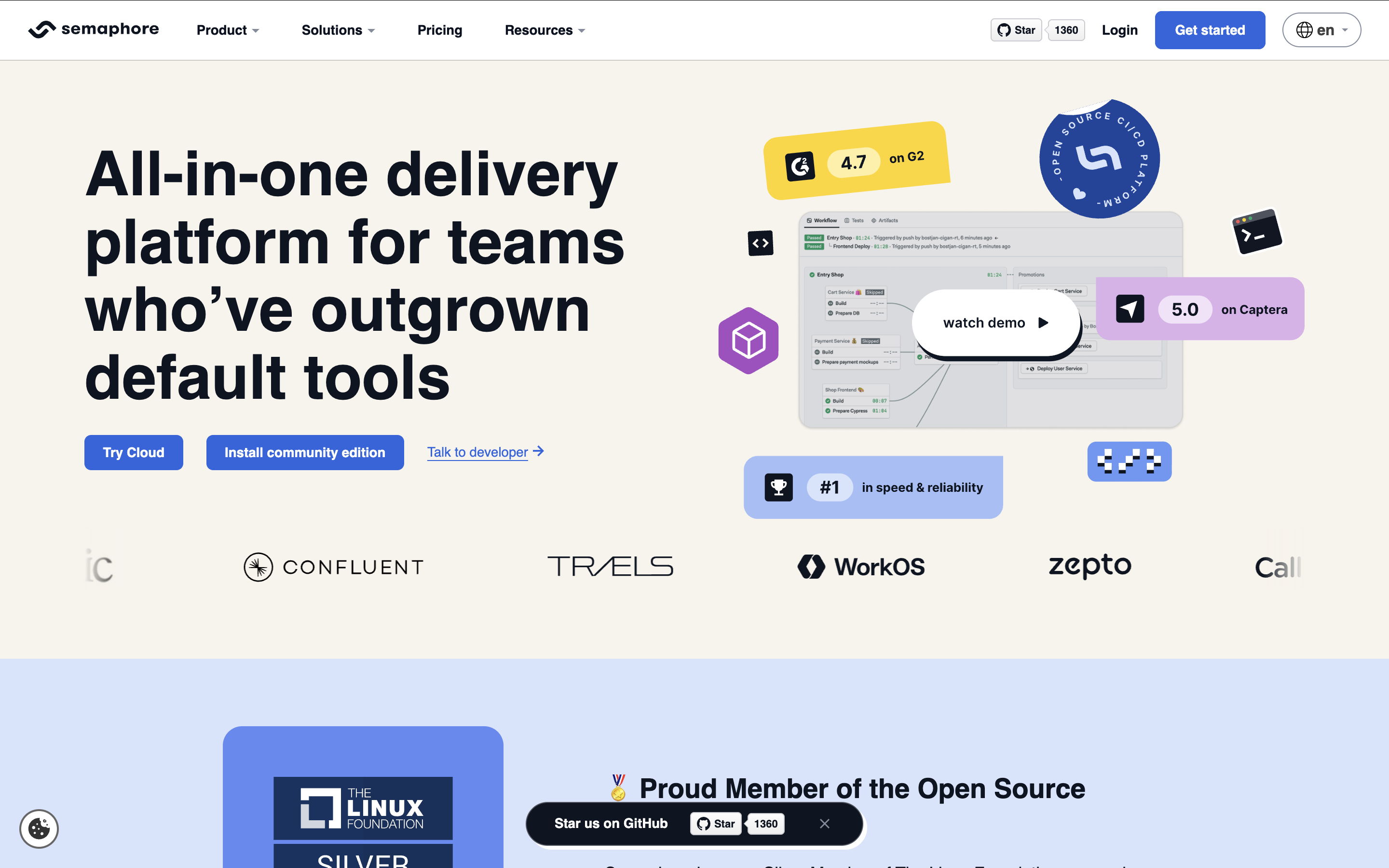
Semaphore is a hosted CI/CD service used for testing and deploying software projects. Semaphore establishes CI/CD standards with a pull request-based development process.
Semaphore key features:
- Integrates with GitHub and Bitbucket
- Automates any continuous delivery pipeline
- Autoscaling so you only pay for what you use
- Native Docker support for testing and deploying Docker-based applications
- Parallel test execution to reduce test suite run time
Visit Semaphore Website | G2 Reviews
License: Free trial; usage-based and paid plans scale with your team’s actual needs.
12. Codemagic (Formerly Nevercode)

Codemagic (formerly Nevercode) provides CI/CD for mobile apps. It helps teams build, test, and release both native and cross-platform apps, including Flutter, React Native, iOS, and Android, faster.
Codemagic key features:
- Automatic configuration and setup
- Test automation: unit and UI tests, code analysis, real device testing, test parallelization
- Automatic publishing to App Store Connect, Google Play, and Firebase App Distribution
- Detailed overview of your build and test status
Visit Codemagic Website | G2 Reviews
License: Flexible. Different plans for different needs for continuous integration. You can choose from standard plans or request a customized plan that is tailored to your requirements.
13. Spinnaker

Spinnaker is a multi-cloud continuous delivery platform that supports releasing and deploying software changes across different cloud providers, including AWS EC2, Kubernetes, Google Compute Engine, Google Kubernetes Engine, Google App Engine, etc.
Spinnaker key features:
- Create deployment pipelines that run integration and system tests, spin server groups up and down, and monitor rollouts. Trigger pipelines via Git events, Jenkins, Travis CI, Docker, cron, or other Spinnaker pipelines
- Create and deploy immutable images for faster rollouts, easier rollbacks, and fewer configuration drift issues
- Tie releases to monitoring services such as Datadog, Prometheus, or Google Cloud Monitoring, using their metrics for canary analysis
- Install, configure, and update Spinnaker instances with Halyard, Spinnaker’s CLI administration tool
- Set up event notifications for email, Slack, or SMS
Visit Spinnaker Website | G2 Reviews
License: Open-source
14. Buildbot

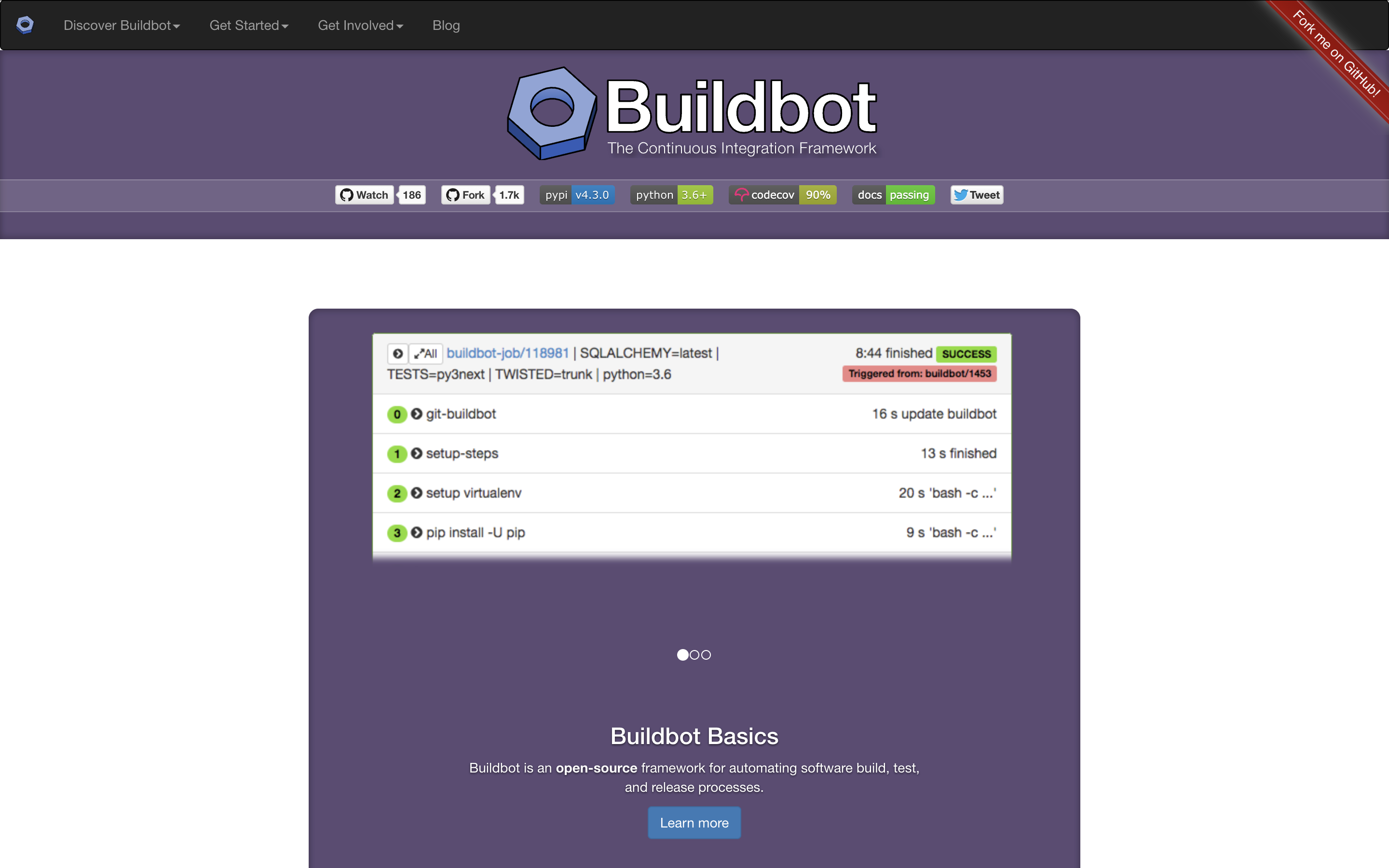
Buildbot is a Python-based CI framework that automates compile and test cycles to validate code changes, then automatically rebuilds and tests the tree after every change, so build problems are pinpointed quickly.
Buildbot key features:
- Automates build systems, application deployment, and complex software release processes
- Supports distributed, parallel execution across multiple platforms, flexible integration with version control systems, and extensive status reporting
- Runs builds on a variety of worker platforms
- Handles arbitrary build processes for projects in many languages
- Minimal host requirements: Python and Twisted
Visit Buildbot Website | G2 Reviews
License: Open source
Conclusion
This list covers 14 of the most popular CI/CD tools on the market, each mature enough to support real projects. Your requirements, existing infrastructure, and room for future growth are the factors that will shape your final choice.
CI/CD and DevOps practices will keep evolving, and we update this list as the landscape changes. To go deeper, try this free course on automated testing in the CI/CD pipeline from Katalon Academy.
Frequently asked questions
CI/CD (Continuous Integration/Continuous Delivery) is the backbone of fast and reliable software delivery in DevOps. It automates the continuous delivery cycle, enabling teams to achieve "Quality at Speed" by accelerating delivery and ensuring product quality.
CI/CD tools are designed to automate and streamline the software development workflow, from building and testing code to deploying applications. They help teams create robust CI/CD pipelines to boost efficiency and ensure reliable software releases.
Yes, many CI/CD tools are designed to integrate with continuous testing software. For instance, Katalon Studio, an automated testing solution, can integrate with common CI/CD tools to create, plan, and execute automated tests within the CI/CD pipeline.
CI/CD tools come in both open-source and commercial varieties. Some, like Jenkins and GoCD, are open-source with active communities, while others, such as TeamCity and Bamboo, are commercial tools with various licensing models.





Test everything. Ship with confidence.
From generating test cases to spotting failures, Katalon's AI works across your entire pipeline, automatically.
