


Compare 10 continuous testing tools, from Katalon Studio, Selenium, and Appium to Tosca, UFT One, and TestComplete. Learn the criteria that matter, how each tool supports CI/CD, and their licensing models.
At its core, continuous testing is about using automation in the right place, at the right time, to run quality checks as early as possible. Instant feedback gives the dev team more confidence in each build, which lets them truly achieve continuous development.
In this article, I am going to review all of the top continuous testing tools along with the pros and cons of each so you can make an informed decision.
Let's dive right in!
Criteria to Look for in a Continuous Testing Tool
There are 3 major criteria I usually think of when choosing a continuous testing tool:
- CI/CD Integration: This is a must. Does the tool have native support for popular pipelines (Jenkins, GitLab CI, GitHub Actions, Azure DevOps, etc.)? Consider your techstack to make sure that it is supported.
- Toolchain Compatibility: Does the tool work with your existing frameworks (Selenium, Cypress, Playwright, JUnit, TestNG, etc.) and version control systems?
- Cloud & On-Prem Options: Does the tool have the flexibility to run tests in the environment you need, with secure connections to your infrastructure?
There's also the need to consider whether you're going to use an open-source solution or a commercial solution:
With that in mind, let's explore the continuous testing tool list:
1. Katalon Studio
Built on top of Selenium and Appium, Katalon Studio is a comprehensive continuous testing solution that addresses the growing demand for test automation in CI/CD and DevOps.
Katalon Studio supports web, API, mobile, and desktop testing across Windows, macOS, and Linux. It unifies features from recording test steps and executing test cases to execution infrastructure, analytics reports, and CI/CD integration.
Katalon Studio and Continuous Testing
Katalon supports continuous testing through Jira integration and native CI/CD integration with popular CI tools (e.g., Jenkins, Bamboo, Azure DevOps, and CircleCI).
The solution provides full infrastructure support. You can execute tests on all OSs, browsers, and devices, as well as on cloud, on-premise, and hybrid environments.
Lastly, the Katalon Studio offers a comprehensive set of insightful reports, real-time monitoring, and instant feedback mechanism. You can completely control your product quality as well as your team's performance. Katalon's instant feedback loop will help you detect any rising issues as soon as they appear.
Here is an insightful webinar on how you can do continuous testing with Katalon:
2. Selenium

Selenium is probably the household name for automated web testing. It is an open-source framework and a strong candidate for teams adopting continuous testing.
Selenium and Continuous Testing
Selenium is a go-to choice for QA engineers with advanced programming skills. It requires a deep understanding of how the framework works to set it up and fit it into your current development cycle.
Selenium supports a wide range of popular OSs (Windows, macOS, Linux) and browsers (Chrome, Firefox, Safari) for cross-environment testing.
However, integrating Selenium with other tools in the CI/CD pipeline can be challenging and requires technical skills. That’s why some alternatives built on top of Selenium (e.g., Katalon Studio) offer out-of-the-box continuous testing components without requiring users to write scripts and configure everything from scratch.
Visit Selenium Website | G2 Reviews
License: Open-source
3. Appium

Appium is an equivalent to Selenium, but built for mobile testing. It is a popular mobile testing framework that has been adopted by many teams.
Appium and Continuous Testing
Appium can be flexibly customized for continuous testing needs. It supports cross-platform mobile testing on both iOS and Android devices, and many cloud device providers let users run Appium tests on their infrastructure, so you can write, upload, execute, and view test results directly in the cloud.
The challenges, however, lie in the initial steps of integrating with the CI/CD ecosystem.
Also similar to Selenium, Appium requires advanced knowledge on testing frameworks to set up and implement. This makes Appium most suited for teams that have already had a deep understanding of this framework and the CI tools in the industry.
However, there are several commercial and free testing tools such as Katalon that can address this problem. Katalon comes with a built-in Appium framework so that you would not have to go through the hassle of setup and configuration.
Visit Appium Website | G2 Reviews
License: Open-source
4. Eggplant

Eggplant (formerly Testplant) supports a wide range of automation technologies and platforms, from web, mobile, to Point of Sales (POS) applications.
Eggplant and Continuous Testing
With its short learning curve, Eggplant suits manual testers moving into continuous testing. It offers a distinctive approach to test automation: an image-based solution.
Eggplant interacts with Applications Under Test (AUTs) by replicating the users’ points of view through screenshots and images instead of displaying raw test scripts.

Eggplant provides test lab, a cloud devices management service that allows 24/7 access for development teams to use in continuous testing and continuous deployment.
Moreover, Eggplant supports integration with the CI/CD ecosystem, such as Jenkins, Bamboo, CA Agile Requirements Designers, and more.
You can also integrate Eggplant with Undo (a record and playback tool) to help the developers shorten the time detecting and responding to failures.
Visit Keysight Eggplant Website | G2 Reviews
License: Commercial
5. Watir

Focusing on web application testing, Watir is an excellent open-source test automation and continuous testing tool based on Ruby language.
Watir and Continuous Testing
Watir supports cross-browser testing with popular browsers, including Chrome, Firefox, Edge, and Safari. It also supports data-driven testing and headless browser testing, which are necessary for running tests in the CI/CD pipeline.
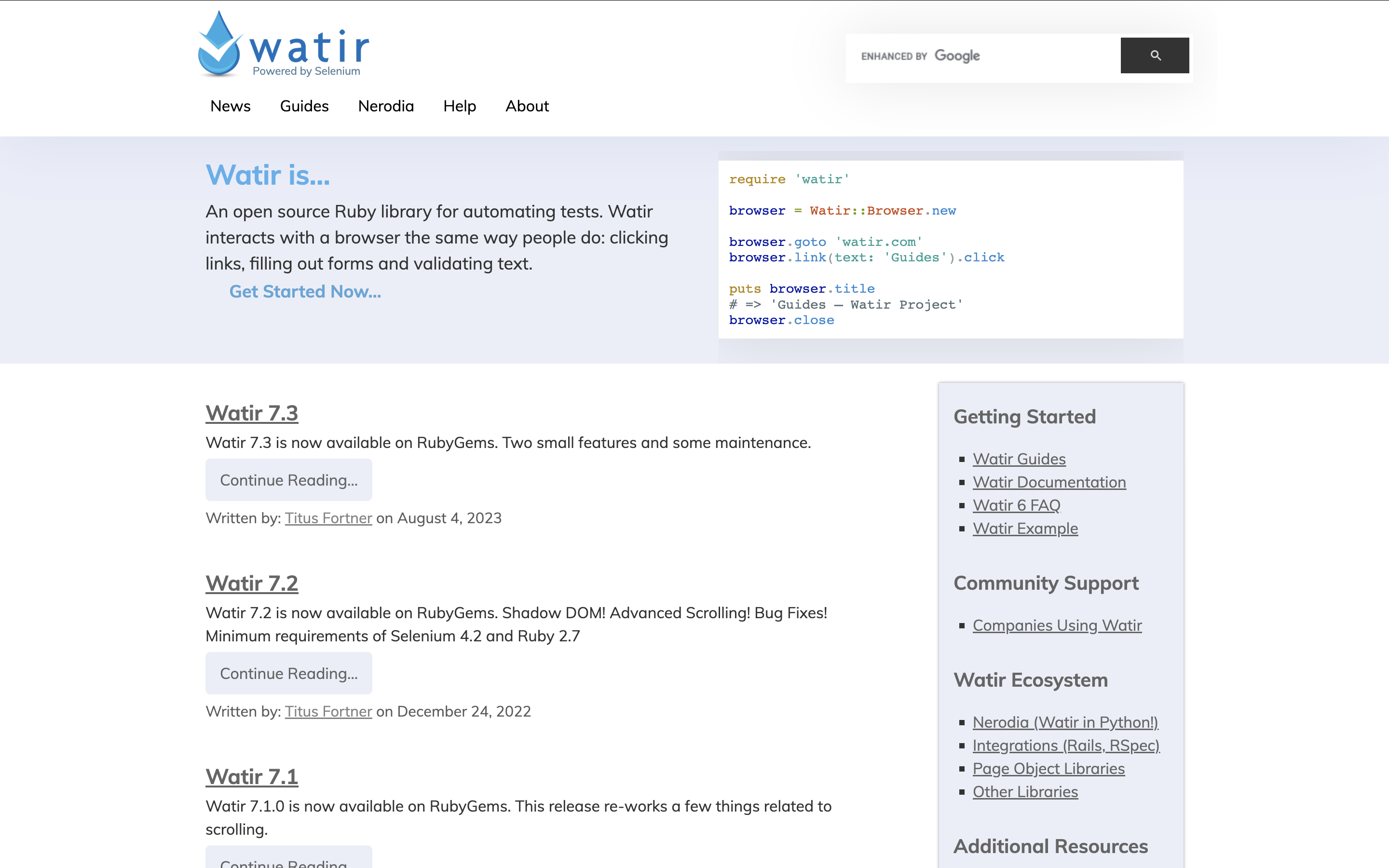
You can integrate Watir with behavior-driven development (BDD) tools and frameworks such as Cucumber, RSpec, or Test::Unit. Combining Watir with BDD frameworks and CI tools (e.g., Jenkins) helps your team achieve continuous testing throughout the development lifecycle.
Visit Watir Website | G2 Reviews
License: Open-source
6. Tricentis Tosca

Tosca is a test automation tool created by Tricentis. Among other continuous testing tools, Tosca is a model-based tool that automatically scans and loads the AUT directly into the software with very minimal manual steps.
Tosca and Continuous Testing
Tosca supports testing for enterprise applications, web, mobile, API, and business intelligence. It abstracts the application’s technical architecture so business stakeholders can take part directly in testing.
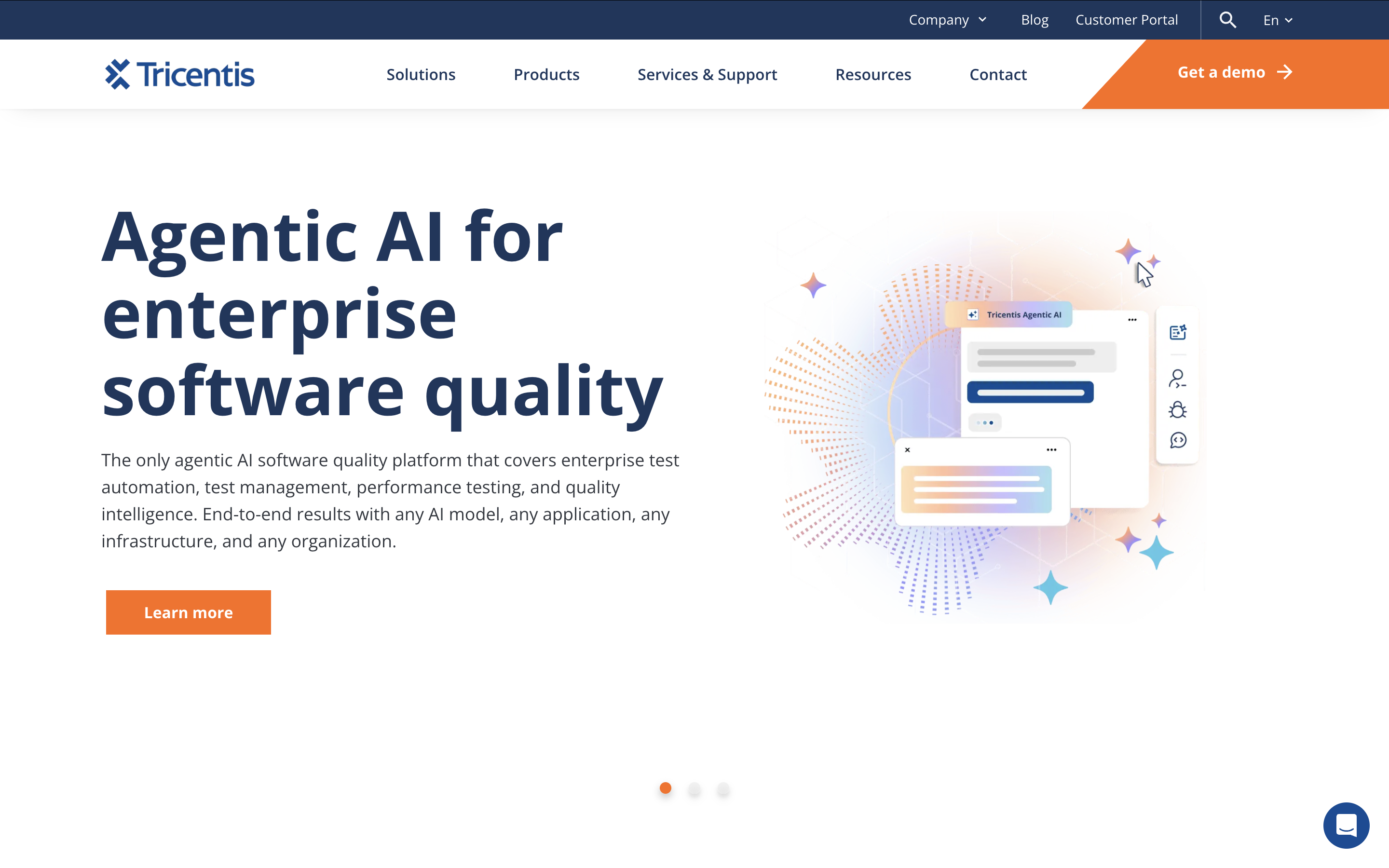
Tosca can also suggest critical test cases so the team can quickly identify and narrow down the most troublesome areas of the application.
As a continuous and DevOps testing tool, Tosca provides a platform that integrates with DevOps and Application Lifecycle Management (ALM) systems.
Tosca offers virtual services to help their users simulate the test environments as expected in production; so that the team can increase test coverage and ensure product quality.
Visit Tricentis Tosca Website | G2 Reviews
Price: Contact sales
7. Testsigma

TestSigma is the newcomer of the test automation industry. The software offers a cloud-based solution that supports web, mobile, and API test automation. It uses natural English language to compose test, which reduces the learning curve for manual testers to quickly adopt automation skills.
Testsigma and Continuous Testing
For continuous testing, Testsigma also provides test infrastructure with devices, OSs, and browsers, which suits teams with limited resources or complex testing needs. As teams shift left, Testsigma uses AI to identify potential risks from constant changes so teams can act on them quickly.
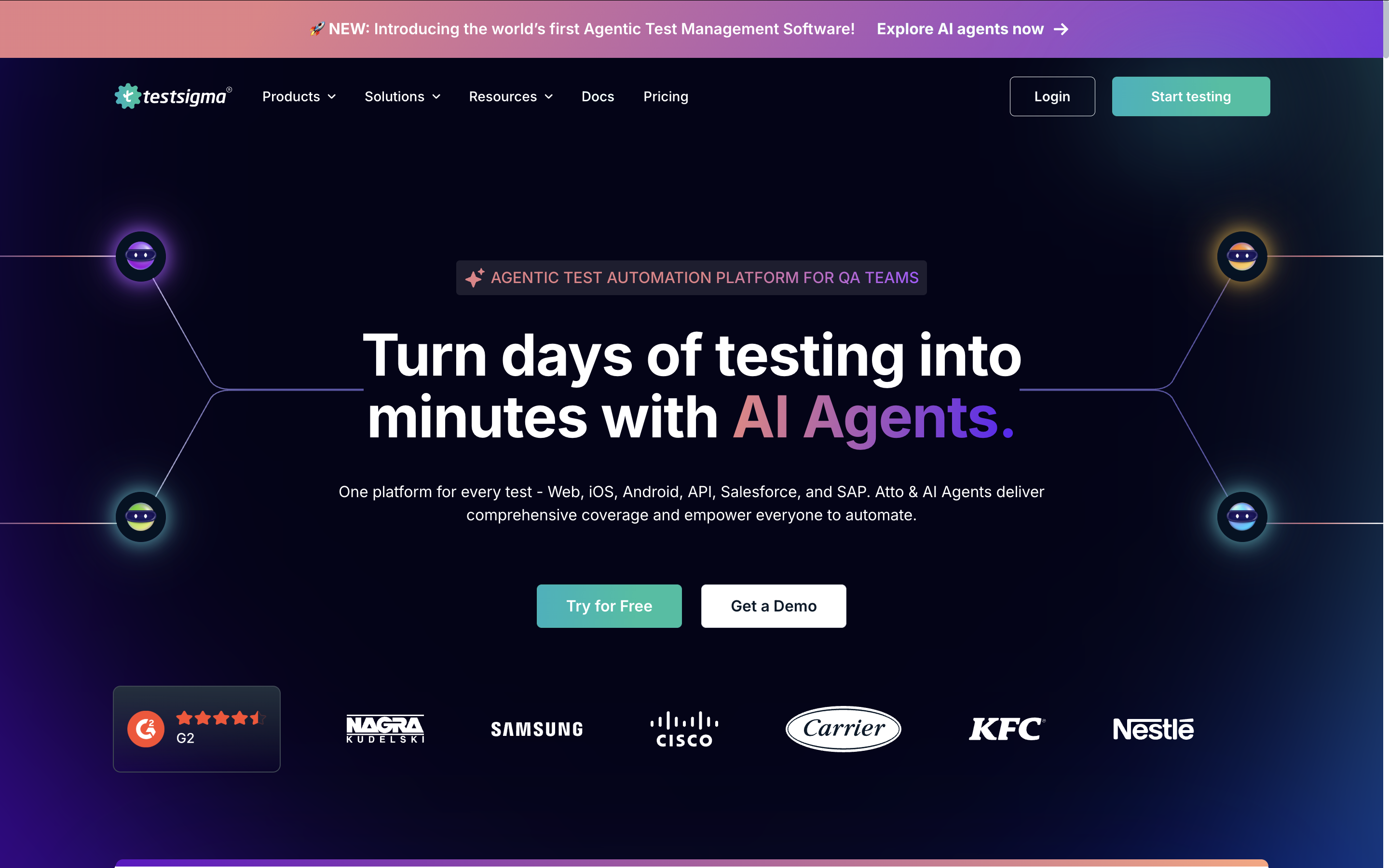
The custom function allows you to add Selenium or Java to extend Testsigma’s capabilities.
Testsigma integrates with popular tools such as Jira and Slack, as well as common CI/CD platforms.
Visit Testsigma Website | G2 Reviews
Pricing: Free plan available; paid plans available
8. IBM Rational Functional Tester (IBM DevOps Test UI)

Rational Functional Tester (RFT), now IBM DevOps Test UI, is a well-known test automation tool from IBM and one of the pioneers of the industry. It supports functional, data-driven, API, performance, and regression testing, and uses .NET and Java as scripting languages.
RFT and Continuous Testing
RFT automatically generates regression tests based on the already-executed tests. This will help you continuously monitor the test quality when there are any changes.
RFT offers versatile modes for smooth team collaboration: the storyboard testing mode to visualize testing flows and the scripting mode for more advanced purposes.
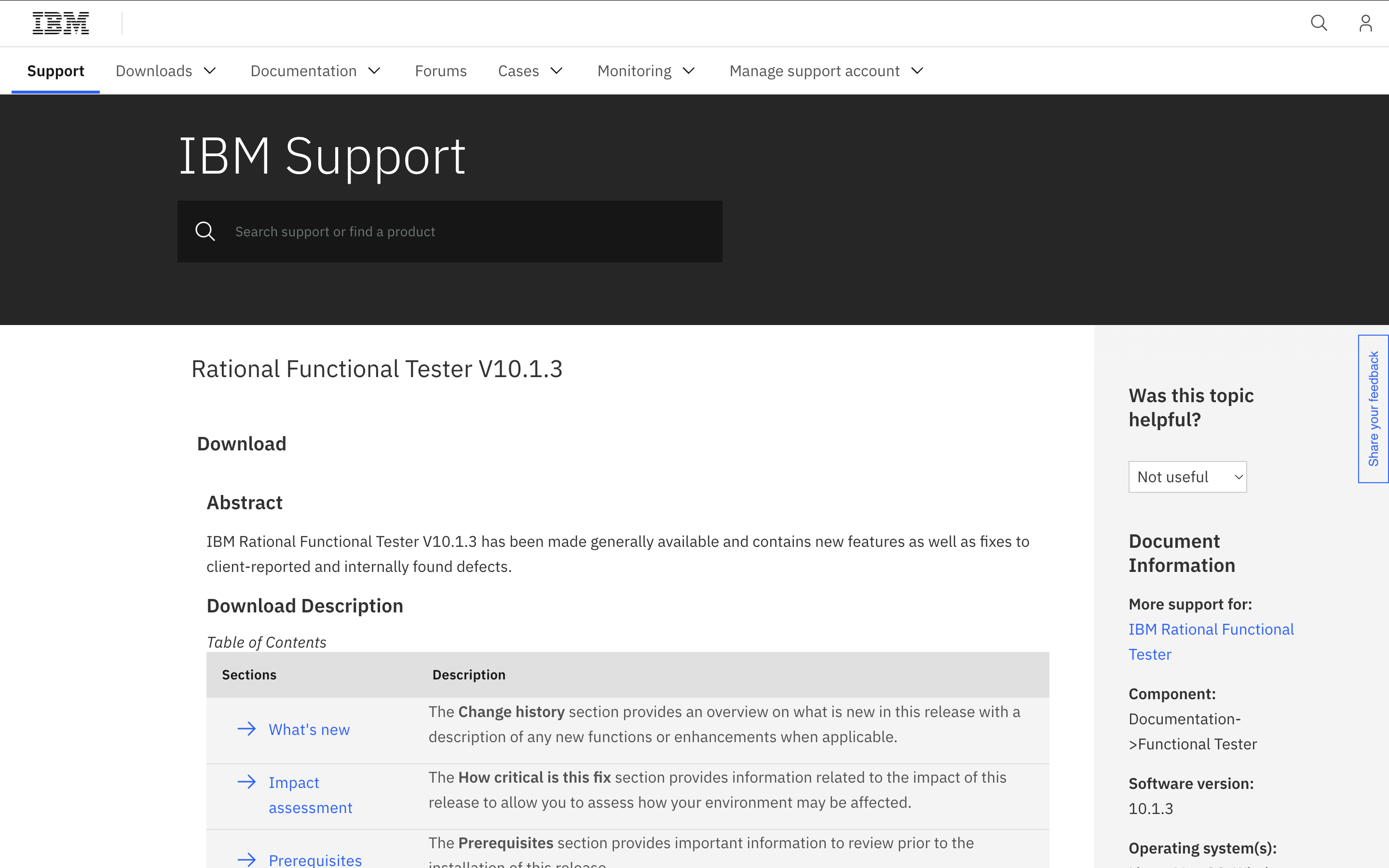
RFT integrates with IBM’s test management tools to help the development team stay up to date with the AUT’s quality.
The tool also supports continuous testing and running tests in the CI/CD pipeline. However, since the tool was introduced a long time ago, it comes with dated (and probably unfamiliar) technologies. This means the setup process can be challenging, especially for novice users as the tool requires advanced technical knowledge in DevOps.
Nonetheless, once integrated successfully with the CI/CD pipeline, the rest of the procedure can be quickly overcome.
Visit IBM Rational Tester Website
License: Commercial
9. OpenText UFT One

Unified Functional Testing (UFT One), now an OpenText product after OpenText acquired Micro Focus, is another pioneer that emerged during the early boom of test automation.
UFT One and Continuous Testing
UFT One supports automated and continuous testing for web, mobile, API, hybrid, robotic process automation (RPA), and enterprise applications. It offers image-based identification powered by embedded OCR, mimicking the way humans recognize objects.
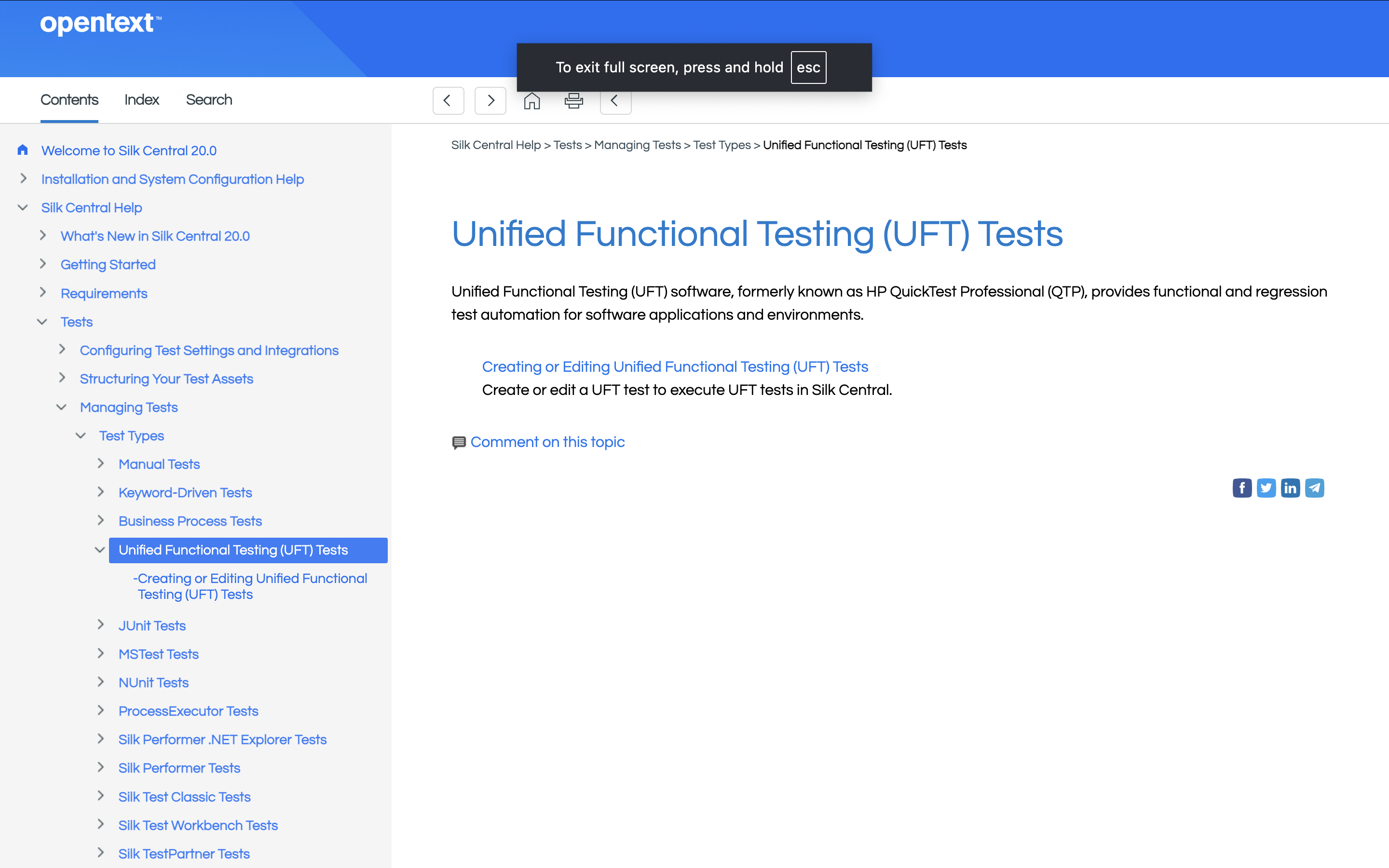
For continuous testing, you can connect UFT One to source control tools (Git, SVN) and CI/CD tools (e.g., Jenkins, Bamboo, Azure DevOps).
UFT uses VBScript as the scripting language; so it could be a challenge for some manual testers. The team should consider this factor and evaluate its current scripting skills before choosing the tool.
Visit OpenText UFT One Website | G2 Reviews
License: Commercial
10. TestComplete

TestComplete, a product by SmartBear, is a test automation tool for desktop, web, and mobile applications. It supports various scripting languages, including Python, JavaScript, and VBScript.
TestComplete and Continuous Testing
TestComplete allows you to perform keyword-driven or data-driven testing. TestComplete creators have recently introduced AI features for dynamic test object recognition and maintenance. TestComplete can automatically detect and update the tests if there are changes with the UI of the AUT.
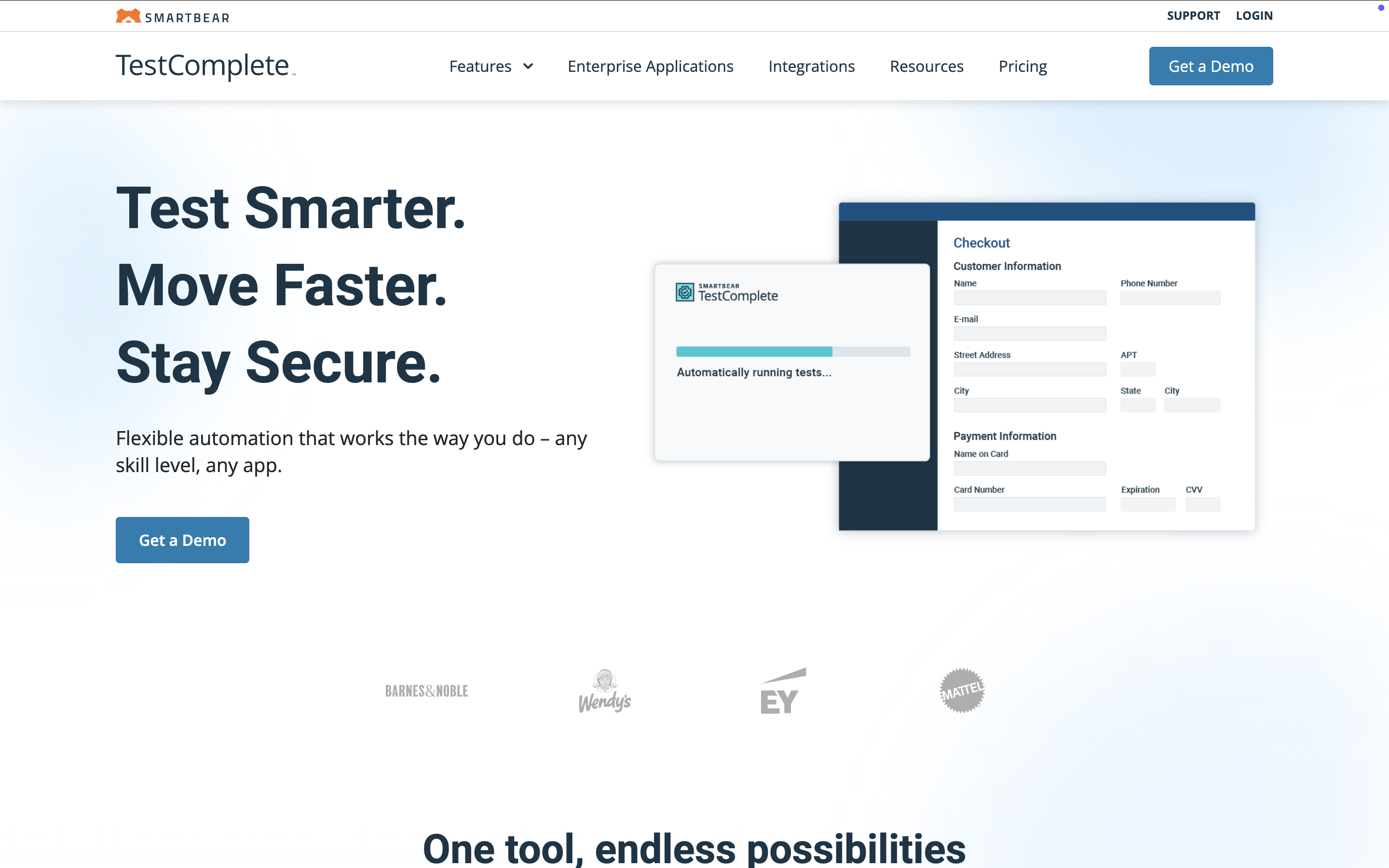
You can maximize test coverage by integrating third-party frameworks such as TestNG and Selenium WebDriver, as well as SoapUI for API testing.
TestComplete supports open integration with the CI/CD ecosystem via plugins. You can use them to integrate with popular tools such as Jenkins, Git, and Zephyr (SmartBear’s test management tool), or develop custom plugins for your existing systems.
Visit TestComplete Website | G2 Reviews
Pricing tiers: TestComplete Base, TestComplete Pro, and Custom Pricing
Conclusion
Your choice of continuous testing tools should not only meet your current needs but should also focus on potential trends and improvements. A decent tool should support basic optimization, learning curve, supported programming languages, continuous testing features, technical compatibility, integration with other CI software, and integration with your organization’s entire CI/CD ecosystem.
This list here is not exhaustive, but it represents the best tools that are mature, popular, and providing capabilities to address the increasing demand for continuous testing, CI/CD, and DevOps.
More tools will be introduced to the market as there are opportunities for growth. Plus, it’s going to be exciting to see how the existing and upcoming tools address the challenges in software delivery ahead.
Besides choosing the right tool, knowing where your team sits on the continuous testing maturity roadmap is also essential.
Your Automation Testing Journey Starts From Today
Read more:
Frequently asked questions
Using automation at the right place and time to run quality checks as early as possible, providing instant feedback to support “continuous development.”
CI/CD integration, toolchain compatibility (frameworks + version control), and cloud & on-prem options.
It states Katalon Studio is built on top of Selenium and Appium.
Selenium; it supports many OSs/browsers, but CI/CD integration can be challenging without strong technical knowledge (hence tools built on top offer more out-of-box components).
It’s positioned as suitable for manual testers with an image-based automation approach (screenshots/images), plus CI/CD integrations and a test lab/device management service.





Test everything. Ship with confidence.
From generating test cases to spotting failures, Katalon's AI works across your entire pipeline, automatically.
