


Compare 15 performance testing tools, from open-source options like JMeter, Gatling, Locust, and k6 to commercial platforms like LoadRunner, NeoLoad, and BlazeMeter, with key features, pricing, and criteria for choosing the right one.
Having software that works is one thing; having it work well is another. Performance testing fills that gap left by functional testing. It checks whether a website or application still performs as expected under various conditions, and to do that, you need performance testing tools.
In this article, we list the top 15 performance testing tools, with their key features and pricing, for your team to consider. Base your decision on your team's specific testing needs and resources.
What is Performance Testing?
Performance testing is a type of software testing that evaluates the responsiveness, speed, scalability, stability, and overall performance of an application under certain conditions.
The primary goal of performance testing is to ensure that the software or system performs well and meets specific performance benchmarks, especially when subjected to either expected or unexpected loads.
What are Performance Testing Tools?
Performance testing tools are applications designed to facilitate the planning, execution, management, monitoring, reporting, and analysis of performance tests for software systems, applications, and websites.
How Do Performance Testing Tools Work?
Performance testing tools focus on three key functions: simulating load, monitoring system behavior, and analyzing performance metrics.
Key Stages:
- Test Creation: Define benchmarks and objectives.
- Environment Setup: Configure the system, test data, and load distribution.
- Execution: Simulate virtual user traffic and distribute load.
- Monitoring: Track metrics, generate reports, and analyze results for insights.
Why Do We Need Performance Testing?
In 2013, healthcare.gov launched as a key platform for U.S. citizens to enroll in health plans. On its first day, the site received over 4 million visitors but failed catastrophically. Most users faced crashes, delays, and errors, with only six successful enrollments recorded. The website, despite costing $500 million, was taken offline for major fixes due to inadequate performance testing.
Here are some benefits of performance testing:
- Reliability: Ensures your application performs well under expected and peak loads.
- User Satisfaction: Faster, responsive systems keep users engaged and happy.
- Scalability: Verifies your application can handle growth in traffic or users.
- Cost Savings: Identifies inefficiencies to optimize resource usage.
- Brand Protection: Prevents downtime and builds customer trust.
Performance testing ensures a stable, scalable, and user-friendly application, avoiding costly failures like healthcare.gov.
Performance Testing Types
There are usually 4 important types of performance testing:
1. Load Testing
- Objective: To determine the system's behavior under expected load conditions.
- Key Metrics: Response times, throughput, resource utilization.
- Method: Gradually increasing the load (users or transactions) until performance metrics show degradation or reach predefined thresholds.
To plan, run, and read a load test step by step, see our load testing guide.
2. Stress Testing
- Objective: To assess the system's behavior under extreme conditions beyond its capacity.
- Key Metrics: Identify breaking points, failure conditions.
- Method: Applying loads that exceed the system's capacity to assess how it handles excessive stress.
3. Scalability Testing
- Objective: To evaluate the system's ability to scale up or down effectively by adding or removing resources.
- Key Metrics: Scalability limits, resource allocation efficiency.
- Method: Testing the system's performance as resources are added or removed.
4. Soak Testing
- Objective: To assess system stability and performance over an extended period under sustained load.
- Key Metrics: Memory leaks, resource depletion, performance degradation over time.
- Method: Running tests continuously for an extended duration.
Load and stress testing are the two most often confused. For a side-by-side view of their goals, load levels, and metrics, see performance vs load vs stress testing.
Criteria For Selecting Performance Testing Tools
When selecting a performance testing tool, ensure that you align the tool’s offering and pricing plan with your team’s availability of resources, requirements, and testing needs. 10 important criteria for a good performance testing tool include:
- Testing Goals: Align with your objectives (load, stress, scalability).
- Compatibility: Ensure support for your app's protocols and technologies.
- Usability: Check user-friendliness and scripting ease.
- Scalability: Simulate large user loads and enable distributed testing.
- Monitoring & Reports: Look for real-time metrics and detailed insights.
- Integrations: Verify CI/CD and toolchain compatibility (e.g., Jenkins, JIRA).
- Customization: Support for tailored test scenarios.
- Platform Support: Works across your target OS, browsers, and devices.
- Cost: Fit within budget, including licensing and maintenance.
- Support: Availability of documentation, training, and active community.
Top 15 Performance Testing Tools
1. Apache JMeter

Apache JMeter, an Apache project, is a versatile performance testing tool that specializes in evaluating and gauging the performance of various services, with a primary focus on web applications.
Highlight Features
- Apache JMeter is used for performance testing in scenarios involving static and dynamic resources, including web dynamic applications.
- It can simulate heavy server loads to assess strength and performance under varying load conditions.
- Testing capabilities for various applications, servers, and protocols, such as HTTP, HTTPS, SOAP/REST web services, FTP, JDBC databases, LDAP, JMS message-oriented middleware, email services, native commands, shell scripts, TCP, and Java objects.
- A comprehensive Test IDE for recording, building, and debugging test plans.
- Command-Line Mode (CLI) for testing from different Java-compatible operating systems.
- Dynamic HTML reporting for easy result interpretation.
- Data extraction and correlation from diverse response formats like HTML, JSON, XML, or textual data.
- Portability and 100% Java compatibility.
- Multi-threading framework for concurrent sampling by multiple threads and separate thread groups for different functions.
Visit JMeter Website | G2 Reviews
Pricing: Open-source
2. LoadRunner

LoadRunner is a performance testing tool originally developed by Mercury, later owned by Micro Focus, and now part of OpenText. It's widely used for load, stress, and performance testing and supports a wide range of protocols and technologies.
Highlight Features:
- Support performance testing for over 50 technologies and application environments, including MQTT, HTML5, WebSockets, RDP, Citrix, Java, .NET, Oracle, and SAP.
- Test faster with a patented auto-correlation engine.
- Provides an IDE to integrate with development environments, enabling performance testing earlier in the application lifecycle.
- Boost confidence by accurately predicting application scalability and capacity with realistic load emulation.
- Emulate hundreds or thousands of concurrent virtual users.
- Run high-scale tests with minimal hardware and use the public cloud for scalability.
- Easily create, record, correlate, replay, and enhance scripts for improved load testing.
- Built-in integrations include IDE, CI/CD, open source test automation, monitoring, and source code management tools.
Visit LoadRunner Website | G2 Reviews
Pricing: LoadRunner starts from $0.15/user/hour at Dev Virtual User Hours tier, $0.3/user/hour and $1.5/user/hour for Web and GUI User Hours tier.
3. Octoperf
OctoPerf is a cloud-based performance testing tool that allows software development and testing teams to assess the performance, scalability, and reliability of their web applications and APIs.
Here is an Octoperf tutorial for you to quickly get the hang of it:
Highlight Features:
- No coding knowledge required; features a modern and intuitive web UI.
- Well suited for online shops, web agencies, and companies publishing web applications.
- Simulates virtual users behaving like customers in a production environment.
- Positions itself as a lower-cost alternative to enterprise load testing tools.
- Covers the entire load testing process, from design and monitoring to test analysis.
- Built on proven open-source technologies like JMeter.
- Integrates with Katalon, a comprehensive testing platform for API, web, desktop, and mobile, to add performance testing for teams of any size. Here's a guide to do that.
Visit OctoPerf Website | G2 Reviews
Pricing: At the writing of this article, Octoperf offers a Free Forever plan for teams to try it out, alongside paid plans.
4. Katalon

Katalon is an AI-powered comprehensive solution enabling teams of all sizes to do web, desktop, API, mobile testing.
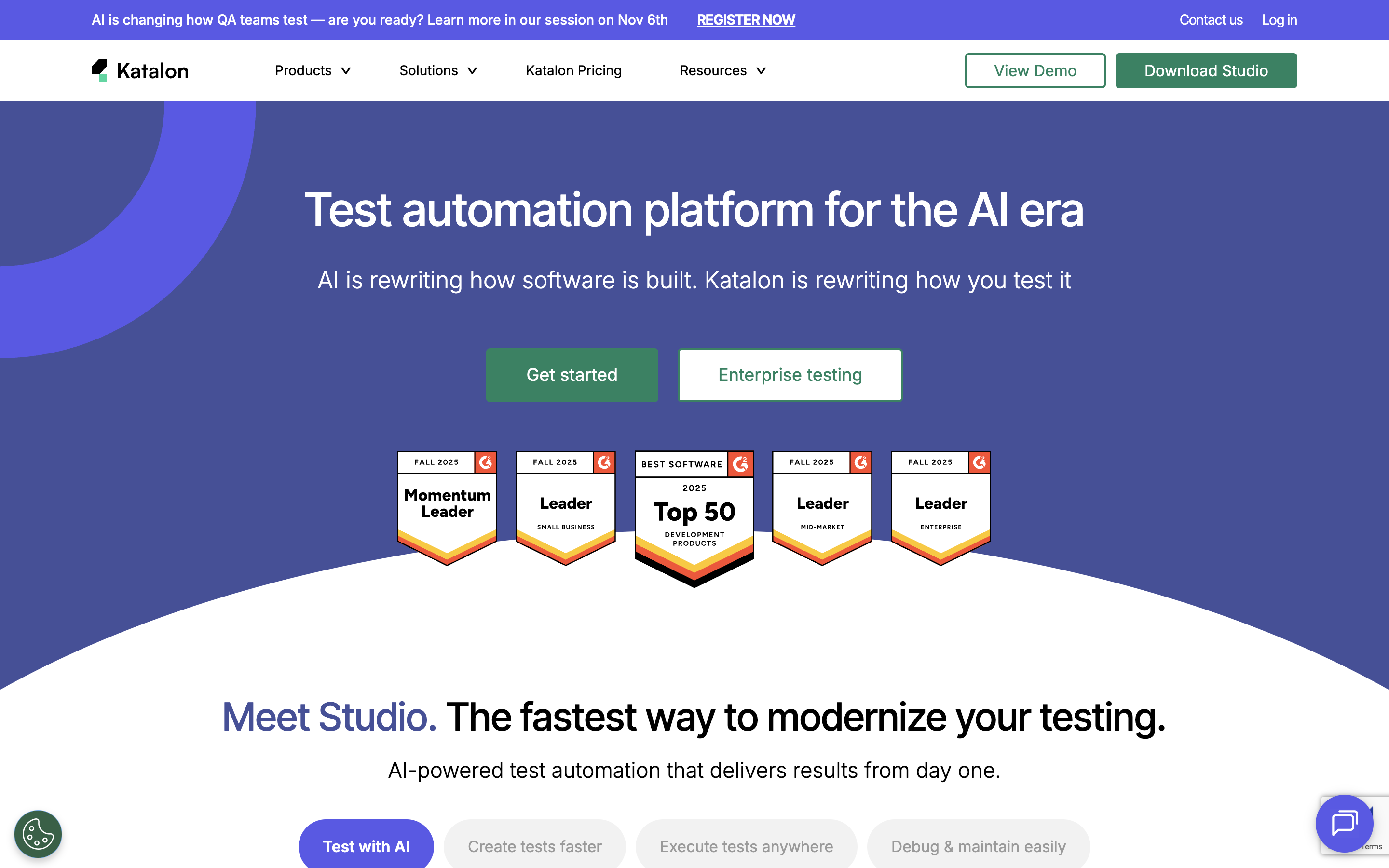
Katalon is a strong fit when teams want an all-in-one solution that fits all of their testing needs, and the highly flexible pricing plan allows you to scale as you grow. You can get the best of both worlds: integrate Katalon with Octoperf to do performance testing, while still being able to test all types of systems in one single place.
Visit Katalon Website | Pricing | G2 Reviews
5. Gatling
Gatling is an open-source performance testing framework used for load testing and stress testing web applications, APIs, and other software systems. It is designed to help developers and testers assess the performance, scalability, and reliability of their applications under various load conditions.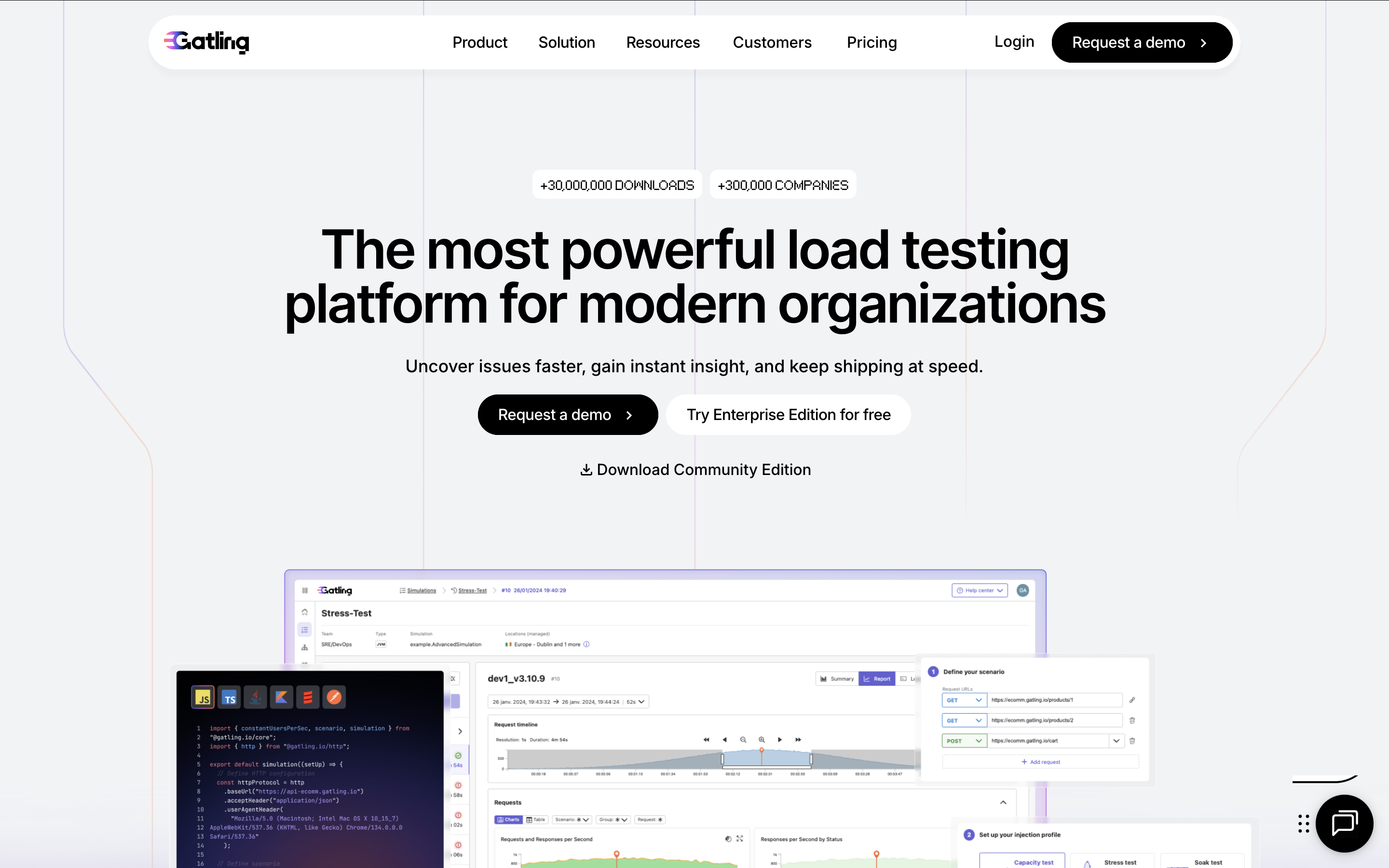
Highlight Features:
- Gatling provides a readable DSL for writing test scripts in Java, Kotlin, Scala, or JavaScript/TypeScript.
- A standalone recorder converts web actions into Gatling test scripts.
- Supports various data sources, including CSV, TSV, SSV, JSON files, JDBC, and Redis, for test data in load test scenarios.
- Uses a non-blocking, asynchronous architecture for efficient load generation.
- Supports protocols such as HTTP, WebSockets, SSE, JMS, and MQTT (some in Gatling Enterprise).
- Generates detailed HTML reports with scenario execution information, configuration details, and response statistics.
- Exports results to Grafana, InfluxDB, StatsD, and more.
- Integrates with Jenkins and other CI/CD tools.
Visit Gatling Website | G2 Reviews
Pricing: Gatling's open-source edition is free. Gatling Enterprise has paid plans, and you can contact sales for a custom quote for enterprise needs.
6. Locust

Locust is an open-source load testing tool designed to assess the performance and scalability of web applications and APIs. It is known for its simplicity and ease of use, making it a popular choice among developers and testers for load testing.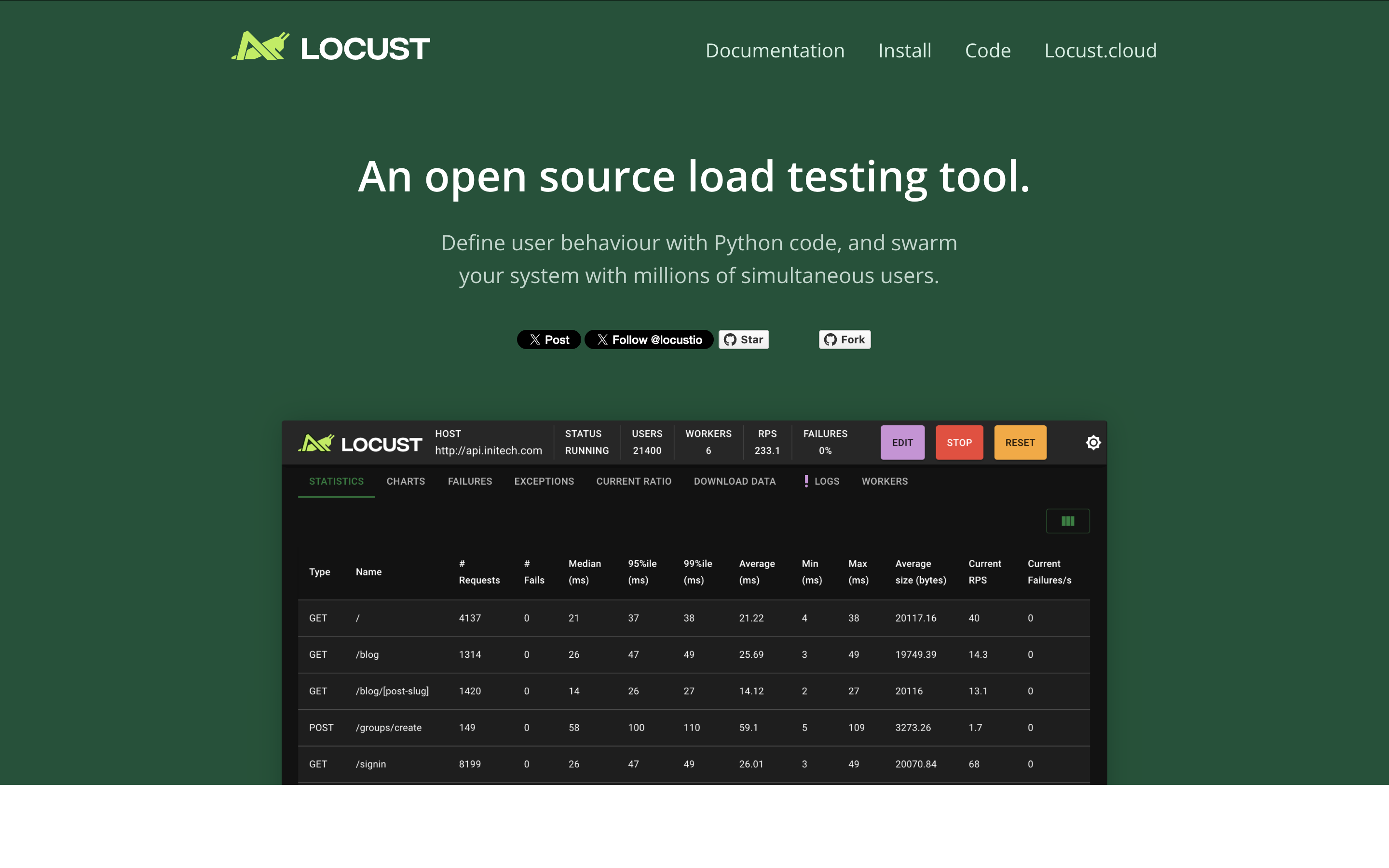
Highlight Features:
- Test scripts and Locust itself are written in Python, making it accessible to Python-savvy developers.
- Supports distributed load generation with swarms of virtual users across multiple machines.
- Allows custom test scenario definition using Python code, with a built-in web UI for monitoring and control.
- Enables the creation of scenarios that mimic real user interactions with an application.
- Focused on testing HTTP and WebSocket-based applications, including GET, POST, PUT, DELETE requests.
- Customizable and parameterized test data for data-driven testing.
- Provides real-time statistics, response times, request rates, and failure rates. Offers HTML reports for in-depth analysis.
- Can be integrated into CI/CD pipelines for automated load testing.
- An open-source project with an active user community and extensibility.
- Well-suited for testing application scalability by varying the number of virtual users under different loads.
Visit Locust Website | G2 Reviews
Pricing: Open-source
7. K6

Grafana k6 is a developer-friendly, open-source load testing tool designed to simplify and enhance the process of performance testing for engineering teams. It offers a free and extensible platform.
With k6, you can assess the resilience and efficiency of your systems, catch performance issues and regressions earlier, and help your teams build high-performance applications that scale.
Highlight Features:
- A command-line interface (CLI) tool accompanied by developer-friendly APIs.
- Scripting in JavaScript ES2015/ES6, supporting local and remote modules.
- Incorporating checks and thresholds for goal-oriented and automation-friendly load testing.
k6 also supports a wide range of use cases, including:
- Load testing: k6 excels at minimal resource consumption and is tailored for high-load tests, including spike, stress, and soak tests.
- Browser testing: Employing k6 browser, you can execute browser-based performance tests, pinpointing issues specific to browsers, even bypassing protocol-level concerns.
- Chaos and resilience testing: k6 is a valuable tool for simulating traffic within chaos experiments. It enables you to trigger these experiments from k6 tests or inject various faults into Kubernetes using xk6-disruptor.
- Performance and synthetic monitoring: Automate and schedule k6 tests to frequently execute with a light load, ensuring continuous validation of your production environment's performance and availability.
Pricing: Open-source
📚Read More: Synthetic Data Generation With Katalon
💡 Interestingly, the k6 team even wrote a Load Testing Manifesto to explain the vision behind the project.
8. Neoload
NeoLoad by Tricentis is a popular performance testing tool used by enterprises to assess the performance, scalability, and reliability of their applications, websites, and APIs.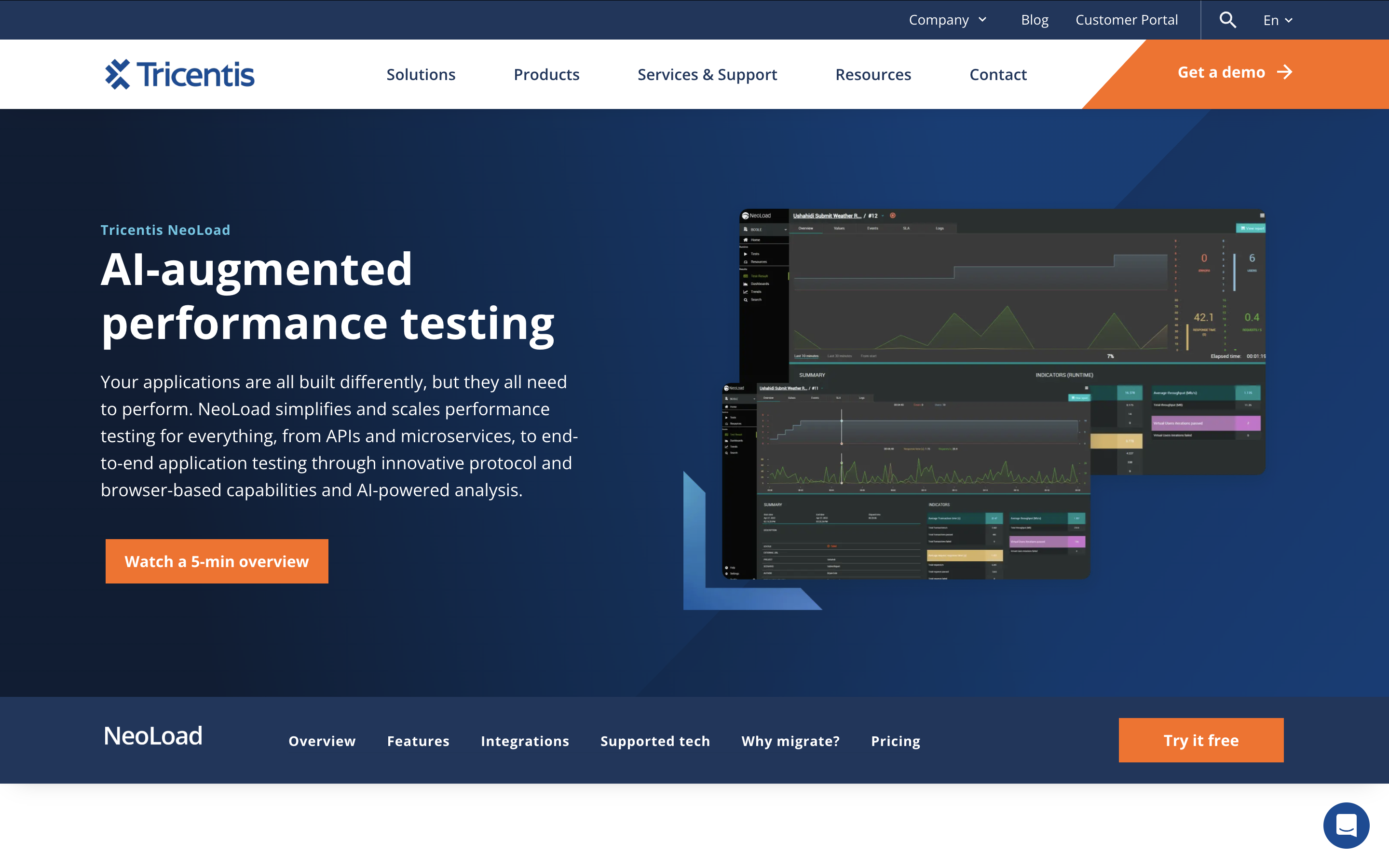
Highlight Features:
- NeoLoad, featuring RealBrowser technology, combines browser-based performance testing for custom web and cloud-native apps with a unified interface.
- Foster collaboration across teams, enabling standardized performance testing with SLA definition, asset sharing, and real-time result review.
- Conduct performance testing as code, integrating with CI/CD tools or using the user-friendly CLI for automation.
- Easily create tests for complex applications without coding complexity.
- Improve test script updates with automation.
- Optimize test resource utilization and reduce costs through dynamic cloud resource allocation.
- Ensure dedicated resources with load testing infrastructure reservations.
Visit Neoload by Tricentis | G2 Reviews
Pricing: Contact Sales for a customized pricing based on your specific testing requirements
9. WebLOAD

Highlight Features:
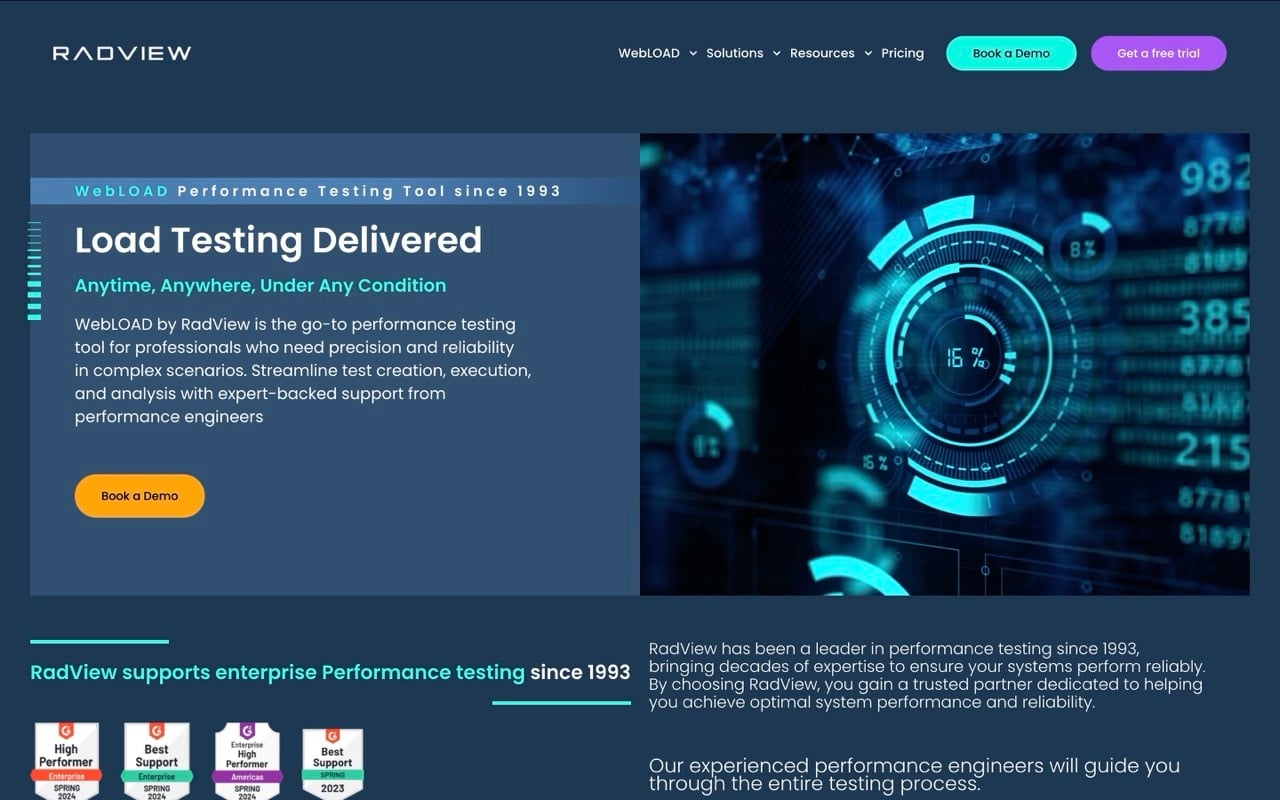
- WebLOAD combines JavaScript scripting flexibility with AI-driven smart correlation.
- Build scripts for complex requirements, including sign-ons, asynchronous communication, web services, WebSocket APIs, and more.
- Create highly customized test sessions that mimic real-life conditions.
- Supports multiple scripts, protocol- and browser-based scripts, large numbers of virtual users, global locations, and flexible ramp-up.
- AI-powered performance analysis: Get insights into system behavior through AI-powered analysis and ChatGPT integration.
- Simplifies complex data into user-friendly insights for quick issue identification.
- Dedicated technical support for unique testing challenges.
Visit WebLOAD Website | G2 Reviews
Pricing: Contact Sales
10. Taurus

Taurus is an open-source framework that simplifies running performance tests. It uses configuration files written in JSON or YAML, which makes it flexible and easy to adapt to different testing processes.
Highlight Features:
- Installation and setup are straightforward.
- It can execute pre-existing scripts written in JMeter, Grinder, Gatling, or Selenium.
- Easy merging of multiple test scripts into a single test run, saving valuable time.
- Real-time reporting enhances user understanding of test results.
Pricing: Open-source
11. BlazeMeter

BlazeMeter is a cloud-based performance testing tool that allows organizations to conduct load testing, performance testing, and stress testing of their web applications, APIs, and mobile apps.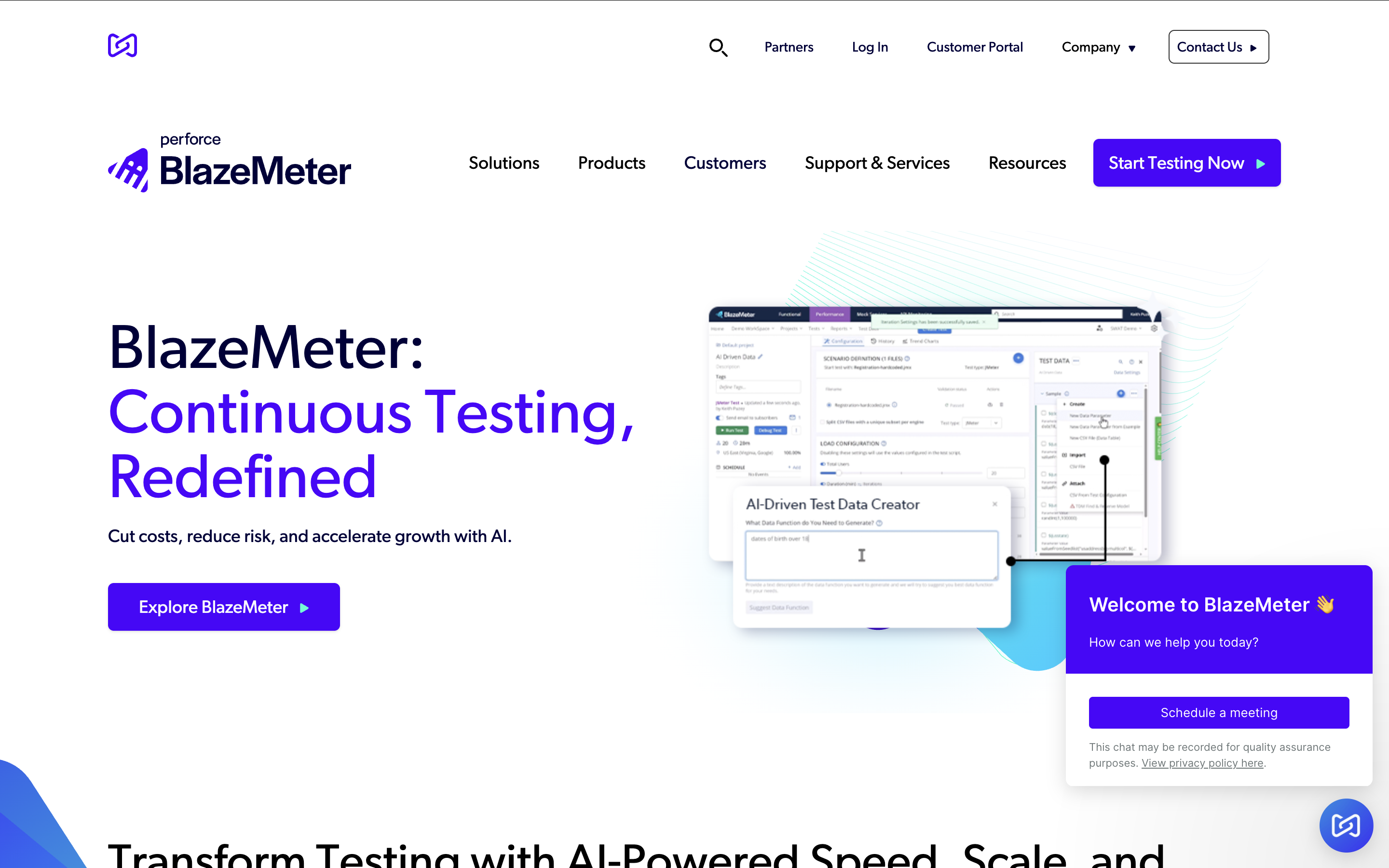
Highlight Features:
- Identify hardcoded data and generate additional data from predefined lists using AI.
- Streamline test data generation by converting text into test data functions with generative AI.
- Instantly generate test data functions with natural language, eliminating manual coding.
- Enhance system resilience with AI-driven test data to challenge systems and identify vulnerabilities.
- Conduct massive-scale load and performance testing directly from your IDE. Combine UX and load testing to simulate user experiences under load.
- Overcome environment constraints with on-the-fly synthetic test data and integrated mock services. No additional licensing or management required.
- Shift testing left and right with integrated API testing and ongoing monitoring. Detect API issues before impacting end users.
- Accelerate testing with Android emulators and iOS simulators. Combine virtual and real devices for comprehensive app testing.
Visit BlazeMeter Website | G2 Reviews
Pricing: Contact Sales
12. LoadNinja (by Smartbear)

LoadNinja is a cloud-based load testing and performance testing tool designed for web applications and websites. LoadNinja is known for its user-friendly, scriptless approach to load testing, making it accessible to a wide range of users, including developers, QA engineers, and performance testers.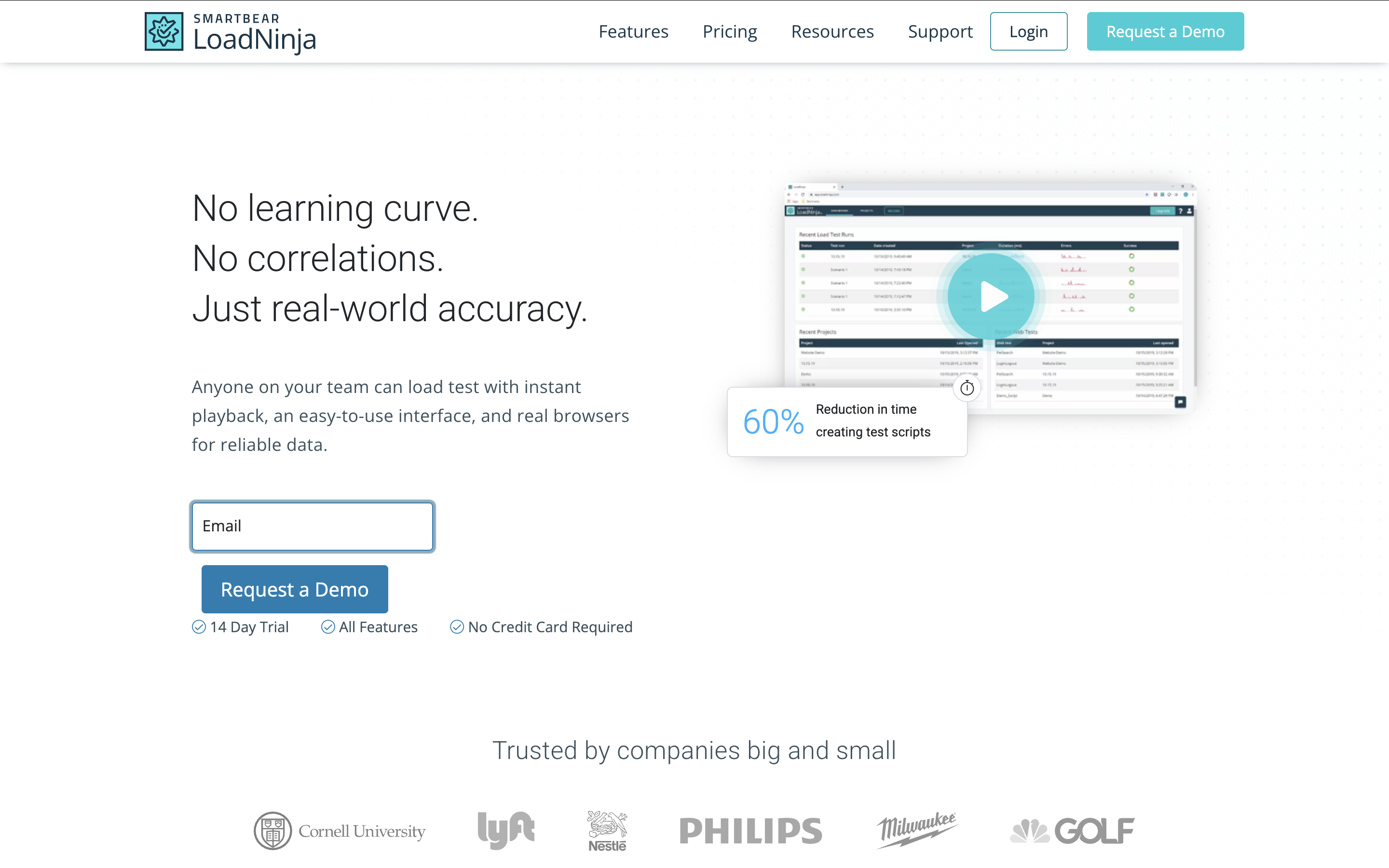
Highlight Features:
- Quickly create web and API load tests with the InstaPlay Recorder, with no coding needed, even for complex scenarios.
- Use real browsers for accurate, realistic results without emulators. Simplify testing by avoiding manual correlation and setup complexities.
- Diagnose performance issues in real time with actionable data based on true end-user experiences.
- Automate and integrate tests into CI/CD pipelines using parameterization, public REST APIs, or custom plugins.
Visit LoadNinja Website | G2 Reviews
Pricing: Contact Sales
13. Artillery
Artillery is an open-source, modern, and developer-centric performance testing tool designed to simulate heavy loads on web applications, APIs, and WebSocket services. It is known for its simplicity, flexibility, and scalability, making it a popular choice for DevOps teams and developers who need to ensure their systems can handle high traffic loads and identify performance bottlenecks.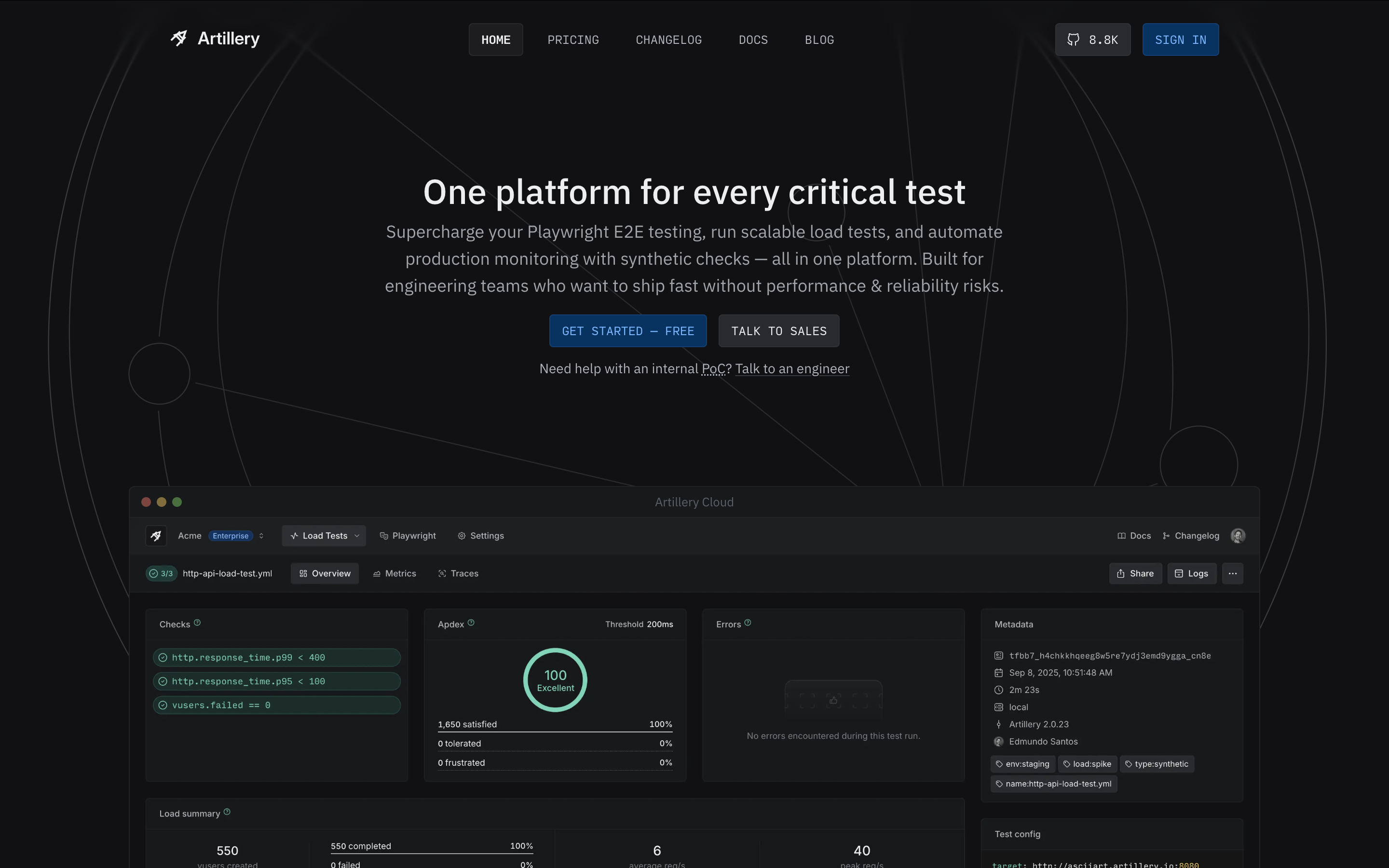
Highlight Features:
- Built-in support for distributed load testing.
- Runs distributed tests on AWS Lambda or AWS Fargate, so you don't need to manage load-generation infrastructure.
- Launches headless browsers with Playwright code for load testing dynamic web apps.
- Designed for continuous testing; you pay AWS only for actual usage.
- Runs in your own AWS account, so it works with your existing security and compliance setup for testing both public endpoints and internal services.
- Over 20 integrations and plugins for monitoring, CI/CD, and more.
Pricing: Open-source
14. SoapUI

SoapUI is an API testing tool developed by SmartBear. The open-source edition supports basic load tests on APIs, while more advanced load testing is available in SmartBear's commercial ReadyAPI platform.
Highlight Features
- Large user community for support and collaboration.
- Java-based and compatible with Windows, Linux, and macOS.
- Drag-and-drop test creation and real-time adjustments during execution, with SLA settings and flow controls to emulate real-world scenarios.
- Supports baseline, stress, endurance, spike, and recovery load tests in ReadyAPI, with real-time stats and server monitoring.
Visit SoapUI Website | G2 Reviews
Price: Free or from $749/year for ReadyAPI
15. Silk Performer
Silk Performer, now part of OpenText, is an enterprise-grade tool for performance, load, and stress testing. It creates realistic, customizable load tests using virtual users that mimic real user behavior, and it can simulate hundreds or thousands of concurrent users with minimal hardware.
Highlight Features:
- Comprehensive load and stress testing
- User-centric diagnostics for error identification
- Accelerated quality assurance and faster time-to-market
- Scalable cloud simulation for peak loads
- Simplified test execution
- Global testing reach from 50+ locations
- Asset reusability for faster testing
- Real web browser testing
- User-friendly workflow with built-in wizards
Pricing: Contact Sales
Read More:
Frequently asked questions
Apache JMeter is the most widely used free option thanks to its broad protocol support. Developer-focused teams often prefer k6 (JavaScript), Locust (Python), or Gatling for code-based tests.
Load testing checks how a system behaves under expected traffic. Stress testing pushes it beyond its capacity to find breaking points and see how it fails and recovers.
Katalon focuses on functional testing across web, mobile, API, and desktop. For load testing, you can integrate Katalon with OctoPerf to reuse your tests for performance scenarios.





Test everything. Ship with confidence.
From generating test cases to spotting failures, Katalon's AI works across your entire pipeline, automatically.
