


Compare 10 free and open-source testing tools, from Katalon Studio, Selenium, and Appium to JMeter, Playwright, and JUnit. See each tool's key features and how to choose between a ready-made tool and an open-source framework.
Free open-source frameworks, libraries, and tools are the go-to solutions for automation testing.
The main difference comes down to your preference: building a brand-new test automation framework from libraries, or working with a ready-made tool where testing is all you have to care about.
This article gives you a quick glance at the top 10 free and open-source testing tools, frameworks, and libraries.
1. Katalon Studio

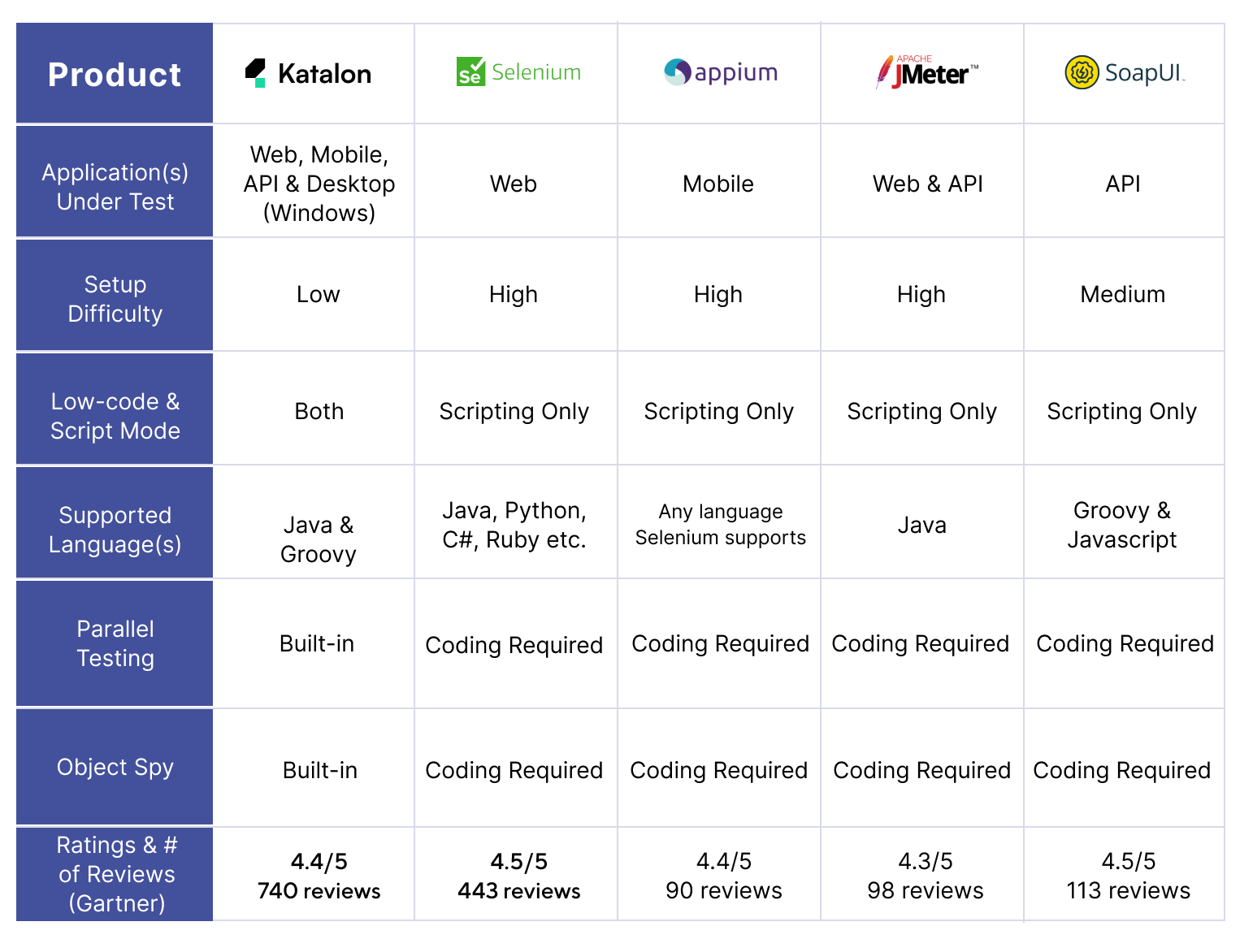
Katalon Studio is a popular automation testing tool for web, mobile, API, and desktop testing, with a free version available. Offering both low-code and scripting methods, Katalon removes the need to build and maintain a separate testing framework.
With everything built-in, users can focus directly on testing activities and spend less effort on creating, running and maintaining tests.
Key features:
- Supported programming languages: Java and Groovy
- Cross-browser testing
- OS compatibility: Windows, macOS, and Linux
- Flexible and fast test creation with Record and Playback, Manual and Script Mode
- Debugging UI and smart reporting to troubleshoot failed tests
- Reusable test artifacts (test cases, objects, keywords, etc.) with the Page Object Model (POM) design and Test Artifact Sharing
- Support BDD testing, data-driven testing
- Allow importing Selenium, SoapUI, and Postman projects
- Native integration with CI/CD systems (Jenkins, Bamboo, Azure DevOps, CircleCI, etc.), ALMs (e.g., Jira)
- Step-by-step tools training to use Studio in real projects on Katalon Academy
2. Selenium

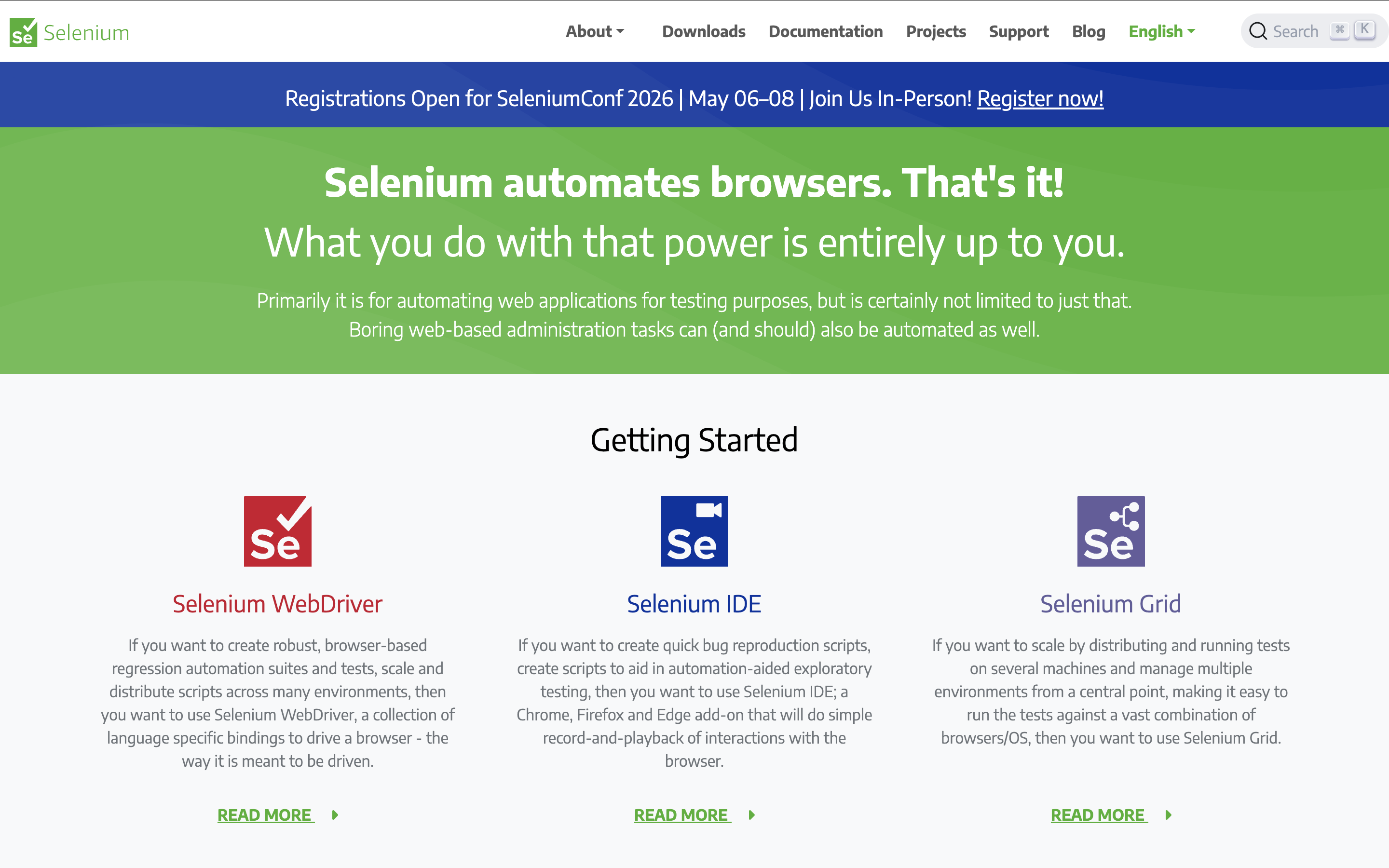
Selenium is probably the first name that comes up when discussing web-based, open-source test automation. To be more exact, Selenium is better described as an open-source suite of libraries and tools than a single tool.
With the well-known trio of Selenium WebDriver, Selenium IDE, and Selenium Grid, plus Selenium 4’s W3C WebDriver standard support, Selenium remains a top choice for coding enthusiasts.
Key features:
- Supported programming languages: Java, Python, C#, Ruby, and JavaScript (official bindings), plus community bindings for other languages
- Write tests in IDEs like Eclipse, IntelliJ IDEA, or Visual Studio
- Compatible with macOS, Windows, and Linux for cross-platform execution
- Customizable add-ons and plugins
- Integration with tools and frameworks such as Ant, Maven, TestNG, JUnit, NUnit, etc.
Visit Selenium Website | G2 Reviews
Read More: Selenium Testing: A Tutorial
3. Appium

Sharing a similar suffix with Selenium, Appium is the open-source framework to remember for automated mobile testing. From native and mobile web to hybrid applications, Appium is a highly sought-after option because it lets you test apps without recompiling them or modifying their code.
Key features:
- Supported programming languages: Java, Python, JavaScript (Node.js), Ruby, C#, and others through WebDriver client libraries
- Uses the W3C WebDriver protocol, so tests can be written in many languages
- Automated testing scripts can run on iOS and Android platforms
- Test applications without access to their source code
Visit Appium Website | G2 Reviews
Read More: Top Appium Alternatives To Choose From
4. Apache JMeter

Apache JMeter, or JMeter in short, is an automation tool for performance testing (load and stress testing) and functional testing. JMeter’s primary uses are to measure the performance of applications and act as virtual users to send requests to the designated server.
Key features:
- Supported programming language: Java
- User-friendly GUI and JSR223 (Groovy) elements for custom code
- Works with HTTP, HTTPS, JDBC, LDAP, FTP, SOAP, POP3, IMAP, SMTP, TCP, and Java objects
- Open to integrating with Jenkins and third-party reporting tools
- Multi-threaded framework for concurrent sampling by many threads
5. SoapUI

For testing SOAP and REST APIs, there’s SoapUI. Beyond API testing, SoapUI’s open-source application for web service testing also covers functional, load, compliance, and mock testing.
Key features:
- Supported programming languages: Groovy and JavaScript
- Protocol support for SOAP/WSDL, REST, and JMS
- DataSource TestStep for data-driven testing
- Integration with Maven, Jenkins, JUnit, and Apache Ant
6. Robot Framework

Built on Python, Robot Framework is an open-source framework for acceptance testing and robotic process automation (RPA). Its library ecosystem extends it to web, mobile, API, and desktop testing.
Key features:
- Supported programming language: Python (tests are written in a keyword-driven syntax)
- OS compatibility: Windows, macOS, Unix, and Linux
- Build tests in VS Code (with the RobotCode extension), RIDE (Robot Framework IDE), or any text editor
- Keyword-driven testing, autocompletion, and syntax highlighting to reduce coding time
- Integration with Appium and Selenium
Price: Free
7. Cypress

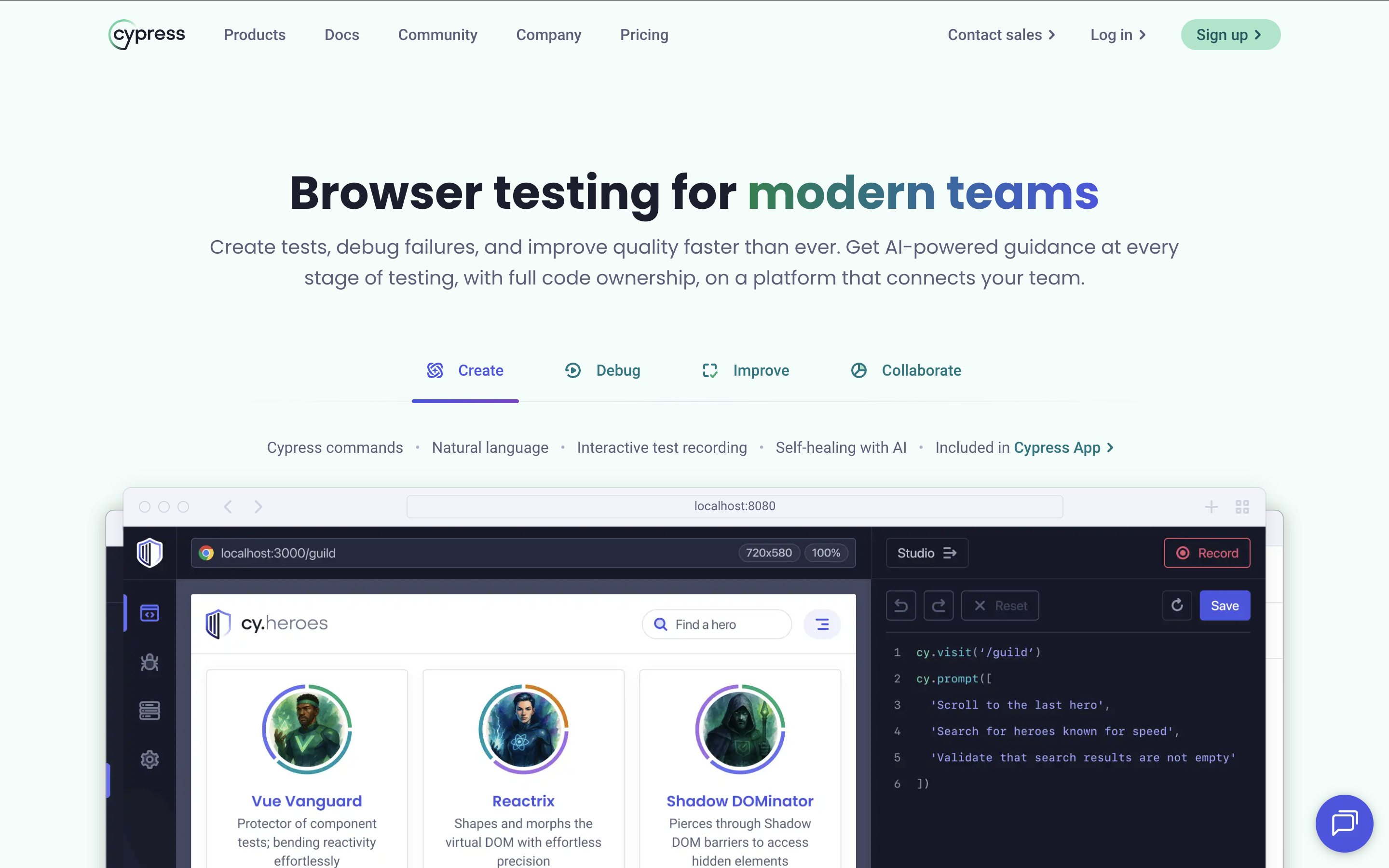
Cypress is an open-source testing platform known for its simple setup and developer-friendly interface. It runs tests directly in the browser, making debugging faster and easier. Cypress is a great alternative to Selenium for modern web apps.
Key features:
- Live view of test execution, showing steps and elements in real-time
- Time-travel feature to see the app’s state at each test step
- Automatically waits for elements and actions, reducing flaky tests
- Captures network requests and console logs for better debugging
- Works within the app’s run loop, giving direct access to its state
- Easy installation with no extra dependencies
Visit Cypress Website | G2 Reviews
Price: Free; Cypress Cloud paid plans available
Read More: Katalon vs Cypress: A Detailed Comparison
8. JUnit

Java plus unit testing gives us JUnit. This free, open-source testing framework is a favorite among Java developers for writing and running unit tests. JUnit 5 brought useful updates like nested tests for organizing tests in hierarchies, a flexible extension model, and more.
- Supported programming language: Java
- Script automated unit tests with annotations and assertions
- Extension model to work with third-party tools and frameworks
- Parallel execution (version 5.3 onwards)
- assertThrows and assertTimeout methods for easier exception and timeout handling
9. Playwright
Playwright is a free, open-source framework from Microsoft for end-to-end testing of modern web apps. It has quickly become one of the most popular alternatives to Selenium and Cypress thanks to its speed, reliability, and broad browser support.
- Supported programming languages: TypeScript, JavaScript, Python, Java, and .NET (C#)
- Cross-browser testing on Chromium, Firefox, and WebKit with a single API
- Auto-waiting for elements to reduce flaky tests
- Trace Viewer, screenshots, and videos for debugging failed tests
- Codegen to record user actions and generate test scripts
- Built-in parallel execution and mobile device emulation
10. Citrus

Our last open-source test automation framework is Citrus. Citrus will ring a bell for developers working on integration testing and verifying messaging transport connectivity. Teams often pair it with JUnit or TestNG to run Java-based tests.
- Supported message protocols: HTTP, REST, SOAP, Kafka, JMS, etc.
- XML or Java coding for flexible test creation
- Integration with Apache Camel, Arquillian, Kubernetes, and Docker to enable microservice integration testing
- BDD and cloud-native BDD automated testing using Cucumber and YAKS
- Test REST APIs with HTTP methods such as GET, POST, PUT, PATCH, DELETE, OPTIONS, and HEAD
Visit Citrus Framework Website
You might like:
Katalon Studio or Open-Source Frameworks?
If you’ve been wondering which tool is the best choice, the honest answer is that it depends.
With the cost out of the picture, it’s not a good idea to say what is best without giving the context.
- What to test: Choose tools based on your needs: web, mobile, API, or desktop testing.
- Who tests: If QAs handle testing, Katalon Studio lets developers focus on coding. For dev-led testing, custom frameworks may work better.
- Scalability: Katalon offers native integrations with ALMs, CI/CD, and DevOps tools, while open-source tools often need workarounds.
- Ease of updates: Katalon updates with a click, while self-built frameworks need manual migration for major version upgrades.
Whichever tool runs your tests, you still need a place to plan test cases and track results across runs. Our roundup of test management tools compares the main options.
Frequently asked questions
Open-source testing tools and frameworks offer benefits such as being free of cost, providing flexibility, and having strong community support for collaboration and issue resolution.
Open-source tools can handle various types of applications, including web, mobile (native, hybrid, web), API, and desktop applications. They support different testing needs such as functional, performance (load/stress), unit, integration, and acceptance testing.
Katalon Studio is a feature-rich, ready-made tool offering low-code and scripting options, built-in features, and simplified updates. In contrast, Selenium is an open-source library used to build custom automation frameworks, requiring more manual setup, coding, and independent management of updates. Read more: Katalon Studio vs Selenium comparison
For web testing, Selenium and Cypress are popular choices. For mobile testing, Appium and Robotium are widely used. For API testing, SoapUI and Apache JMeter are commonly recommended.
Most open-source testing tools support a variety of programming languages. Common languages include Java, Groovy, JavaScript (Node.js), Python, Ruby, C#, PHP, and Perl.





Test everything. Ship with confidence.
From generating test cases to spotting failures, Katalon's AI works across your entire pipeline, automatically.
