


Katalon Studio 6 and earlier versions reached end of support on April 30, 2020. Here's what that meant for users, how to upgrade, and the key Katalon Studio 7 features, from Smart Wait to lower memory use.
Katalon Studio 6 and all earlier versions reached end of support on April 30, 2020, after a six-month grace period that started in October 2019, as announced to our community. Here are the details on the end of support for Katalon Studio 6 and how to handle the transition.
How am I Affected by This Change?
Katalon wants to provide a stable, high-quality test automation experience, which can't be guaranteed on unsupported versions. If you didn't upgrade to a newer version after April 30, 2020, you may experience the following:
- You won’t be able to activate Katalon Studio 6.x and all of its previous versions
- There will be no driver updates. This means your tests may not be compatible with the future updated browsers, OSs, and frameworks
- There will be no security and performance patches, which means these versions might potentially expose instability and vulnerability
- There won’t be future maintenance for documentation, support, or bug fixes for these versions
What are the Solutions?
The solution is to upgrade to a supported version of Katalon Studio. At the time of this announcement, there were two options:
- Katalon Studio (free version): for individual users with basic test automation features
- Katalon Studio Enterprise: for teams and advanced users with exclusive features for large-scale usage. Accounts registered with business email domains are eligible for a one-month free trial
Whichever option you choose, both licenses include many new features, enhancements, and bug fixes compared with older versions.
Is there anything I should beware of when upgrading to Katalon Studio 7?
Starting with version 7, Katalon Studio no longer supports running tests in console mode or from the command-line interface (CLI). If you need console mode and CLI execution, consider subscribing to Katalon Runtime Engine. This add-on works with both Katalon Studio (free) and Katalon Studio Enterprise.
Offline activation will be available in Katalon Studio Enterprise subscriptions. You may consider this option if your team has the need to activate offline.
Highlight Features in Katalon Studio 7 Compared to Katalon Studio 6
Smart Wait for Smarter Execution
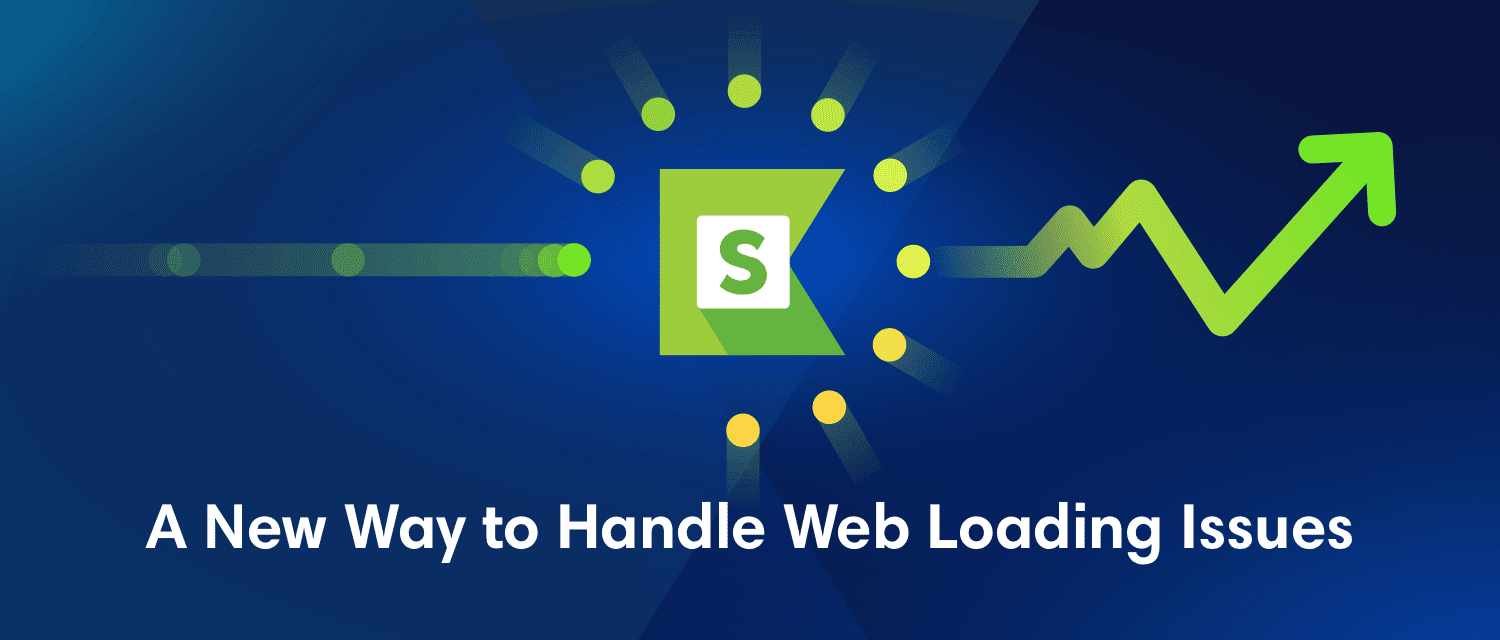
You may already be familiar with Smart Wait, the feature that automatically waits for the page to finish loading before throwing a Selenium wait exception. Smart Wait waits until front-end processes such as JavaScript and Ajax calls have settled, with no extra code. Upgrading to Katalon Studio 7 means less time spent solving Selenium timing issues.
Smart Wait is available in both the standard free Katalon Studio 7 version and Katalon Studio Enterprise.
Custom Keywords Refactoring
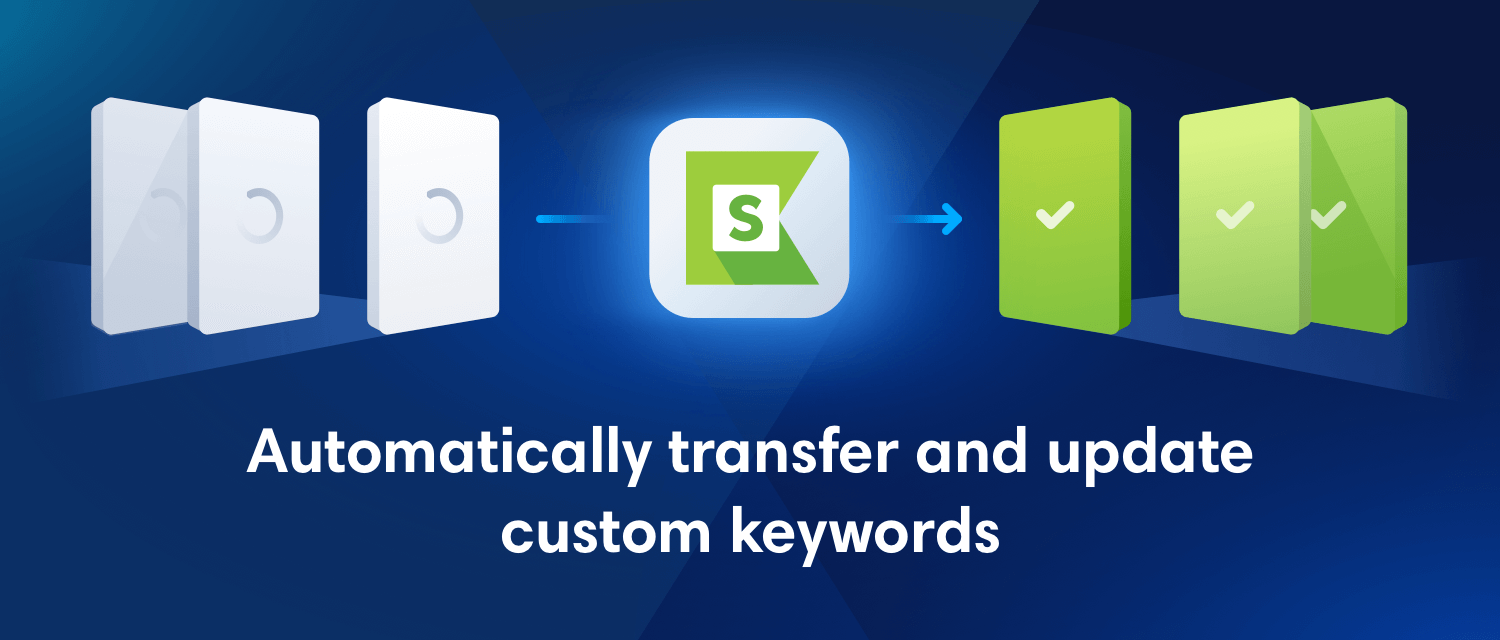
The Custom Keywords Refactoring feature allows you to transfer keywords to different places in the test project without altering their external behaviors.
In other words, if you move a custom keyword from one package to another, Katalon Studio automatically updates the package and keyword identifier in your test scripts, with no extra steps.
You can refactor custom keywords from both your test cases and the Custom Keywords section.
Major Memory Leak Improvements
Katalon Studio 7 isn't just about front-end UI improvements. In fact, its UI closely resembles Katalon Studio 6.x. The major enhancement is in the backend: fewer memory leaks.
A memory leak happens when a program doesn't release memory it has allocated. Over time, this can make an application slow or unresponsive.
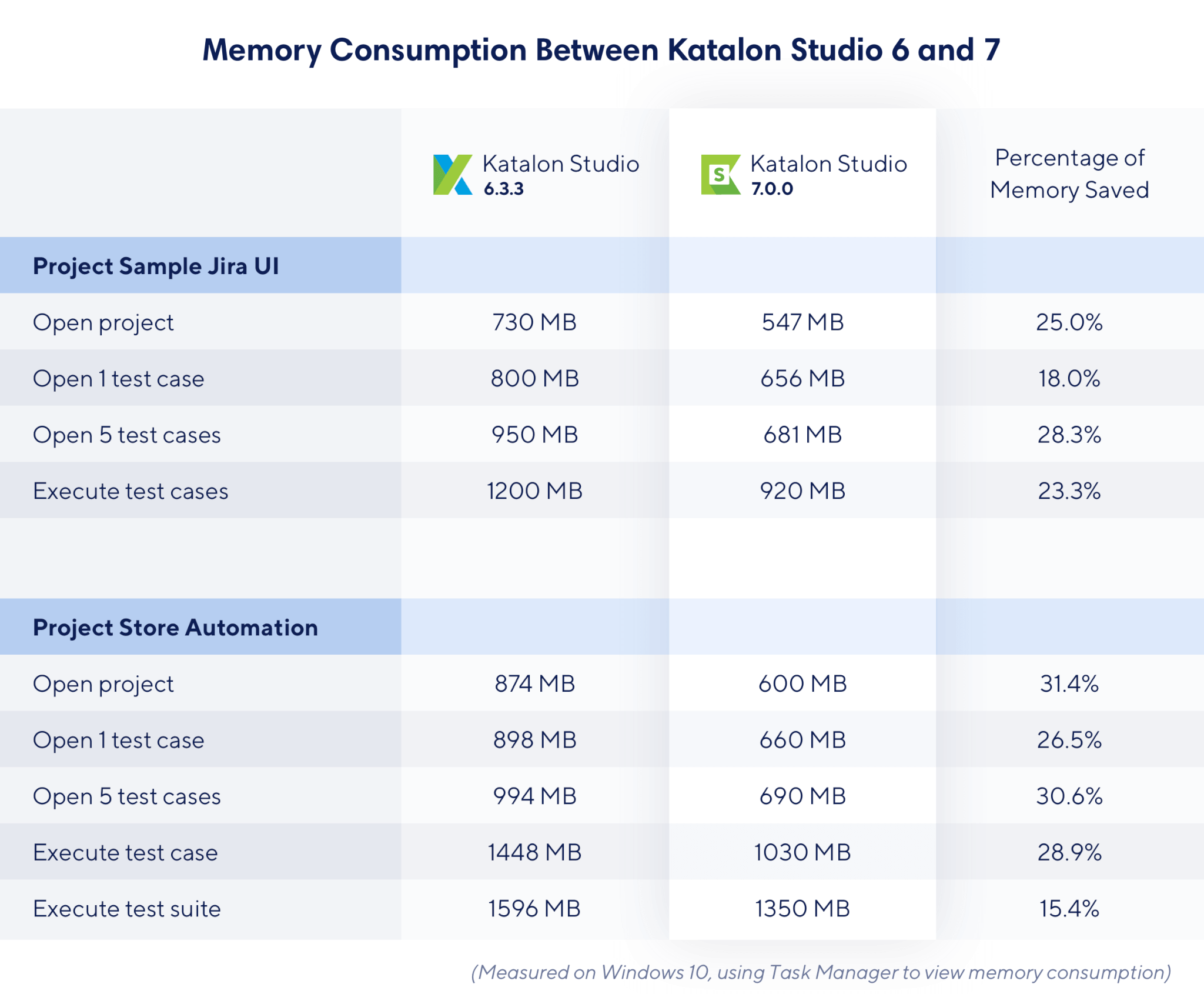
We made considerable changes to detect and reduce memory leaks, lowering memory consumption by 25% on average. The table below breaks down the reduction by testing action.
Other Features and Capabilities
Versions 7.0.0 to 7.0.10
- Desktop application testing in Windows 10
- Data-driven testing with additional database resources
- Attach Katalon Studio source codes for debugging
- Test objects refactoring
- Test artifacts sharing across multiple projects
- WebDriver event listeners
- Customizing console logs
Learn more about the major features in Katalon Studio 7.
Versions 7.1.0 to 7.1.1
- Create testing licenses to verify machine IDs when creating offline licenses (for Katalon Studio Enterprise users)
- Added the Billing Manager role to manage subscriptions in Katalon TestOps (for Katalon Studio Enterprise users)
- Supports naming test artifacts, including test cases, test objects, test data files, test suites, test suite collections, and checkpoint with UTF-8 characters
- Automatically update keywords’ references in other custom keyword classes when renaming or drag-and-dropping a custom keyword
Version 7.2.2
- New feature: Image-based object recognition Learn more
Version 7.2.4
- Capability to edit JVM parameters in Execution Settings Learn more
Version 7.2.5
- Capability to configure Content Types in HTTP Header separately from HTTP Body
See the full Katalon Studio 7.x release notes.
We understand this transition may have caused some inconvenience. Our work to make Katalon accessible is ongoing, and we believe this was the best path forward for everyone. Thank you for choosing Katalon.
Frequently asked questions
Katalon Studio 6 and all earlier versions reached end of support on April 30, 2020, after a grace period that began in October 2019.
You can't activate it, and it gets no driver updates, security or performance patches, documentation updates, or bug fixes, so tests may break on newer browsers and operating systems.
From Katalon Studio 7, console mode and CLI execution require Katalon Runtime Engine, an add-on that works with both the free and Enterprise editions.



Test everything. Ship with confidence.
From generating test cases to spotting failures, Katalon's AI works across your entire pipeline, automatically.
