


Compare 10 desktop automation testing tools, including WinAppDriver, Katalon, TestComplete, Tricentis Tosca, Ranorex, and Robot Framework, with the key features, benefits, and setup steps QA teams need to choose the right fit.
When compared with web testing or mobile testing, desktop testing has relatively lower demand. This is due to the widespread adoption of web and mobile applications and the increasing reliance on online services. However, for businesses that still use desktop applications, having a solid automation tool is essential.
In this article, we list the top 10 desktop automation tools for you to consider. Each tool offers strong capabilities that can improve your testing workflow:
- WinAppDriver
- Katalon
- Winium
- TestComplete
- Tricentis Tosca
- Eggplant Functional
- OpenText UFT One
- Ranorex
- SikuliX
- Robot Framework
What are desktop automation tools?
Desktop automation tools are designed to automate testing of applications running on desktop platforms such as Windows, macOS, or Linux. These tools help automate repetitive tasks and ensure application functionality. If you also test web, mobile, or API apps, see our broader guide to automation testing tools.
Read More: What is Desktop Testing? A Complete Guide
Benefits of desktop testing tools
- Higher efficiency thanks to automated handling of repetitive tasks
- More consistent testing processes with reduced risk of manual variability
- Simplified regression testing with faster detection of issues after code changes
- Unattended test execution frees testers to focus on more complex scenarios
- Smooth CI/CD integration for automated testing during development cycles
Key features of desktop testing tools
- Record-and-Playback: Capture user actions and convert them into repeatable test scripts.
- Scripting Language Support: Ability to modify or extend tests using various programming languages.
- Reporting and Logging: Detailed insights into test execution and failures.
- Integration Capabilities: Connect with test management tools and CI/CD systems.
Best desktop automation tools
1. WinAppDriver

WinAppDriver (Windows Application Driver) is a free tool from Microsoft designed for automating Windows desktop applications. It implements the WebDriver protocol, so it works with Appium and Selenium-style client libraries for Windows desktop testing.
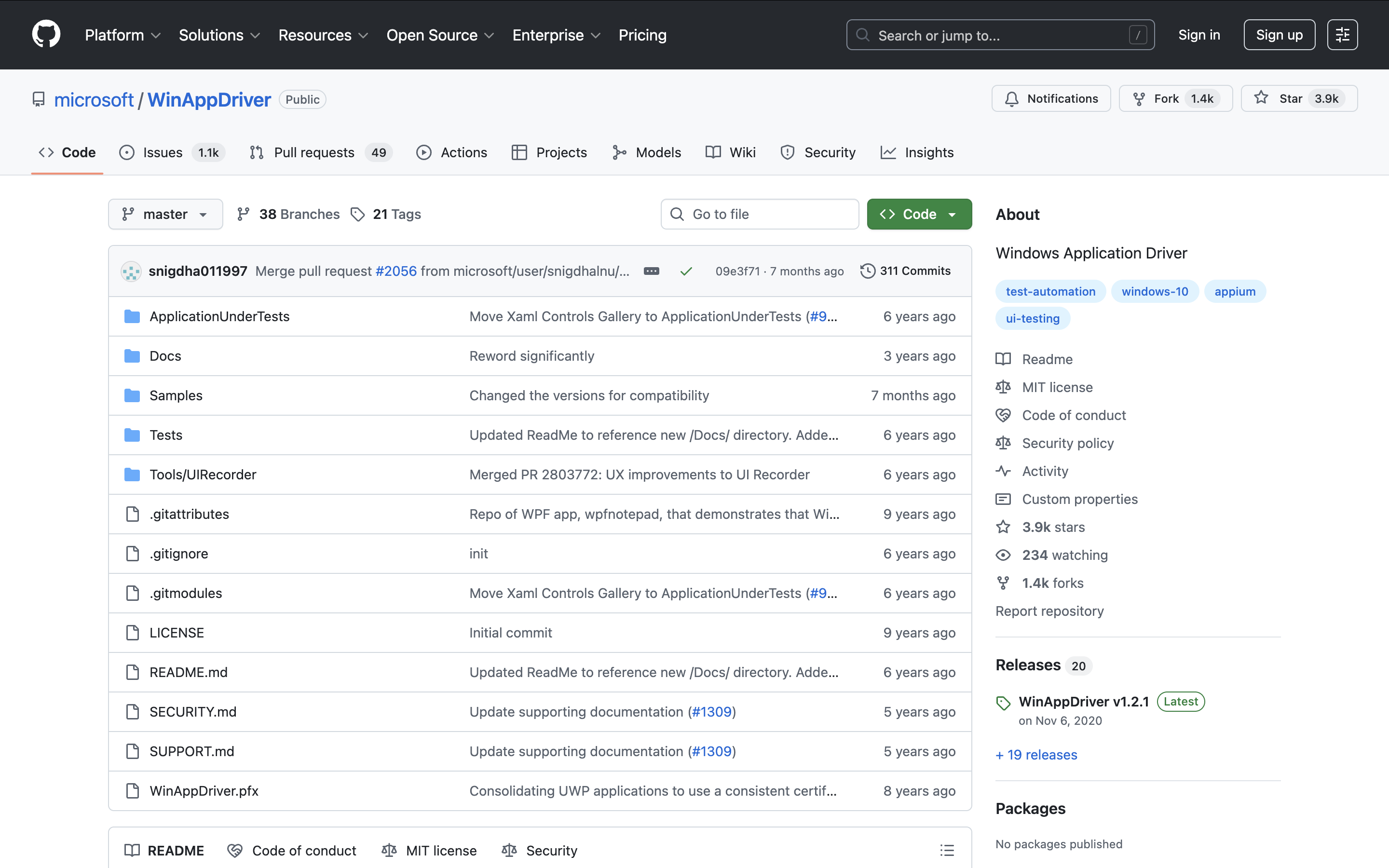
WinAppDriver uses the same WebDriver protocol as Selenium and Appium, and Appium's Windows driver uses it under the hood. This allows teams familiar with Selenium or Appium to reuse their expertise across mobile and desktop platforms. Note that Microsoft hasn't shipped major WinAppDriver updates in several years, so check that it supports your target Windows version.
To begin desktop automation with WinAppDriver:
- Download the Windows Application Driver installer from WinAppDriver releases.
- Install it on a Windows 10 (or later) machine where your application under test is installed.
- Enable Developer Mode in Windows settings.
- Run WinAppDriver.exe from the installation directory (e.g., C:\Program Files (x86)\Windows Application Driver).
Key advantages of WinAppDriver:
- Unified testing approach for mobile and Windows applications
- Support for multiple languages including C#, Java, Python, Ruby, and more
- Strong integration with Microsoft tools
- Open-source and community-supported
Check out its GitHub: WinAppDriver
2. Katalon [Best For All Testing Purposes]

Katalon is a comprehensive testing platform supporting automation testing for web, desktop, mobile, and APIs. This means you can easily switch between testing types without being limited to a single approach, an advantage in today's interconnected software landscape.
For desktop testing specifically, WinAppDriver must be installed on your machine. You can install WinAppDriver either manually or directly from inside Katalon Studio. After you download Katalon:
From the Katalon Studio toolbar, go to Tools > Windows > Install WinAppDrivers. A setup window will open. Follow the prompts to complete installation.
Once installed, you can start testing desktop applications with Katalon. Katalon Studio offers three authoring modes:
- No-code: Use Record-and-Playback to perform test steps manually. Katalon records your actions and converts them into an executable script.
- Low-code: Use Katalon's library of Built-in Keywords, parameterized test actions that work like reusable templates. Katalon maintains the library so you don't have to.
- Full-code: Write full test scripts in Scripting Mode for maximum customization, while still benefiting from low-code features.
After creating a test case, simply choose your execution environment and run it. You can execute tests on Windows, across major browsers, or on mobile OS. Execution can be done locally, remotely, or in the cloud via Katalon Test Cloud. Learn more about Katalon Test Cloud.
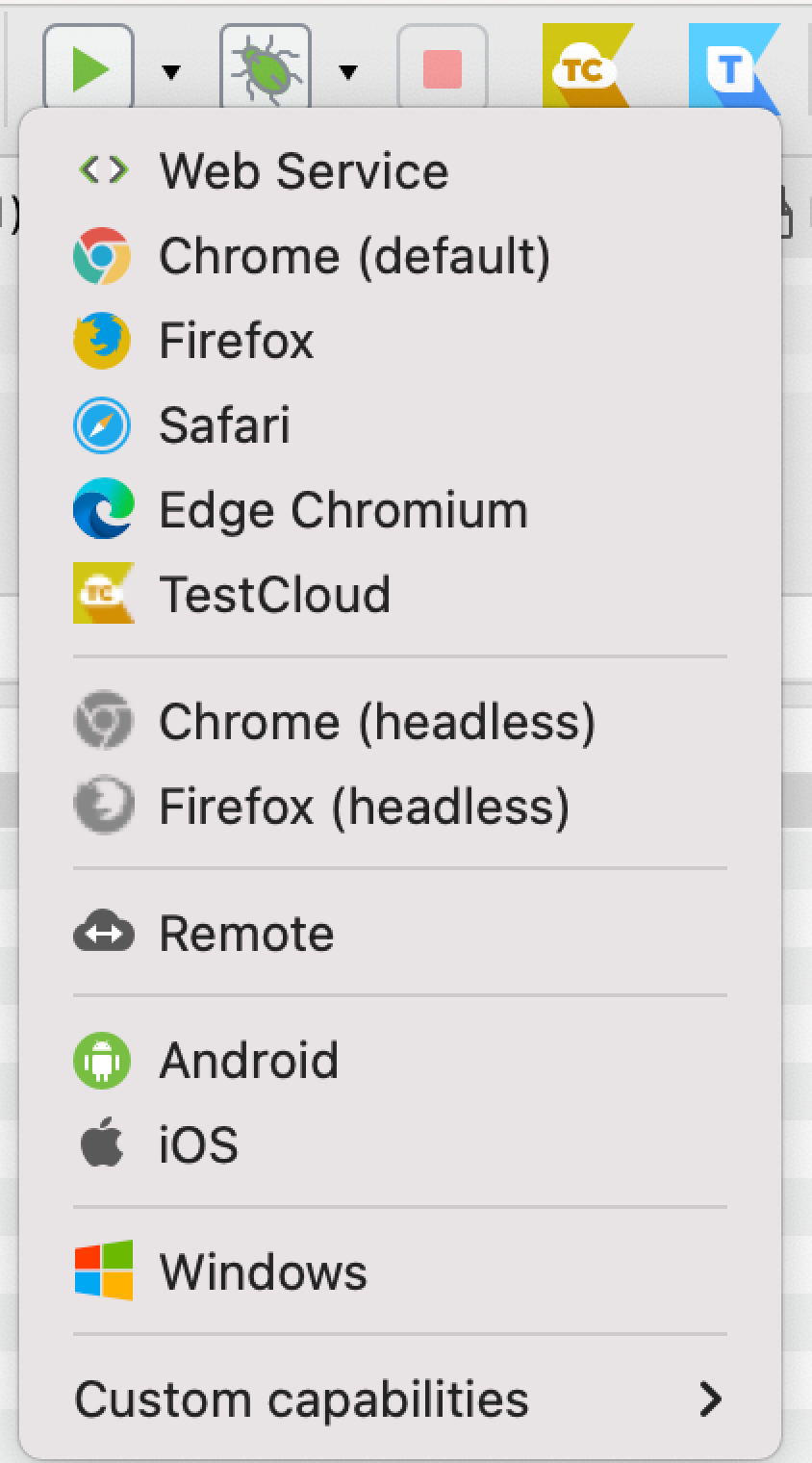
Here’s Katalon’s test execution in action:
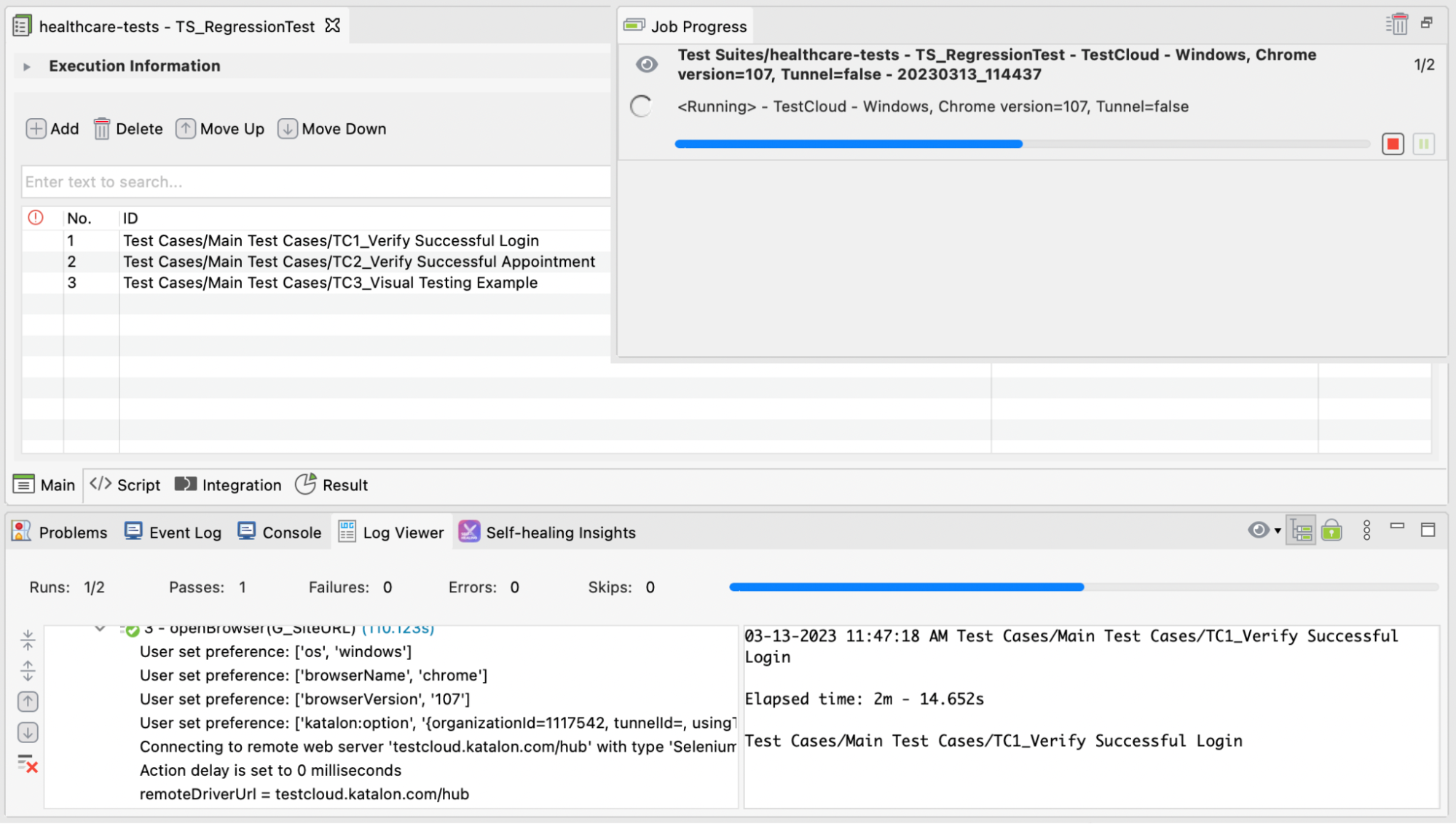
After execution finishes, Katalon generates detailed reports with analytics, screenshots, videos, and insights for stakeholders. The platform also includes built-in test planning and test management capabilities.
Visit Katalon Website | Pricing | G2 Reviews
3. Winium

Winium is an open-source automation testing framework for Windows desktop applications built on Selenium. Similar to WinAppDriver, Winium helps bridge the gap between web testing and desktop testing, so if you already have Selenium experience, adopting it is easy. Note that the project hasn't been actively maintained for several years, so check compatibility with your environment before committing to it.
Several notable advantages of using Winium:
- High similarity in methods and commands with Selenium, making it easier for testers to reuse existing skills for desktop testing.
- Integration with Appium to extend its capabilities to mobile testing.
- Support for Java, C#, Ruby, Python, PHP, Perl, Objective C, JavaScript with Node.js, and more.
Check out its GitHub: Winium
4. TestComplete

TestComplete is a multi-purpose testing tool that supports a wide range of application types including Windows, .NET, WPF, Visual C++, Visual Basic, Delphi, C++Builder, Java, web, and mobile applications.
With TestComplete, teams can build test cases using Keywords that emulate user interactions with the application under test. Whether you rely on Record-and-Playback or run test cases across different environments, TestComplete is especially useful for teams focusing on functional and unit testing.
Beyond its broad keyword library (called Operations), TestComplete lets you customize parameters to tailor each action. The Record-and-Playback feature also helps less-experienced users create automated tests quickly.
Test execution is enhanced with capabilities such as test scheduling, parallel testing, batch test runs, automatic shutdown after tests, and more.
Visit TestComplete Website | G2 Reviews
5. Tricentis Tosca

Tricentis Tosca is a comprehensive automation tool for testing web, API, mobile, and desktop applications. Its model-based testing approach lets users scan an application's UI or APIs to create a business-focused model, simplifying both test creation and maintenance.
Highlighted features include:
- Effortless test creation without code using a model-based approach that maximizes test asset reuse.
- Risk-based test optimization through intelligent test design and requirement prioritization.
- Service virtualization to simulate complex systems and build realistic testing environments.
- API scanning with broad support for multiple API technologies.
- Parallel and cross-platform testing for broader coverage.
- Integrations with other testing frameworks and CI/CD tools to support end-to-end automation workflows.
Visit Tricentis Tosca Website | G2 Reviews
6. Eggplant Functional

Eggplant Functional is a GUI automation testing tool for mobile, desktop, and web applications. Using an image-based testing approach, a single script can automate across many platforms and technologies.
Highlighted features include:
- Multiple test design methods: recording, manual mode, and assisted scripting.
- Uses SenseTalk, a unique English-like scripting language.
- Integrates with the broader Eggplant ecosystem for monitoring and expanded automation.
- Integrations with CI/CD tools for automation workflows.
Visit Keysight Eggplant Website | G2 Reviews
7. OpenText UFT One (formerly Micro Focus UFT)

Unified Functional Testing (UFT) One, now part of OpenText after its acquisition of Micro Focus, is a full-featured automation tool supporting web, mobile, and desktop testing with strong functional and regression testing capabilities.
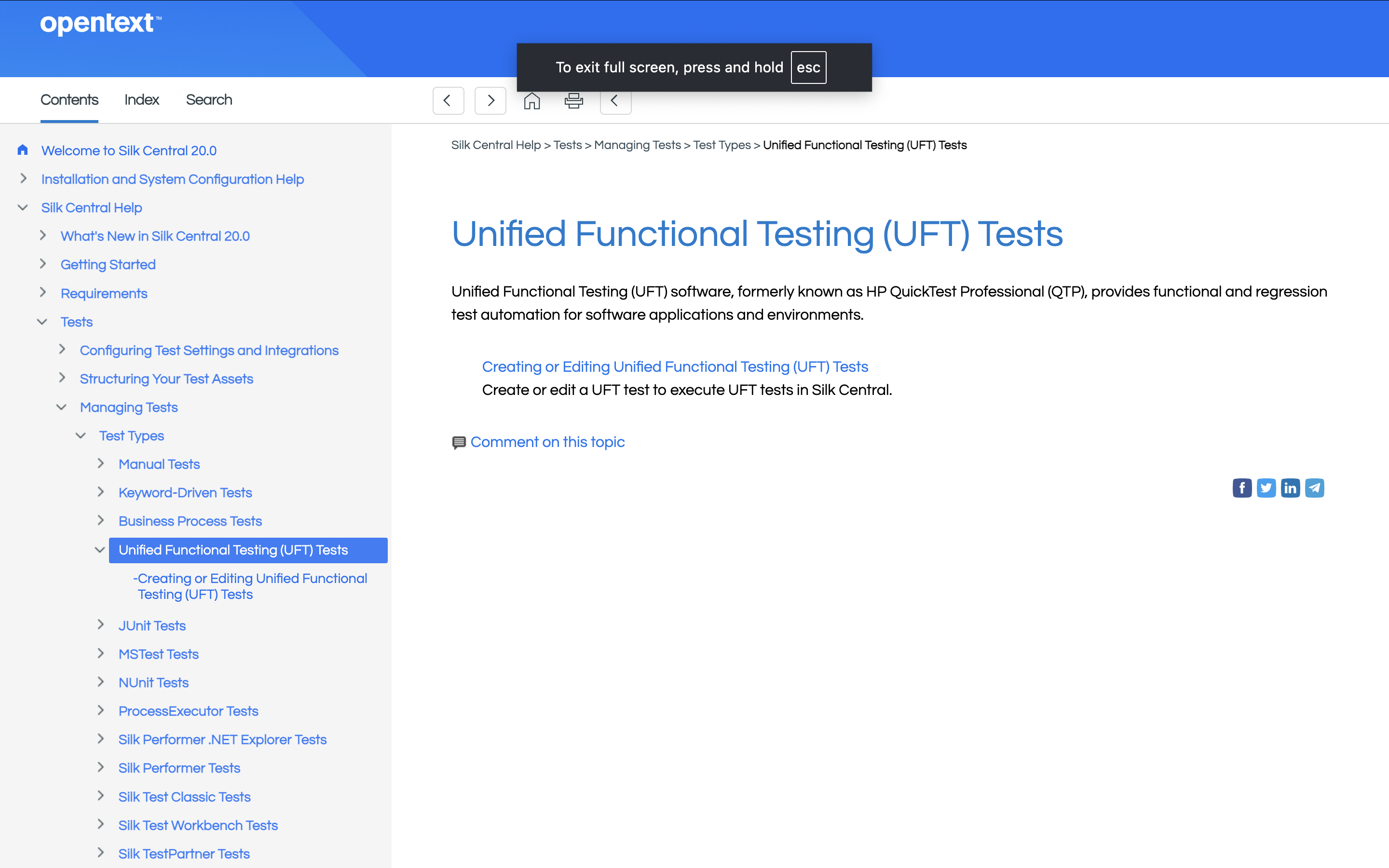
Highlighted features include:
- Cross-platform testing across varied tech stacks.
- Advanced object-recognition engine for stable UI automation.
- Extensive protocol and technology support.
- Native integration with OpenText ALM for test management.
Visit OpenText UFT One Website | G2 Reviews
8. Ranorex

Ranorex Studio provides automation for desktop, web, and mobile applications with both low-code features and a full IDE for advanced testers.
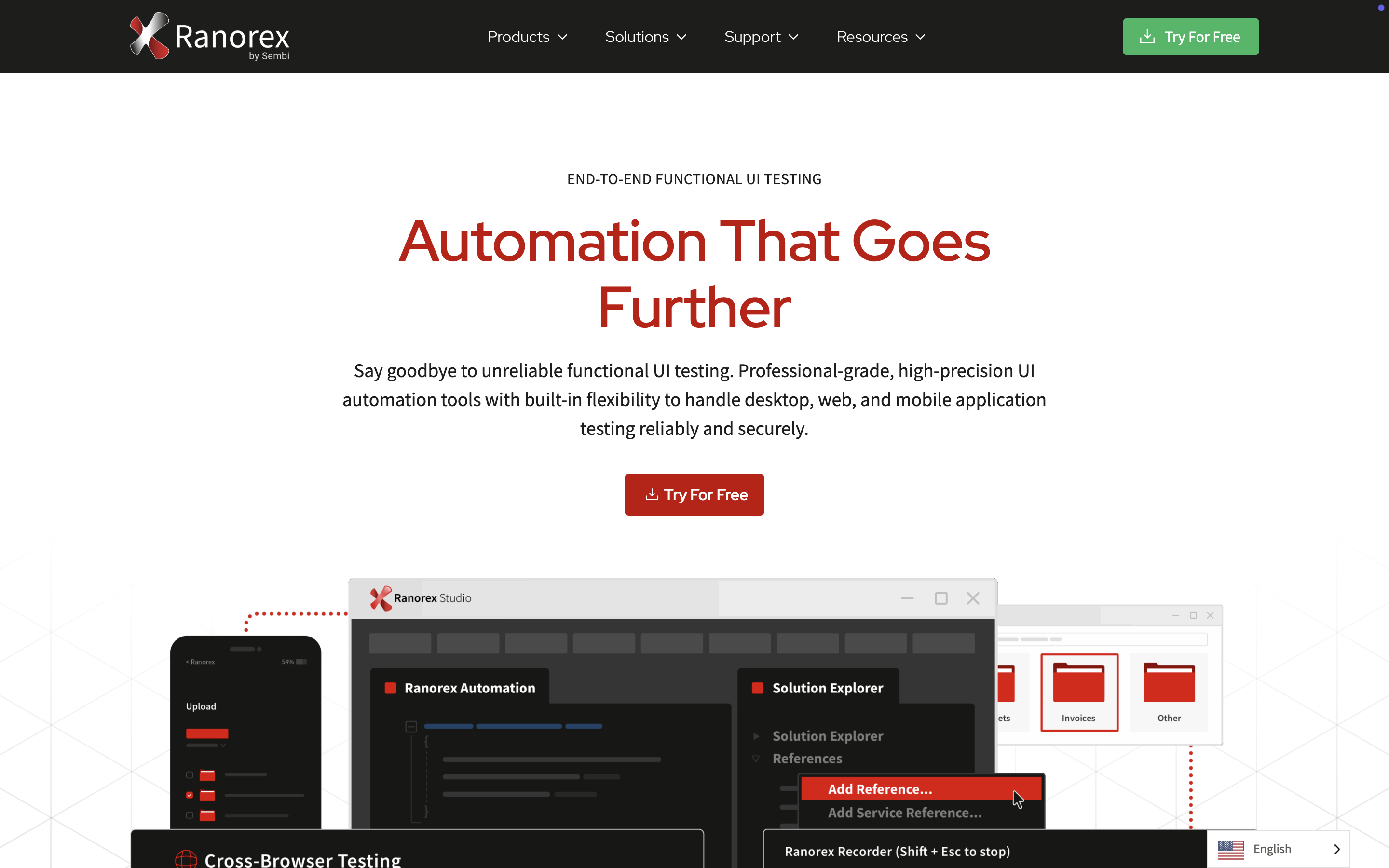
Highlighted Features:
- Low-code automation and a complete IDE environment.
- Easy for beginners, flexible enough for experts.
- Supports VB.Net and C# scripting.
- Broad compatibility across web, mobile, and desktop platforms.
- Ranorex Spy and RanoreXPath for accurate element recognition.
- Record & playback and scripting modes available.
- Distributed and parallel testing through Selenium Grid.
- Strong integrations with test frameworks and CI/CD tools.
Visit Ranorex Studio Website | G2 Reviews
9. SikuliX

SikuliX automates desktop tasks on Windows, macOS, and Linux/Unix using OpenCV image recognition. It’s especially useful when GUI internals or DOM-level access is unavailable.
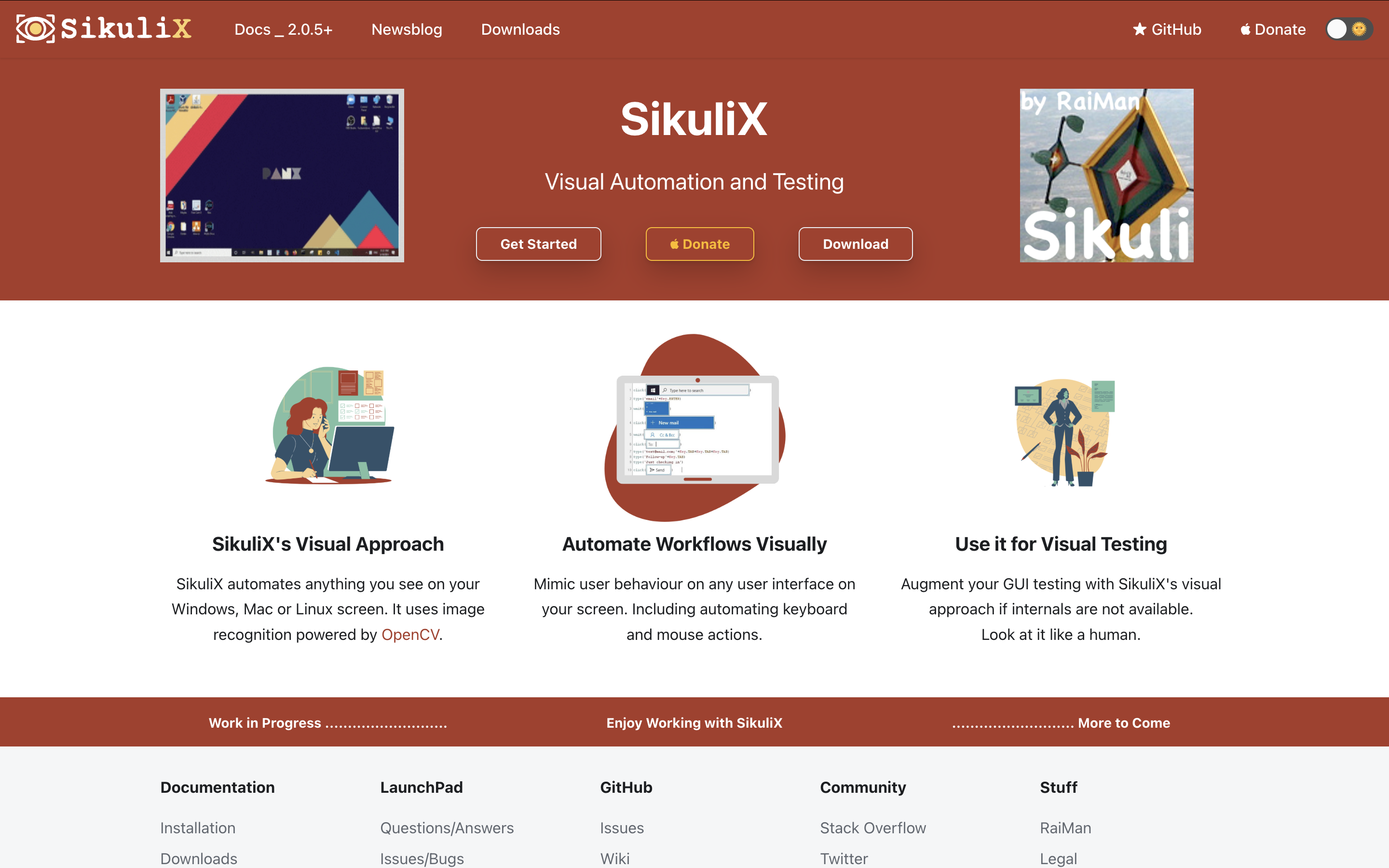
Highlighted Features:
- Supports Python (Jython), Ruby (JRuby), JavaScript, and other JVM languages like Scala and Clojure.
- Not available on mobile devices, but works through emulators or VNC-based solutions.
- Experimental Android automation via ADB.
- Full mouse/keyboard control, including multi-monitor and remote setups.
- Basic OCR powered by Tesseract.
- Can search text within images.
- Runs as a Java application across Windows, macOS, and Linux/Unix.
- Useful for automating repetitive app tasks, games, IT admin workflows, and GUI testing.
- Great for creating live demonstrations or training material.
Check out its GitHub: SikuliX
10. Robot Framework

Robot Framework is a widely adopted open-source framework for acceptance testing and robotic process automation (RPA). Built on Python, it is known for its flexibility, strong ecosystem, and keyword-driven approach.
Highlighted Features:
- Runs on Python 3 (including PyPy).
- Works across Windows, macOS, and Linux.
- Flexible authoring via VS Code, PyCharm, RIDE, or plain text editors.
- Keyword-driven testing for simple, readable automation.
- Autocomplete and syntax highlighting through editor plugins for faster development.
- Strong integrations with Appium, Selenium, and many external libraries, including community libraries for Windows desktop automation.
Frequently asked questions
Desktop automation tools are software solutions designed to automate the testing of applications that run on desktop operating systems such as Windows, macOS, or Linux. They help automate repetitive tasks to ensure the functionality and reliability of desktop applications.
The main benefits include increased efficiency by automating repetitive tasks, more consistent testing procedures, simplified regression testing, the ability to run tests unattended, and seamless integration with CI/CD pipelines to accelerate development and deployment.
Essential features for desktop automation tools include Record-and-Playback functionality for easy script creation, support for various scripting languages to allow customization, robust reporting and logging capabilities for detailed insights, and strong integration capabilities with other test management and CI/CD tools.
The article lists 10 top desktop automation tools for QA: Katalon, WinAppDriver, Winium, TestComplete, Tricentis Tosca, Eggplant Functional, Micro Focus UFT, Ranorex, SikuliX, and Robot Framework.
Katalon Platform supports desktop automation testing for Windows applications, often leveraging WinAppDriver. It provides flexible test creation with no-code (Record-and-Playback), low-code (Built-in Keywords), and high-code (Scripting mode) options. Users can execute tests locally, remotely, or on the cloud via Katalon TestCloud, and the platform generates detailed reports and analytics.





Test everything. Ship with confidence.
From generating test cases to spotting failures, Katalon's AI works across your entire pipeline, automatically.
