


Upgrading from Katalon Studio 8.x to 9.x? See what 9.0 to 9.2 introduced, from faster performance and StudioAssist to Appium 2.0 support, plus the JRE 17, plugin, BDD, and Linux steps to check before you migrate.
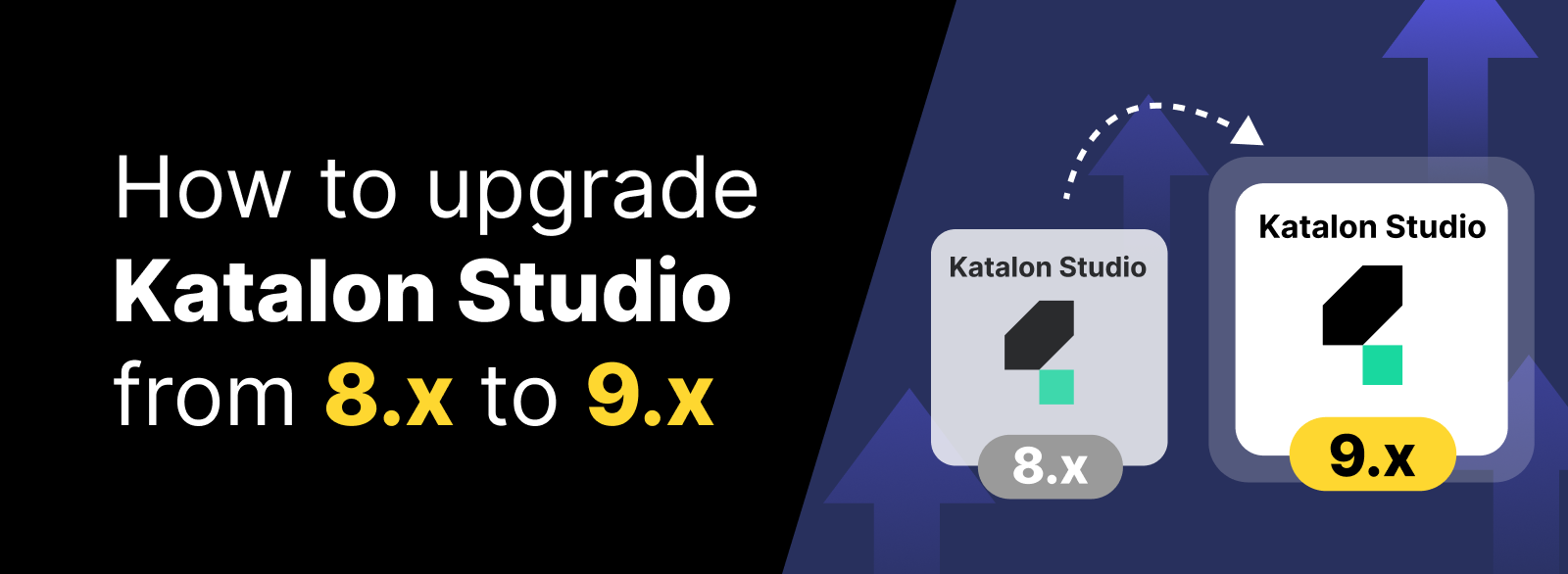
Overview of Katalon Studio 9.x
In late 2023, we introduced the Katalon Studio 9.0, 9.1, and 9.2 releases, the latest editions of Katalon's test authoring capabilities at the time. These releases brought major upgrades to our core libraries, introduced the AI-powered coding assistant StudioAssist, and added support for Appium 2.0 for more streamlined mobile testing. With these enhancements, you can reduce coding time, resolve issues faster, improve test coverage, and minimize risks associated with coding.
Katalon Studio 9.x: Enhanced test automation
Major Performance Improvement (9.0):
Studio 9 is Katalon's fastest test authoring release yet. This release provides a significant improvement in performance with up to 82% faster project opening/loading, 25% quicker execution times, and a remarkable 28% enhancement in artifact opening/loading. These enhancements stem from our core library upgrade, encompassing Eclipse, Java, Groovy, and EGit. We believe this can accelerate workflows and issue resolution for your testing experience.
AI-Powered Coding Assistance (9.0):
Meet StudioAssist, your AI-powered co-author. Generate Groovy code and Studio keywords from a prompt, and explain a block of code with a single click. This feature boosts productivity, improves test accuracy, and reduces the risk of coding errors. It's particularly helpful for new testers and teams with diverse technical backgrounds.
Appium 2.0 Support (9.1, 9.2):
Official support for Appium 2.0 significantly advances mobile testing capabilities. It integrates with Xcode 15 and supports the latest iOS versions (iOS 16 and 17). Enjoy streamlined mobile app test creation with Record and Spy utilities, run automated scripts on multiple mobile browsers, and use Appium 2.x in CI/CD pipelines with Katalon Runtime Engine. These upgrades make test creation and execution easier and more reliable, saving time and improving accuracy.
Streamlined iOS Setup and WebDriver Agent (9.1)
Mobile testing with Katalon Studio has never been better. Streamlined iOS setup with optimized dependencies ensures a smoother integration process. Improved device selection, provisioning profile options, and enhanced details for development identities provide greater control. The restructured WebDriver Agent enhances navigation and certificate selection for a more efficient mobile testing experience.
Easy registration with social logins (9.x)
Katalon is now equipped with social login options, simplifying the process of starting your testing journey. Register with us using your work email, Gmail, or GitHub Credentials. Whether you prefer registering via our website or logging in directly from Studio, creating an account has never been easier. This feature is available across all 9.x releases.
Migration from Katalon Studio 8.x to 9.x
Migrating from Studio 8.x to 9.x is done with ease. Depending on your testing projects, you can easily upgrade to 9.x without any required actions. However, let's address some specific scenarios where a bit more attention is needed.
Custom Plugins, Older JRE, or External Libraries:
If your setup involves custom plugins that are not published by Katalon, a JRE version lower than 17, or if you have imported any external libraries to your test project, then a few extra steps are required for the migration. Follow these detailed instructions in our documentation for a smooth transition for your unique configuration. Learn more
BDD Projects - Minimal Configuration
For users with BDD projects, a small configuration tweak is needed: add a @BeforeTestCase listener to your project. Check out the step-by-step guide.
Windows, Mac, and Linux users
If you are Windows or Mac users, you don't have to do any further actions to upgrade, simply go to our download page and install our latest versions.
If you are a Linux user, in order to run Studio 9.x you need to install OpenJDK 17 on your device. Dive into the installation of Studio with Linux (GUI) in our installation guide.

Points to consider before upgrading
In Katalon Studio 8.x, you have the flexibility to designate your preferred JRE package from version 8 to version 14, as the default choice for compiling and executing test projects. To learn more into configuring the desired JRE package for your test projects in Katalon Studio, refer to the documentation available here.
However, it's important to note that in version 9.x, we elevated the Eclipse framework to version 2023-03, requiring at least Java version 17. Therefore, you should not upgrade to 9.x until your projects are compatible with JRE 17.
Wrapping up
It's clear that version 9.x isn't just an upgrade; it's a leap forward in test automation. From major performance improvements and AI-powered coding assistance in 9.0 to Appium 2.0 support and enhanced iOS setups in 9.1 and 9.2, each release brings new efficiencies and capabilities. We trust these new features and enhancements will prove valuable in your testing efforts.
While the transition needs attention in certain scenarios, the benefits outweigh the extra steps. We're excited to see how these enhancements transform your testing workflows. Upgrade to Katalon Studio 9.x today!
Make sure to join our Katalon Community forum to get the latest updates on the Katalon Platform and to connect with and receive support from other Katalon users: Katalon Community – The Official Discussion Forum of Katalon. We love our community feedback.




Test everything. Ship with confidence.
From generating test cases to spotting failures, Katalon's AI works across your entire pipeline, automatically.
