


TestCloud runs your Katalon Studio tests on hosted browsers and real mobile devices. Katalon Runtime Engine (KRE) runs them from the command line on your own machines and CI. Here is what each add-on does, how they work together, and which plans they need.
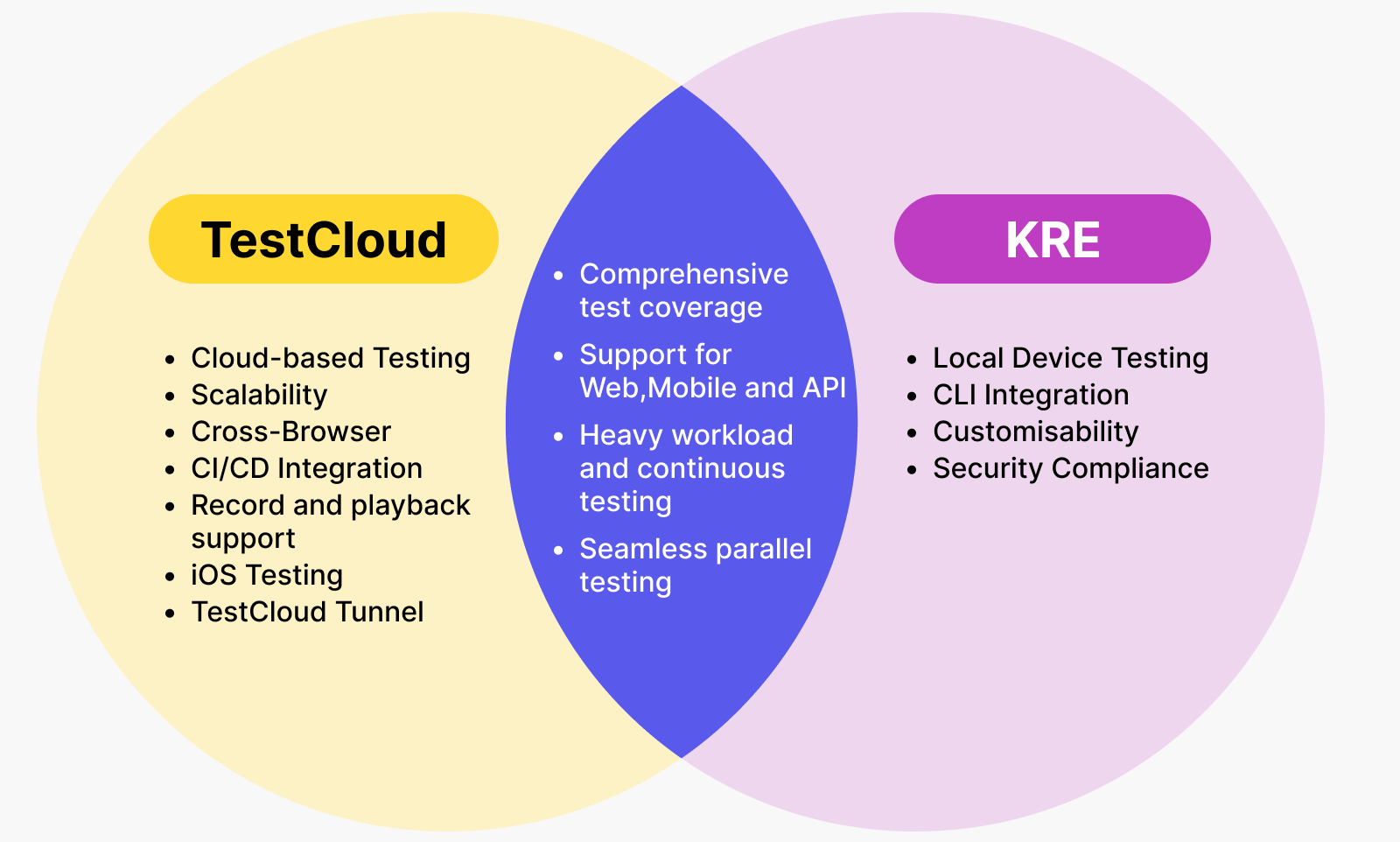
Katalon TestCloud vs Katalon Runtime Engine (KRE) comes down to two different questions: TestCloud decides where your Katalon Studio tests run (hosted browsers and real mobile devices), and KRE decides how they run (from the command line, without opening Studio, on your own machines or CI). Many teams use both, with KRE starting runs in the CI pipeline and TestCloud supplying the browsers and devices.
This guide compares the two add-ons as of November 2026: what each one does, when to use each, how to combine them, and which plans they need.
TestCloud vs Katalon Runtime Engine: the short answer
- Use TestCloud when you need browsers, operating systems, or real iOS and Android devices you do not want to buy and maintain, and when you want suites to run in parallel without building a grid (parallel execution needs Professional or Enterprise).
- Use KRE when you need to run Studio tests from a script, a scheduler, a Docker container, or a CI/CD pipeline, on infrastructure you control.
- Use both when your pipeline should run tests automatically and those tests need cloud browsers or real devices. KRE runs in CI and points the run at a TestCloud environment.
- Use neither yet if one tester runs tests locally from Katalon Studio. Local execution is included in every Studio plan.
TestCloud: hosted browsers and real devices
Katalon TestCloud is a cloud test execution add-on for Katalon Studio. It also runs Playwright, Selenium, and Appium tests. It gives you hosted Chrome, Firefox, and Edge browsers on Windows, macOS, and Linux, Safari on macOS, plus real iOS and Android devices for mobile web and native app testing. You pick an environment in Studio or Katalon TestOps, and the run happens on Katalon-managed infrastructure. You can also test by hand on real devices with Live testing, which draws on the same sessions as automated runs.
With a paid Studio plan (Professional or Enterprise), TestCloud runs suites in parallel, up to the number of TestCloud sessions you have, so a regression suite that takes hours on one machine can finish faster when split across environments. For apps that are not public, a private tunnel (Katalon Tunnel in the docs) and IP allowlisting let cloud browsers and devices reach staging or internal sites.
If you are also weighing hosted device clouds, see our TestCloud vs BrowserStack comparison.
What is Katalon Runtime Engine (KRE)?
Katalon Runtime Engine (KRE) is the execution add-on that runs Katalon Studio tests in command-line mode. One katalonc command runs a test suite or suite collection without opening the Studio interface, so you can call it from a scheduler, a script, or a CI/CD job.
KRE uses floating licenses, and each license covers one active execution session at a time. Teams on Enterprise can convert licenses to offline for machines with limited or no internet access. Katalon also publishes a Docker image that ships Chrome, Firefox, and Edge with Studio and runs katalonc inside a container; it needs an active KRE floating license.
KRE works with most CI systems. Katalon lists a GitHub Action, an Azure DevOps extension, and a CircleCI orb, and documents setups for Jenkins, GitLab CI, TeamCity, Bamboo, Bitbucket, AWS CodeBuild, and others. Exit codes tell the pipeline whether the run passed, so a failed suite can stop a build.
TestCloud vs Katalon Runtime Engine at a glance (as of November 2026)
Area | Katalon TestCloud | Katalon Runtime Engine (KRE) |
|---|---|---|
What it is | Cloud execution add-on | Command-line execution add-on |
Test frameworks | Katalon Studio, Playwright, Selenium, Appium | Katalon Studio projects |
Test types | Web and mobile (browsers and real devices) | Web, API, mobile, and Windows desktop tests built in Studio |
Where tests run | Katalon-managed browsers and real devices | Your machines, VMs, containers, or CI runners |
Browsers and OSes | Chrome, Firefox, and Edge on Windows, macOS, and Linux, Safari on macOS | Browsers installed on your machine or container |
Mobile | Real iOS and Android devices, mobile web and native apps | Devices and emulators you connect and maintain |
How runs start | Studio, TestOps schedules, CI pipelines, or KRE |
|
Parallel runs | Up to the number of TestCloud sessions purchased (parallel execution needs Professional or Enterprise) | Up to the number of KRE floating licenses (one active session each) |
Private apps | Private tunnel and IP allowlisting | Runs inside your own network |
Setup and upkeep | No browsers, devices, or grid to maintain | You install and maintain machines, browsers, and drivers |
Licensing | $1,519 per session per year (Cross Browser or Mobile Devices); $300 for Live Testing | $1,399 per floating license per year; offline licenses on Enterprise |
Studio plan needed | Works with any Studio plan, including Free | A paid plan (Professional or Enterprise) |
Results | Reports in Studio and Katalon TestOps | Reports in Studio format, uploadable to Katalon TestOps |
When to use TestCloud
TestCloud is the better fit when the bottleneck is environments, not automation:
- Cross-browser coverage: you need Safari, Edge, or a different OS than your team's laptops, without keeping a lab of machines up to date.
- Real mobile devices: you test native or mobile web apps on iOS and Android and do not want to buy and manage a device lab. iOS devices are available even if your team works on Windows or Linux.
- Parallel runs without a grid: you want suites split across environments without setting up Selenium Grid or similar infrastructure (Professional and above).
- Private or staging apps: the tunnel lets hosted browsers and devices reach apps behind your firewall.
Devices on TestCloud are shared, so a busy device model can queue for a short time before a run starts. Plan device-heavy runs with that in mind.
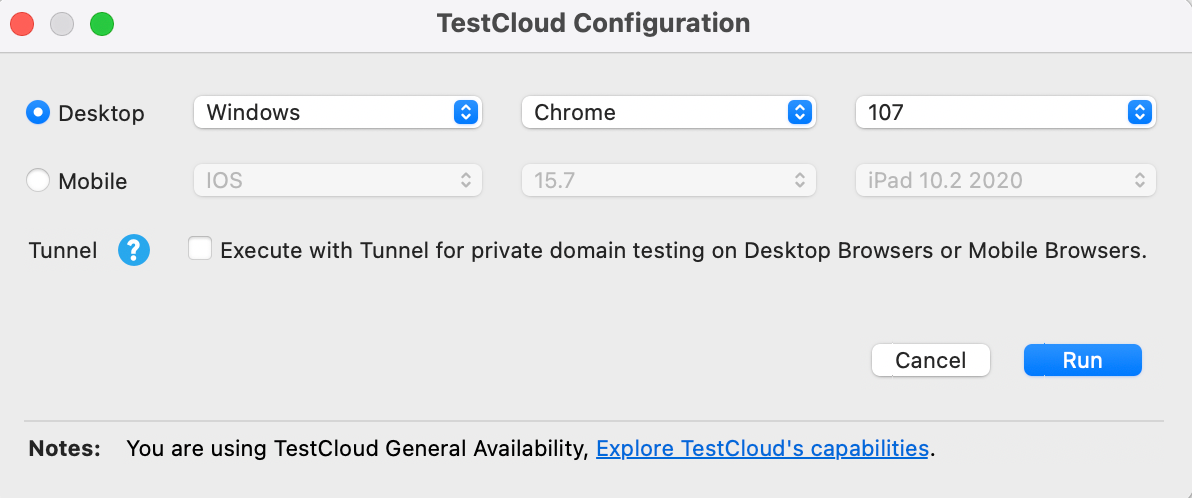
To see how mobile tests run on cloud devices from Studio, try the interactive demo below.
When to use KRE
KRE is the better fit when the bottleneck is automation, not environments:
- CI/CD pipelines: you want tests to run on every commit, merge, or deployment. Follow our guide to run Katalon Studio tests in CI/CD for a Jenkins example.
- Scheduled and unattended runs: nightly regression on a server, without someone opening Studio.
- Containers: you package tests in Docker so every run starts from the same clean environment.
- Data and network control: your security policy says test traffic and data must stay inside your own network.
- Desktop apps: you test Windows desktop applications, which TestCloud does not host.
- Your own hardware: you already own the machines, browsers, or devices you need, or need a configuration a cloud service does not offer.
When to use both: KRE in CI, TestCloud for environments
The two add-ons are designed to work together. A common setup:
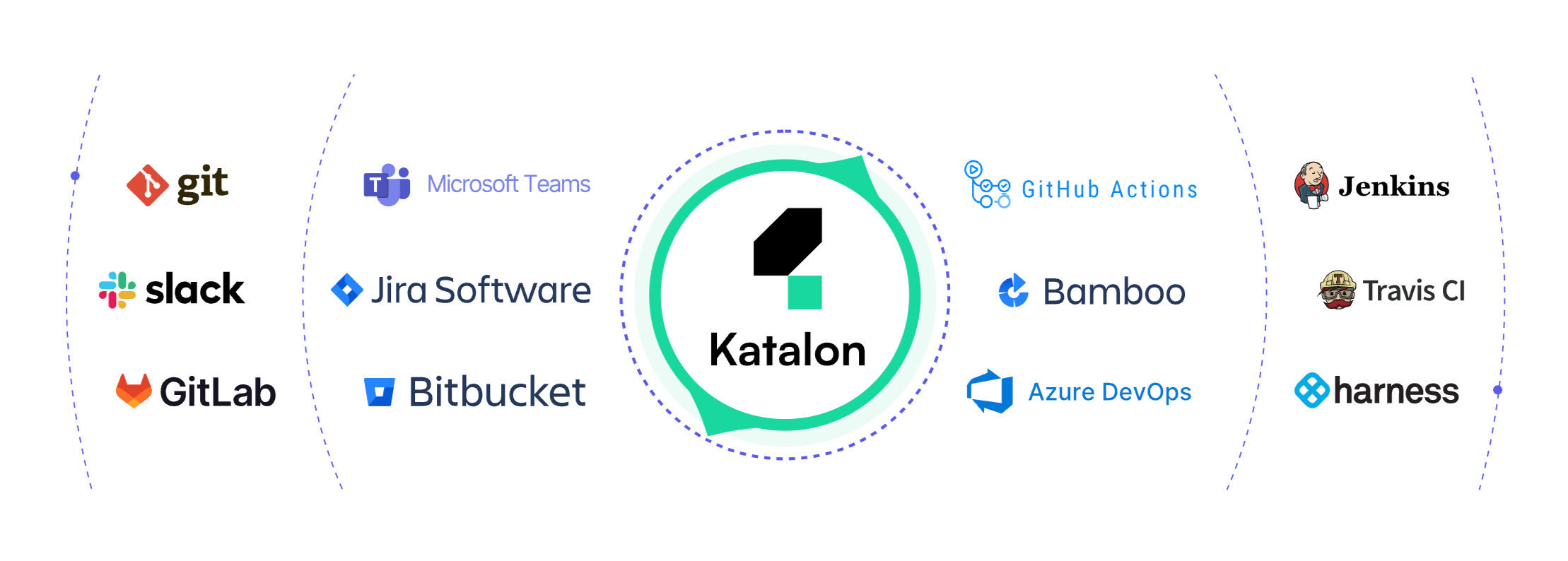
- Your CI pipeline (GitHub Actions, Jenkins, Azure DevOps, or GitLab) starts a job on each merge.
- The job calls
kataloncthrough KRE, which starts the suite from the CI runner. - The run is set to use TestCloud environments, so the tests open real browsers and devices in the cloud instead of on the runner.
- Results go back to the pipeline as an exit code and to Katalon TestOps for reports across runs.
This setup keeps your pipeline in charge of when tests run while TestCloud supplies the browsers and devices. It also lets you split the work: run fast smoke tests on your own runners with KRE alone, then send cross-browser and mobile suites to TestCloud before a release.
Plans and pricing
Both are add-ons with published prices. As of November 2026, on the Katalon pricing page:
- TestCloud Cross Browser (cloud desktop and mobile browsers) and Mobile Devices (real iOS and Android devices) each cost $1,519 per session per year, and Live Testing (manual sessions only) costs $300 per session per year. TestCloud works with any Studio plan, including Free.
- KRE costs $1,399 per license per year and needs a paid plan (Professional or Enterprise).
- Katalon Studio Free covers local authoring and execution.
- Professional is $1,800 per seat per year (about $150 a month), billed annually.
- Enterprise is custom priced and adds offline and hybrid licensing for Studio and KRE.
A 30-day free trial is available. See Katalon pricing for current plans. The Katalon True Automation plan, $2,500 per seat per year, also includes 1 TestCloud Cross Browser session for every 5 seats.
Security and data control
The two add-ons handle data control in different ways. TestCloud runs on Katalon-managed infrastructure with data encrypted in transit and at rest, and Katalon lists a SOC 2 Type II attestation, quarterly vulnerability scans, and annual penetration tests on its security page. The tunnel and IP allowlisting control how cloud environments reach your private apps.
KRE runs on infrastructure you manage, so test traffic and data can stay inside your own network, unless you send runs to TestCloud or upload results to Katalon TestOps. Online floating licenses check in with Katalon's license service. For machines with limited or no internet access, offline licenses are available on Enterprise.
Which one should you choose?
Neither add-on replaces the other. TestCloud is the better choice when you need browsers, operating systems, and real mobile devices without maintaining them. KRE is the better choice when you need Studio tests to run automatically from the command line, a container, or a CI/CD pipeline on infrastructure you control.
If your pipeline needs both automation and broad environment coverage, use KRE in CI and point it at TestCloud. If you are not running tests in CI yet and only need more browsers or devices, start with TestCloud. If your environments are already covered in house, KRE alone is enough. On speed, both depend on parallelism: TestCloud throughput depends on how many sessions you have, and KRE throughput depends on how many floating licenses and machines you run at once.
Frequently asked questions
TestCloud is where tests run: hosted browsers on Windows, macOS, and Linux, plus real iOS and Android devices. KRE is how tests run: from the command line with the katalonc command, on your own machines, containers, or CI runners. Both are add-ons to Katalon Studio, and many teams use them together in the same pipeline.
As of November 2026, the TestCloud add-on works with any Studio plan, including Free. KRE needs a paid plan (Professional or Enterprise). Professional is $1,800 per seat per year, billed annually, and Enterprise is custom priced. TestCloud costs $1,519 per session per year ($300 for Live Testing), and KRE $1,399 per license per year.
Yes. Running Katalon Studio tests from the command line, in Docker, or in pipelines such as Jenkins, GitHub Actions, Azure DevOps, and GitLab needs the KRE add-on on a paid plan (Professional or Enterprise). Each floating license covers one active execution session at a time. Local runs from the Studio interface do not need KRE.
Yes. KRE can start a run from your CI pipeline and point it at TestCloud environments, so tests open hosted browsers or real mobile devices instead of running on the CI runner. Results return to the pipeline as an exit code and can be sent to Katalon TestOps for reporting across runs.
No. KRE runs on those agents and runners. Your CI system provides the machine and decides when a job starts, and KRE is the Katalon component that runs the Studio test suite on that machine with the katalonc command. Without KRE, a CI runner cannot run Katalon Studio tests from the command line.
Yes. As of November 2026, TestCloud runs mobile web and native app tests on real iOS and Android devices, and the private tunnel works for both, so apps that call private back ends can still be tested. Devices are shared, so a popular device model can queue briefly before a run starts.





Test everything. Ship with confidence.
From generating test cases to spotting failures, Katalon's AI works across your entire pipeline, automatically.
