


Visual testing checks that your app looks right on every browser and device. Learn why it matters, where manual checks fall short, and how to automate it.
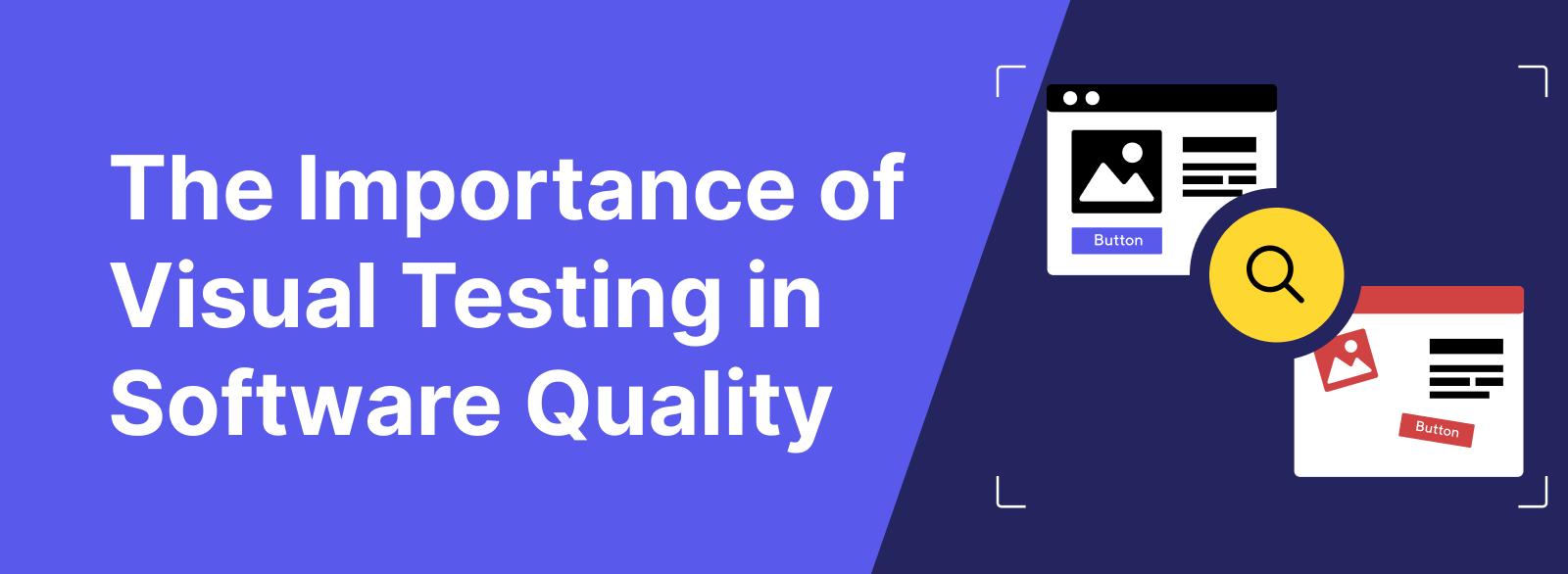
Visual testing checks that your app looks right: layout, fonts, colors, and images, on every browser and device. Functional tests miss these bugs because the app still works. It just looks broken to users.
Software quality is no longer only about functionality, performance, and security. User experience counts too. This guide explains why visual testing matters, where manual checks fall short, and how to fit automated visual testing into Agile delivery.
Why visual testing matters
Visual bugs frustrate users and can drive them away. Typical examples are misaligned elements, broken images, and wrong font sizes or colors. They're cheaper to fix when you catch them early.
Functional testing won't catch most of them, because the page still works. A button can be clickable and still sit on top of the text it's meant to follow.
Visual testing works by comparing screenshots of the UI against approved baseline images. Any difference is flagged for review. You can do it manually or with automated tools, across browsers, devices, and platforms.
Where visual testing matters most
Some industries depend on the UI more than others:
- Healthcare: clear, accurate screens on medical devices and software support patient safety and correct diagnosis.
- E-commerce: a clean website or app drives sales. Layout bugs on product or checkout pages cost orders.
- Gaming and streaming: the UI is part of the experience, so it needs to look consistent and respond well.
- Automotive: dashboards and infotainment systems need to be clear and safe to use while driving.
- Advertising: ads need to display correctly and match brand standards.
- Localized sites: translated text, different layouts, and local design choices all need checking in every language.
Challenges of manual visual testing
Manual visual testing is slow and inconsistent. Testers get tired and miss things. Two testers may disagree on what counts as a defect. And repeating checks across every browser, device, and locale takes longer as the app grows.
Why automate visual testing
Automated tools take and compare screenshots, flag differences, and log defects. They catch pixel-level changes a person would miss. They also rerun as often as you need at no extra effort. That saves time and gives you consistent results across every release.
How to adopt visual testing in Agile
In Agile teams, visual testing helps keep the user experience consistent across devices and browsers. It's often linked to regression testing, but it belongs earlier too:
- Plan for it: include visual testing when you size stories and epics, and list the visual attributes to cover, such as layout, color, and typography.
- Add it to feature tests: include visual checks in your automated feature tests, and track issues with unique IDs so they're easy to trace.
- Rate it by business impact: when a visual check sits inside a functional test, rate its failures by business priority, not functional severity. The functional test can still pass while the visual issue gets logged.
- Use it for accessibility: visual checks are a good starting point for accessibility testing, since visual cues are part of accessibility validation.
Focus your visual tests on:
- Colors
- Content and layout: hidden components, wrong overlays, resizing effects, zero-pixel iframes, and iframe interactions
- Dynamic data: such as smart lists and mobile signal indicators
Automated visual testing has its own challenges. Tests for complex UI elements take time to build. Cross-browser differences can cause false positives or false negatives. And frequent UI changes mean baseline images need regular updates.
How Katalon handles visual testing
Katalon visual testing is available in Katalon Studio and Katalon TestOps. It replaces many custom assertions with 3 comparison modes: pixel, layout, and content. AI helps with practical tasks such as splitting images into zones, comparing text, and ignoring areas you don't want checked. It speeds testers up rather than replacing them.
You can update baseline images in batches, so testers stay in control without extra overhead.
Katalon Studio adds visual checks as keywords inside your existing functional tests, for web and mobile. You don't need a separate visual test suite. You can check a single element, an area, or a whole page, and adjust pixel sensitivity for pixel comparisons.
Read more: Katalon as an AI-based testing platform
The business value of visual testing
Visual testing adds another quality check early in delivery. You create a baseline once and run it everywhere, as often as you need. That makes teams faster and more confident in each release.
Baseline images saved from each release are also useful later, for example to review usability and accessibility over time.
Conclusion
Visual testing works best in Agile when it's planned into each sprint. Size it with your stories, list the visual attributes to cover, add checks to your automated feature tests, and track issues with clear IDs.
Done well, it adds a quality check that functional tests can't, speeds up delivery, and gives you more confidence in every release.
Frequently asked questions
Visual testing ensures that UI elements match expected design and usability standards, catching issues like misaligned layouts, broken images, or incorrect colors that functional tests miss.
Automated tools detect pixel-level changes, compare screenshots accurately, repeat tests consistently, and eliminate human error and fatigue associated with manual inspection.
Industries such as healthcare, e-commerce, gaming, automotive, and advertising depend heavily on UI accuracy and therefore rely on visual testing to ensure safety, usability, and brand consistency.
Manual checking is slow, subjective, prone to inconsistency, and difficult to scale across devices, browsers, and frequent UI updates.
Katalon offers pixel, layout, and content comparison modes, AI-assisted zoning, selective ignore regions, flexible baseline updates, and keyword-driven integration with functional tests.




Test everything. Ship with confidence.
From generating test cases to spotting failures, Katalon's AI works across your entire pipeline, automatically.
