


GraphQL and REST are two popular approaches to API design that differ in how clients request and receive data. Compare their endpoints, data fetching, versioning, and error handling, with examples and a simple analogy.
Understanding API design is essential for modern software development. Two popular approaches are GraphQL and REST. These technologies shape how data is exchanged and used over the internet, but they differ significantly in how they allow clients to interact with the server and retrieve data.
Let's compare them in this article!
What Are APIs?
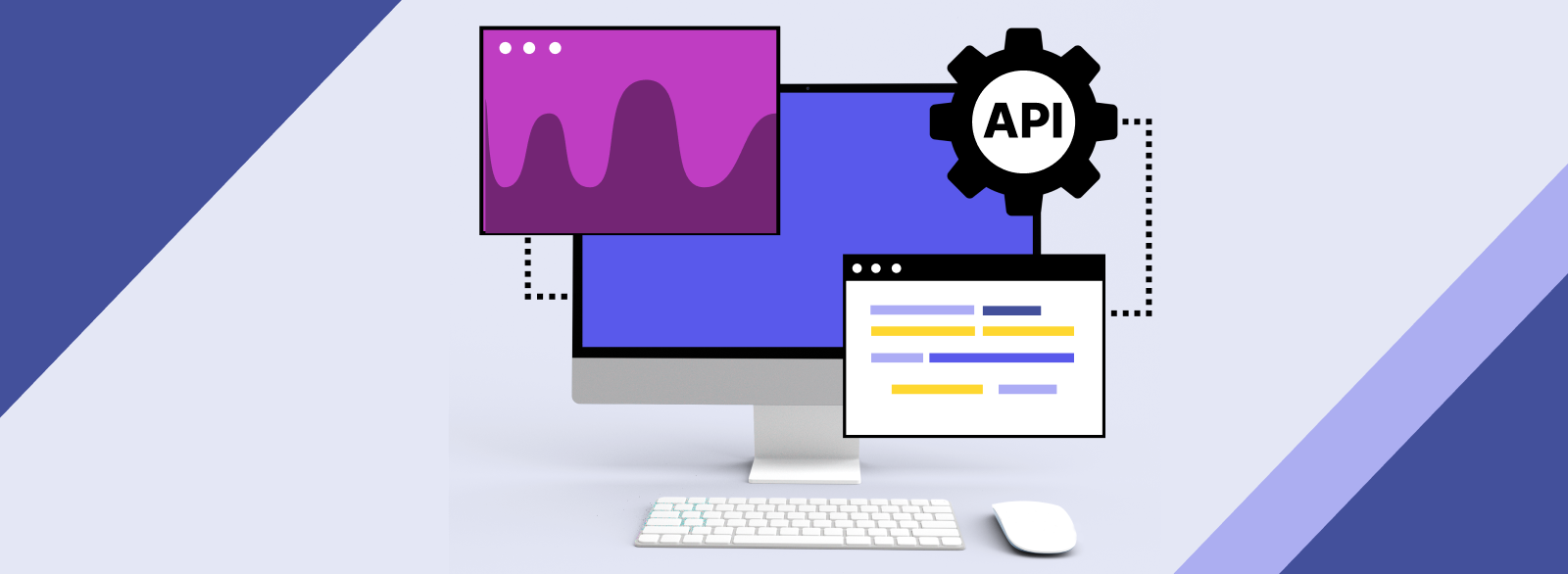
APIs, or Application Programming Interfaces, are sets of rules and protocols that allow different software applications to communicate with each other. Think of an API as a bridge that connects different systems, enabling them to exchange data and functionality without needing to know the internal details of each other's implementation.
There are several key components of an API that you need to understand:
1. Endpoints
An endpoint is a specific URL where an API can be accessed by a client. It's like an address that tells the client where to send its request.
For example, in a REST API, an endpoint might look like https://api.example.com/users/123, where /users/123 is the endpoint that returns data about the user with ID 123.
2. Request and Response
When a client wants to use an API, it sends a request to the server. This request usually includes three parts:
- Method: The action to perform (like GET, POST, PUT, DELETE in REST).
- Headers: Additional information such as authentication tokens or content types.
- Body: Data sent with the request, often used with POST or PUT methods.
The server processes this request and sends back a response containing the requested data or an acknowledgment of the action performed. The response typically includes:
- Status Code: A code that indicates whether the request was successful (e.g., 200 OK) or if there was an error (e.g., 404 Not Found).
- Body: The data returned by the server, often in formats like JSON or XML.
For example, say you want to retrieve data for the user with the ID 123. You can make a GET request:
GET https://api.example.com/users/123The server sends you a response:
{
  "id": 123,
  "name": "Jane Doe",
  "email": "jane.doe@example.com",
  "age": 30
}
Now you know that user 123 is Jane Doe, aged 30, with the email jane.doe@example.com.
3. HTTP Methods (for REST APIs)
These are standard methods used in RESTful APIs to indicate the desired action:
- GET: Retrieve data from the server (e.g., get a list of users).
- POST: Send data to the server to create a new resource (e.g., add a new user).
- PUT: Update an existing resource on the server (e.g., update user details).
- DELETE: Remove a resource from the server (e.g., delete a user).
GraphQL vs REST: Use Case Differences
Let’s say you’re building an app that needs to display information about users and their posts.
With REST
In a traditional REST API, you might have to make two separate requests:
- GET /users/123 to get the user’s information.
- GET /users/123/posts to get the posts created by that user.
Each of these requests hits a specific, predefined endpoint, and you get all the data associated with that endpoint, whether you need all of it or not.
With GraphQL
GraphQL allows you to send a single query to a single endpoint (e.g., /graphql), specifying exactly what information you need. For example:
query {
  user(id: "123") {
    name
    email
    posts {
      title
      content
    }
  }
}
Here's what happens:
- Instead of having separate endpoints for users and posts, GraphQL uses a single endpoint where the client can send a query.
- The client specifies exactly what data it wants: the user’s name, email, as well as the title and content of their posts.
Thanks to this, the server processes this query and returns only the requested data, formatted exactly as specified in the query:
{
  "data": {
    "user": {
      "name": "John Doe",
      "email": "john.doe@example.com",
      "posts": [
        {
          "title": "My First Post",
          "content": "This is the content of my first post."
        },
        {
          "title": "Another Post",
          "content": "This is another post."
        }
      ]
    }
  }
}
Basically GraphQL allows the client to efficiently retrieve exactly the data it needs from a single endpoint, without over-fetching or under-fetching. This flexibility is one of the key advantages of using GraphQL over traditional REST APIs with predefined endpoints.
GraphQL vs REST: Technical Differences
Here's a quick comparison between GraphQL vs REST for you:
Feature | GraphQL | REST |
|---|---|---|
Data fetching | Clients can query exactly what they need in a single request. | Data is fetched from multiple endpoints, often leading to over-fetching or under-fetching. |
Flexibility | Highly flexible, allowing clients to request varying fields and structures. | More rigid, with fixed endpoints and data structures. |
Efficiency | Reduces the number of requests and the amount of data transferred. | May require multiple requests to different endpoints to get all needed data. |
Versioning | Usually avoids versioning; the schema evolves by adding fields and deprecating old ones. | Often uses versioning (e.g., /v1, /v2) to handle breaking changes. |
Real-time support | Supports real-time updates via subscriptions. | Typically requires additional tools like WebSockets for real-time functionality. |
Endpoints | Single endpoint for all queries. | Multiple endpoints for different resources (e.g., /users, /posts). |
Schema | Strongly typed schema defines the API structure and relationships. | No built-in schema; structure is defined by individual endpoints (often documented with OpenAPI). |
Error handling | Errors are returned in an | Relies on HTTP status codes for error handling. |
Let's learn more about the differences between them in a simpler fashion.
GraphQL vs REST: Explain Like I'm Five
Let's imagine GraphQL vs REST in the context of a restaurant.
- GraphQL is when you ask for exactly what you want from one "menu" (schema) and get it all in one go, without any extra.
- REST is when you get data from different "tables" (endpoints) and might get more than you need.
1. REST
Imagine you’re at a buffet.
At the buffet, there are different tables (endpoints) for different types of food. One table might have salads, another might have desserts, and another might have main dishes.
To get a full meal, you might have to visit several tables and pick up different plates of food (make multiple requests to different endpoints).
Sometimes, you might end up with more food than you wanted (extra data) because each table offers a set menu that you can't customize.
2. GraphQL
Now, imagine you’re at a restaurant with a menu where you can order exactly what you want.
Instead of visiting different tables, you just tell the waiter (the server) exactly what you want from the entire menu (schema).
After that, the waiter brings you exactly what you ordered, no more and no less (the data you requested), all in one go.
If you want updates on a dish that’s cooking, the waiter can come back and tell you when it’s ready (real-time updates).
How to Do API Testing
For API testing in particular, having decent levels of coding expertise is necessary to build and write API test scripts. However, if your team only has basic scripting knowledge, it is recommended to go with codeless testing tools to achieve your goals faster and easier.

Let's take a look at API testing of Katalon in action:
API testing with Katalon is streamlined across the entire testing life cycle:
- API test creation: Katalon offers a range of codeless test authoring features, including Built-in Keywords (pre-made code snippets you can drag and drop to assemble a complete test) and Record-and-Playback, which records your activities, automatically captures test objects, and converts them into a test script. These tools make it much easier to create even complex API test scenarios.
- API test organization: All captured test objects are organized in a repository with a clear hierarchy. These objects can be reused across various environments and scenarios. With Postman and repository integration, you can reuse existing API assets or consolidate resources for team collaboration.
- API test execution: Katalon provides access to multiple web and mobile environments for running your tests. You can run tests in the cloud with Katalon Test Cloud or on your local environment using the CLI with Katalon Runtime Engine.
- API test analysis: After executing tests, Katalon generates detailed reports with key metrics, enabling you to monitor efficiency and make data-driven decisions.
- API test planning: Integrate with Slack, Microsoft Teams, Jira, and other collaboration platforms to enhance communication and visibility across teams.
Frequently asked questions
With REST, clients often make multiple requests to different endpoints and may receive more data than needed, while GraphQL lets clients send a single query to one endpoint specifying exactly which fields they want, reducing both over-fetching and under-fetching.
GraphQL exposes a single endpoint (such as /graphql) that accepts flexible queries describing the desired data shape, whereas REST typically exposes multiple endpoints like /users/123 or /users/123/posts, each returning a fixed structure.
GraphQL is more flexible because clients can choose which fields and nested objects to request in each query, while REST usually returns a predefined set of fields per endpoint that can’t be customized without changing the API itself.
In the analogy, REST is like a buffet where you visit multiple tables and often get more food than you need, while GraphQL is like ordering from a menu where you tell the waiter exactly what you want and receive just that in one trip.
API testing generally requires some coding skills to write test scripts, but teams with only basic scripting knowledge can use codeless tools like Katalon’s API testing features—such as built-in keywords, record-and-playback, organized test object repositories, cloud or local execution, and detailed reporting—to cover the full API testing lifecycle more easily.





Test everything. Ship with confidence.
From generating test cases to spotting failures, Katalon's AI works across your entire pipeline, automatically.
