


Geolocation testing checks that location-based features like maps, regional pricing, and local content work correctly for users everywhere. Learn when you need it, which apps rely on it, and how to run it with Katalon.
You open your Uber app and book a ride. Upon successful booking, a map pops up and shows you the whereabouts of your driver. While in the Uber, you open Zillow, a real estate app, to check out the apartment you want to rent that is located a few kilometers away from your location. The weather app, knowing your location, then sends you a notification to expect rain tomorrow.
All of these are examples of the power of geolocation-based app features.
To ensure that the application with such features works as expected, we need geolocation testing. In this article, we’ll explore this concept, and guide you through the process of doing geolocation testing in a simple way.
What is Geolocation Testing?
Geolocation testing is the process of testing your application across geographic locations. If an application wants to establish its presence across borders, it needs to tailor certain features to fit with the audience in the countries it wants to reach.
Example of Geolocation Testing
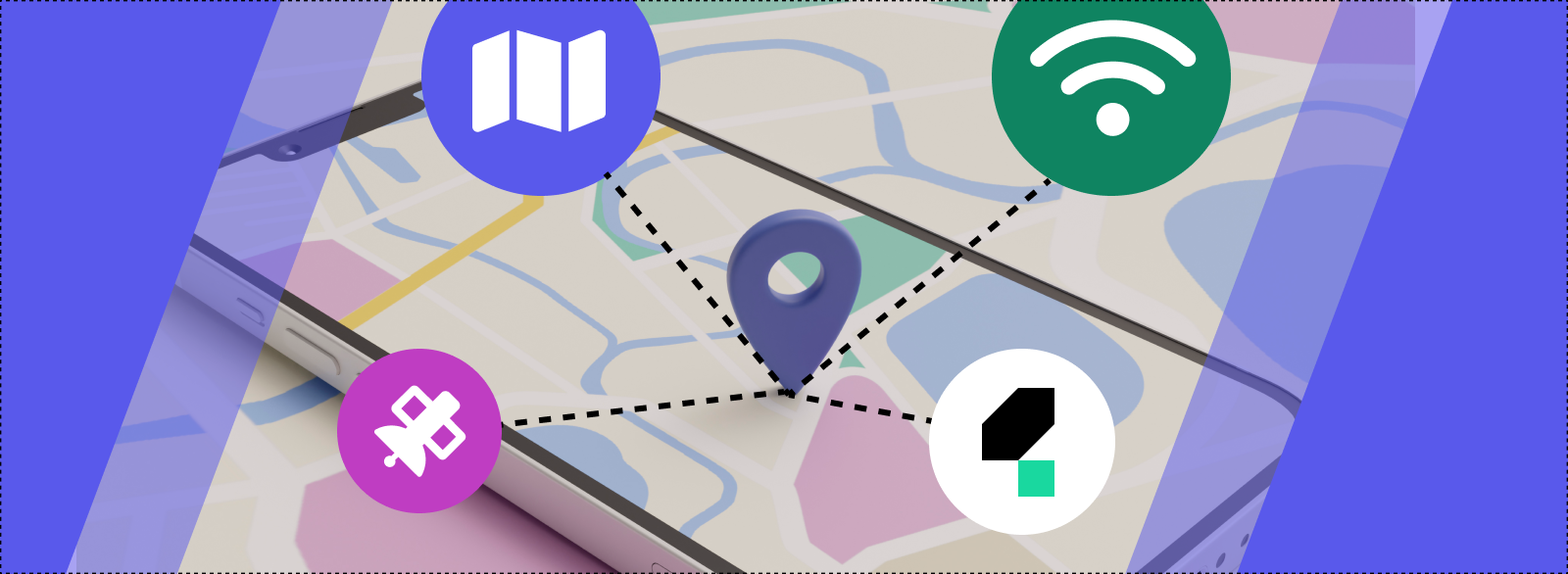
A clear-cut example of geolocation testing involves the dynamic nature of e-commerce websites.
Let’s say that the website applies a 10% discount and free shipping for any buyers in the U.S., while buyers from Australia get a 20% discount for any order above $200. To ensure that the coupon is applied accurately, we need to set up geolocation testing, either through geolocation simulators or VPN services to run the test for each country.
Similarly, let’s say you are testing a banner that is only displayed for a specific audience residing in France, while you are based in the U.S. You may also want to change your location to France so you can see how the banner shows for French users.
Geolocation Testing vs. Localization Testing
Localization testing overlaps with geolocation testing. When accessed from another country, we need to serve users with more than just a translated version of the original application. Translation alone can't fully capture the nuances and complexities of cultural differences between the two countries. Currency, layout, time zone, and many other cultural nuances also need to be taken into consideration.
Geolocation testing encompasses more than localization testing. It may also involve testing the application under a wide range of network conditions. The end goal is to make sure that users get the best possible experience when using the application, no matter where they are. Geolocation testing is particularly important for applications that are heavily dependent on location, such as ride-share booking, travel review sites, or real estate applications.
When is Geolocation Testing Needed?
There are several areas where geolocation testing shines:
- Localization: As previously mentioned, an application needs more than just a translated version of the original if you want to reach the international market. For example, a reputable job-seeking website, Indeed, has a location-specific homepage. Upon entering the website, it automatically fetches your location and displays a search bar tailored to your country. When the browser location is set to India, Indeed redirects us to the Indian subdomain (in.indeed.com). The Job Location search field is also configured to show only Indian locations. There is also a Hindi phrase that means “Indeed is also available in Hindi.” To ensure all of this works, we need geolocation testing.
- Applications with location-based features: Any application with a feature that dynamically adjusts its display based on a user’s location needs geolocation testing. There are three major areas of focus:
- Is the location accurately pinpointed?
- Does the UI and backend data flow work as expected for that location?
- Does the application perform as expected under different network conditions?
Applications That Need Geolocation Testing
There are several common applications that require geolocation testing:
- Mapping apps (Google Maps, Apple Maps)
- Delivery apps (DoorDash, Uber Eats, etc.)
- Weather forecasting
- Social media platforms
- Fitness and health apps
- Location-based gaming apps (Pokémon GO, geocaching, etc.)
- Emergency service apps
- Travel apps
- Real estate apps
- Event and ticketing apps
- Local discovery apps
- E-commerce apps
Read More: Top 100 Test Cases For E-commerce Websites
How To Perform Geolocation Testing With Katalon
The following tutorial shows how to run geolocation tests with Katalon. With Katalon, you can cover the entire testing life cycle (planning, test creation, management, execution, and reporting) for web, desktop, mobile, and API, with or without code. If you haven't installed Katalon Studio yet, download it here.
To begin a new test case, you need a Katalon project in which you store that test case. Simply go to File > New > Project and create one.
Once you have a project, you can simulate a location at the start of each remote test session using the geoLocation desired capability.
Open your project in Katalon Studio and go to Project Settings > Desired Capabilities > Remote. Then add a String property named geoLocation with the two-letter country code as its value (for example, FR for France). Check your remote execution provider's documentation for the exact capability name it supports.
With Katalon Test Cloud, you can run these tests on cloud browsers and devices without setting up or maintaining physical test infrastructure or managing third-party configurations, so you can focus on building quality software.
or
Frequently asked questions
Geolocation testing verifies how an application behaves across geographic locations, ensuring location-based features and content adapt correctly for users in different countries.
Testing that discounts, shipping rules, or coupons apply correctly by country (e.g., different discounts for U.S. vs Australia), often using geolocation simulators or VPNs.
Localization testing is a subset of geolocation testing; it includes more than translation—currency, layout, time zone, and cultural nuances—while geolocation testing can also include varying network conditions.
When apps expand internationally, when localization is required, and when apps have location-based features—checking location accuracy, UI/backend data flow for that location, and performance under different network conditions.
In Katalon Studio, simulate location via desired capabilities by setting geoLocation=<country-code> (Project Settings > Desired Capabilities > Remote); Katalon TestCloud can further simplify infrastructure and configuration needs.





Test everything. Ship with confidence.
From generating test cases to spotting failures, Katalon's AI works across your entire pipeline, automatically.
