


API integration tools simplify connecting apps and services through their APIs. Compare five popular options (IBM API Connect, MuleSoft, Zapier, Boomi, and Azure API Management) and learn when to use a tool versus building in-house.
API integration lets different software systems connect and exchange data, and it's part of the backbone of the digital world. While you can perform API integration manually, dedicated API integration tools make the process more efficient, reliable, and manageable.
In this article, we'll explore the top API integration tools on the market and share best practices for using them. The top API integration tools include:
- IBM API Connect
- MuleSoft
- Zapier
- Boomi
- Microsoft Azure
What is an API?
Before discussing these tools, we first need to understand the concept of API. An API is a set of rules that allows different computer programs to talk to each other. It's like a waiter taking your order at a restaurant to the chef and then bringing you the food you asked for. In the same way, an API lets one program ask another program for certain information or actions, and then the second program provides that information or performs those actions.
Why do we need API then? Simply put, with APIs, developers can easily build feature-rich applications by reusing the already built and tested functionalities of other systems, without having to start from scratch.
In fact, you have been using a lot of APIs in everyday life:
- The YouTube API enables developers to interact with YouTube's video content. It provides endpoints for uploading videos, retrieving video details, managing playlists, and searching for videos.
- Amazon's AWS (Amazon Web Services) offers a wide range of APIs for cloud computing services, including computing power, storage, and databases. Amazon's retail platform also uses APIs for third-party sellers to integrate their products into the Amazon marketplace.
- The Facebook Graph API is used by developers to integrate Facebook features into apps. It allows access to user profiles, posts, and interactions, enabling social sharing and user authentication.
- Uber's API allows third-party developers to integrate ride-sharing services into their apps. This API enables users to book rides, estimate fares, and access other features.
To learn more about examples of APIs, check out our article: 10 Popular API Examples: A Complete List
What Are API Integration Tools?
API integration tools are software solutions designed to simplify the process of connecting and integrating different software applications, services, or systems using APIs. They are especially valuable when dealing with complex integrations involving multiple APIs and applications.
Why Do We Need API Integration Tools?
1. Address the complexity of APIs
APIs can have a wide variety of data formats, protocols, or authentication methods. When you need to connect several types of APIs that are so inherently different from each other, you need to understand how to structure requests and parse responses for each of them.
API integration tools abstract that complexity away, so that you don’t need to know how to handle responses or parse data for each individual API type. All you have to do is configure the endpoints, while the tool does the rest of the work.
Here’s an example: imagine you're building an application that needs to fetch weather data from different sources. You want to integrate with two weather APIs: one uses REST and returns data in JSON format, while the other uses SOAP and returns data in XML format. Instead of manually converting the data format and structuring the request for each type, you have a tool to standardize the process for you.
2. Error Handling
APIs can return errors or fail to respond due to server-side issues, authentication issues, or simply reaching API rate limit.
Many API integration tools have built-in retry mechanisms. For example, if an API call fails due to temporary issues like network timeouts, the tool can automatically retry the request a certain number of times with configurable delays between attempts. For other issues that can’t be automatically retried (such as misconfigured request), the tool can generate descriptive error messages to guide you on how to fix the issue.
For collaboration purposes, integration tools often allow developers to define custom error handling logic. For example, based on the type of error, you might choose to log it, send notifications to administrators, or trigger specific workflows for recovery. If there is an alternative workflow, the tool can automatically execute it so that critical processes can continue. It saves time spent on administrative tasks so that developers can truly focus on their work.
3. Address workflow complexity
Integrating APIs is typically not a linear process. Its workflows tend to be quite complex, which involves coordinating multiple API calls at the same time, managing conditional logic, or mapping/transforming data between APIs. Certain data must be available before an operation requiring it is executed, so synchronization and timing is also important.
API integration tools simplify the process by providing a more visual experience to managing workflows. Instead of writing code to address those tasks, we can use a drag-and-drop editor to quickly create an integration workflow.
4. Scalability
API integration tools are generally designed to scale along with your team’s growth, serving the needs of businesses and organizations of all sizes. These tools abstract away the complexities of infrastructure management, making it a good choice if you want to focus more on application development and less on handling the nitty-gritty details of scaling, which has been taken care of by the API integration tool vendor.
Top 5 API Integration Tools
Here are 5 of the top API integration tools on the current market for you to consider. Make sure to take into consideration the specifics of your team to choose the most suitable tool and pricing plan.
1. IBM API Connect
IBM API Connect is a tool that helps organizations manage their APIs from end-to-end. This tool makes it easy to create, control, secure, share, and even make money from APIs. You can make digital changes in your own systems and also across different cloud services, allowing you and your customers to create new digital applications quickly and encourage new ideas. Additionally, IBM API Connect is available on Amazon Web Services (AWS) if you want a highly flexible and managed way to use it.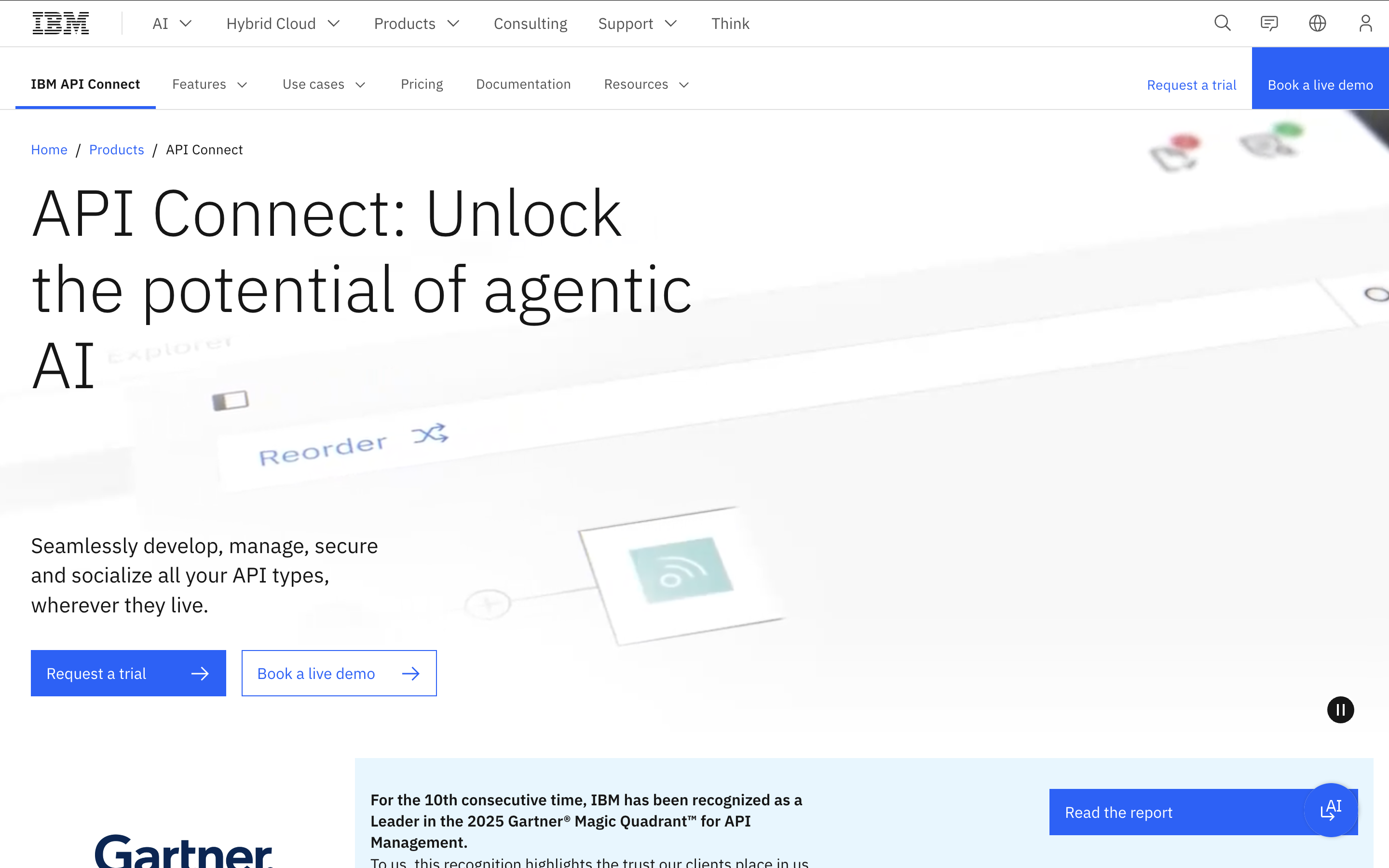
Key Features:
- Provides a complete suite of tools for managing APIs, from creating and testing to securing and publishing, which also supports end-to-end testing
- Users can share APIs with colleagues and developers through the IBM developer portal, where authorized users can find, sign up for, and use APIs and register related applications.
- Dashboards with detailed visualizations help users understand API performance and usage, and its impact on the organization.
- Strong security features to protect API data from unauthorized access or threats
- High scalability to fit business needs
- Runs in a wide variety of environments, including cloud, on-premises, and hybrid cloud.
Visit IBM API Connect | G2 Reviews
Pricing:
IBM API Connect offers a free trial alongside paid and quote-based tiers. Check IBM's pricing page for current rates.
2. MuleSoft
MuleSoft Anypoint is a comprehensive API integration platform provided by MuleSoft, a company specializing in integration and API management solutions. Anypoint offers a range of tools and services that facilitate the creation, management, and orchestration of APIs and integrations between software applications and systems.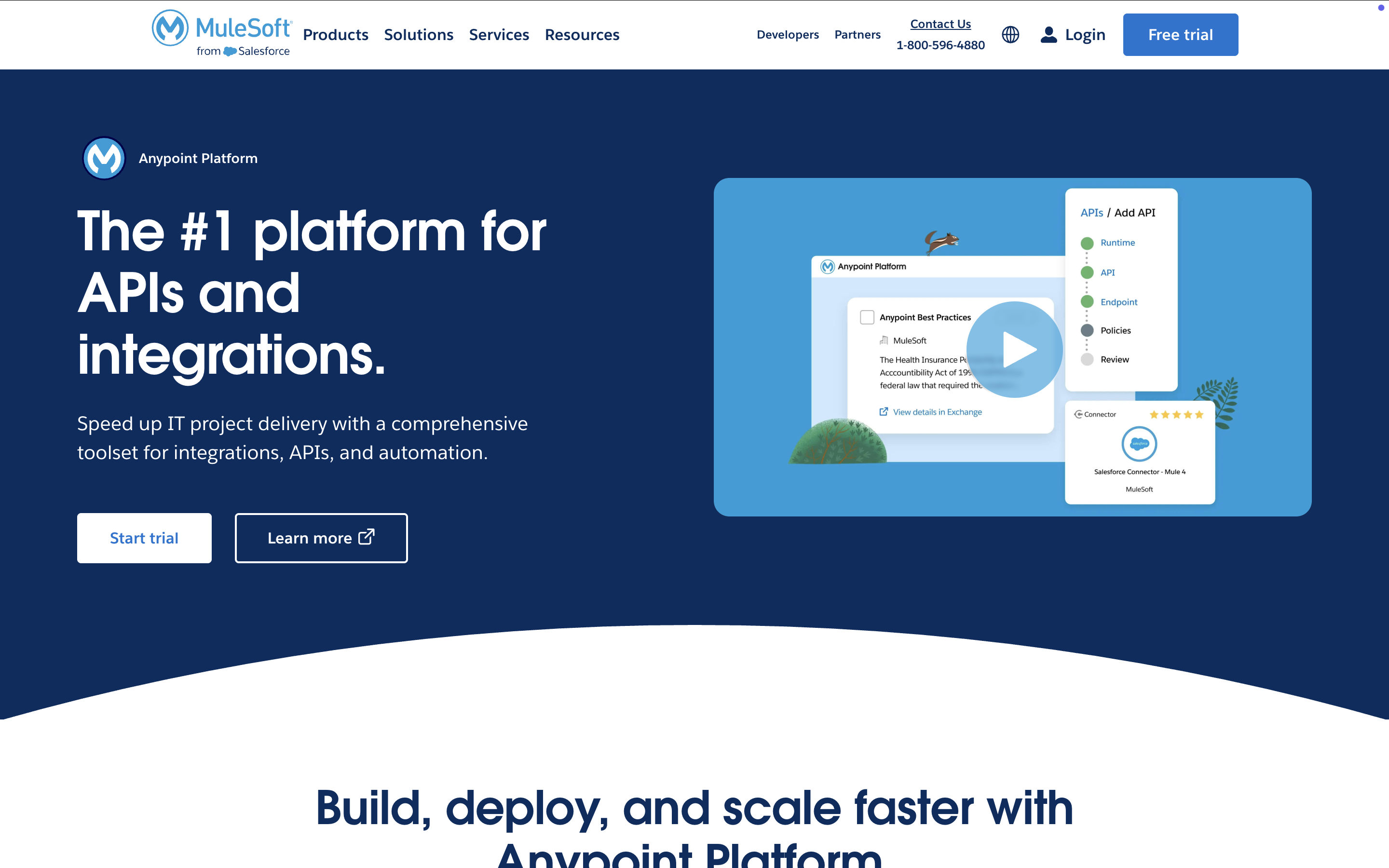
Key Features:
- Use pre-built assets from the MuleSoft ecosystem or discover APIs through CI/CD pipelines to create APIs faster
- Deploy to any architecture or environment, including the Anypoint Flex Gateway.
- Ensure high uptime with CloudHub or deploy using Docker and Kubernetes on AWS, Azure, GCP, and on-premises.
- Scale, secure, and oversee APIs from a centralized location.
MuleSoft comes with several interesting unique components, including:
- Anypoint Studio: A visual development environment that allows developers to design integration flows, create APIs, and build application logic using a graphical interface. It supports drag-and-drop functionality and provides a way to connect different applications, databases, and services.
- Exchange: this is where developers can discover and share reusable assets to accelerate development and encourage collaboration among team members
- DataWeave: a language used in Anypoint Studio for mapping and transforming data between different formats and structures. Learn more about the DataWeave language here.
The great thing about MuleSoft is that it also promotes the API-led connectivity approach, where APIs are designed with specific purposes and reused across projects, making room for more efficient integration strategies in the future.
Pricing:
MuleSoft uses quote-based pricing. Contact Sales to get a plan suited to your needs.
3. Zapier

Zapier isn't strictly an API integration tool (it's better described as an online automation tool), but you can still use it for many integration needs. If you already use Zapier for workflow automation, you can extend it to support your API integration tasks.
In Zapier, you create "Zaps", which are automated sequences that trigger actions in one app based on events in another. The fiddly work of integrating many tools via API is reduced to simple drag-and-drop and clicks.
Key Features:
- Zapier is built around triggers and actions. When a predefined event happens, a corresponding action in another app runs, so you can build an automation workflow for your API without coding.
- Large library of supported apps with predefined triggers
- Data mapping features included
- SSL/HTTPS encryption for all data sent, and 2FA support
Pricing:
Zapier has a free plan with a limited number of tasks per month, and paid plans that raise those limits and add features. Check Zapier's pricing page for current rates.
4. Boomi

Boomi is a tool that helps connect different apps and systems, whether they're in the cloud, on your own servers, or hybrid. It's made for both developers and non-developers, offering simple connections and more complex options. Boomi also supports data transformation automation within the platform.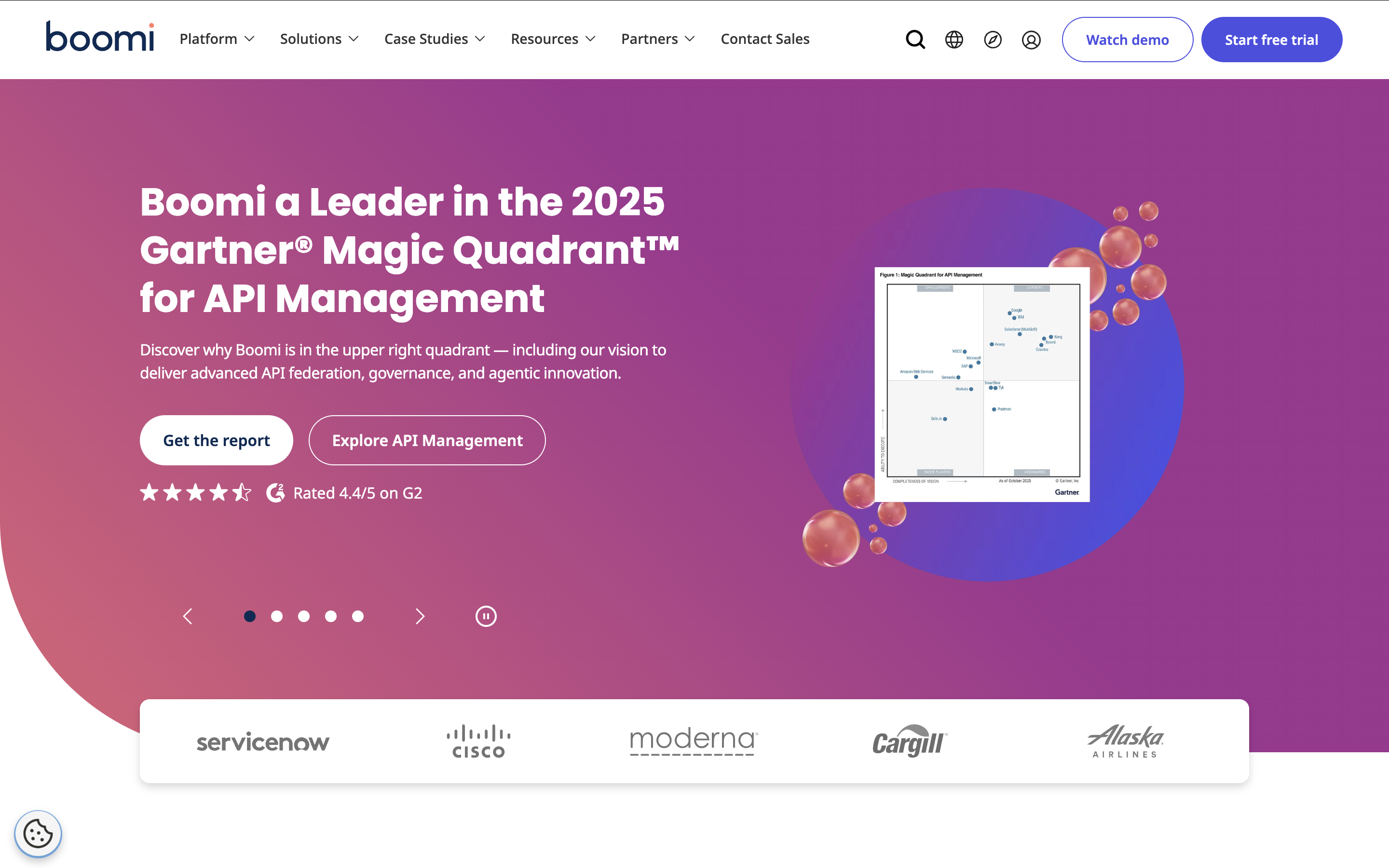
Boomi enhances its capabilities for connecting and mapping data by allowing users to share the maps and connections they create with others as open-source resources.
Key Features:
- Large library of connectors for applications and endpoints
- B2B/EDI management to support the full range of trading partner communications, including custom standards
- API management capabilities to simplify the API integration process
- Analytics and historical data in the Master Data Hub to monitor the health of your integrations
- Runs across cloud, on-premises, and hybrid environments
- Self-managed operations
Pricing:
Boomi offers a free trial and several pricing tiers you can adapt as you grow. Contact Sales on their website for a custom quote.
5. Microsoft Azure

Microsoft Azure, more commonly referred to as Azure, is a comprehensive cloud computing platform and infrastructure provided by Microsoft. Azure provides both Platform as a Service (PaaS) and Infrastructure as a Service (IaaS) offerings, giving users flexibility in choosing how they develop and manage their resources in the cloud.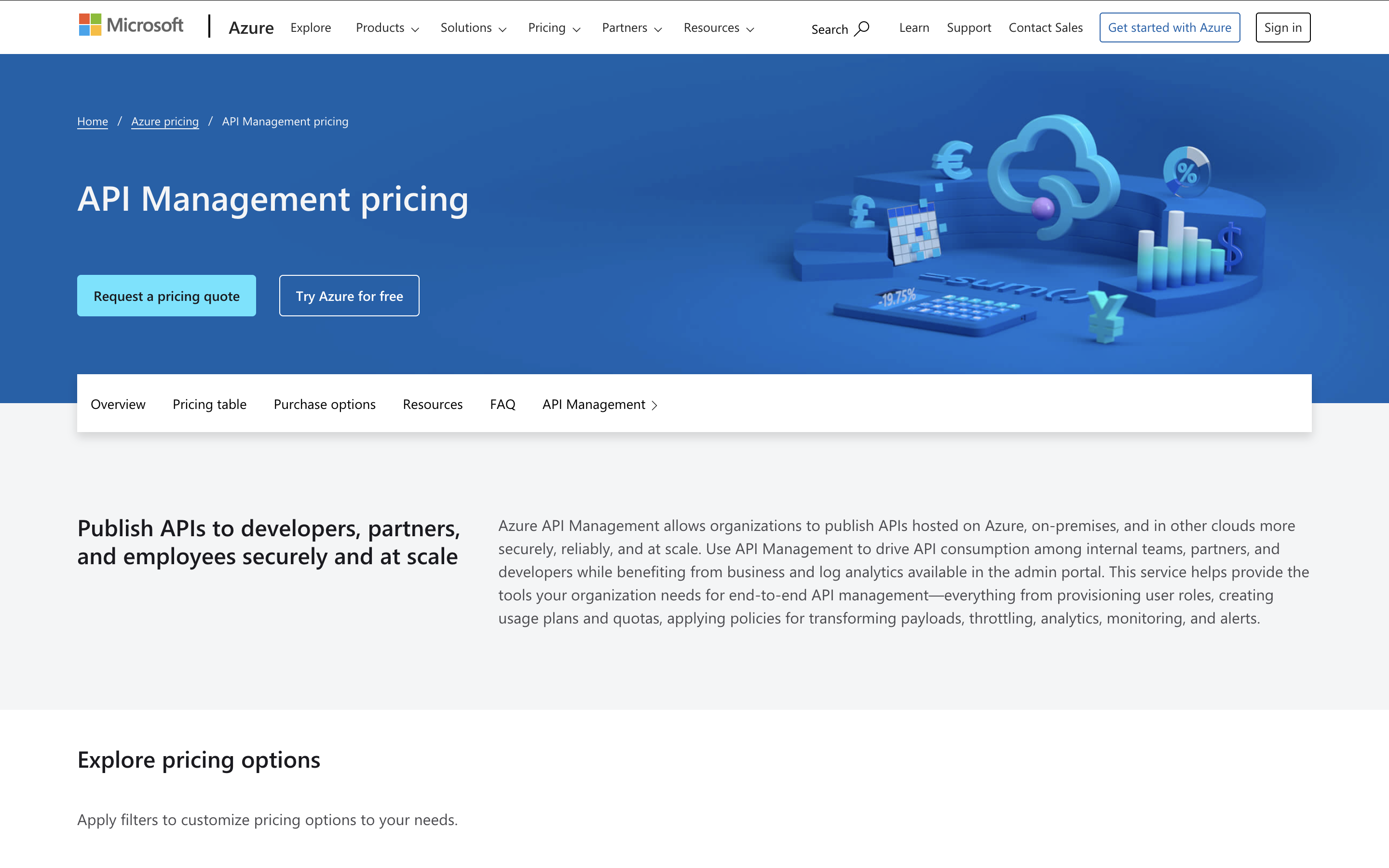
For API integration in particular, you can use Azure API Management, which is a hybrid, multicloud management platform for APIs across all environments.
Key Features:
- Azure API Management serves as an API gateway, acting as a single entry point for all your APIs, making it easier to manage and control API traffic.
- Easily publish APIs to external developers, partners, or internal teams.
- High level of customization through API policies
- Helpful analytics to diagnose potential bottlenecks or unusual usage
Pricing:
APIM offers a relatively complex pricing plan at up to 6 tiers, ranging from Consumption, Developer, Basic, Standard, Premium, to Isolated. You can check the specifics of their pricing here.
API Integration Tools vs. In-House API Management
When it comes to API integration, teams can either use a tool to help them, or manage everything by themselves. Both options have their merits, and the choice between using API integration tools and developing an in-house API management solution depends on factors like budget, technical expertise, customization needs, and the complexity of the integration scenarios.
Here is a quick table to help you understand the pros and cons of each approach:
Aspect | API Integration Tools | In-House API Management |
|---|---|---|
Implementation Time | Quick setup using pre-built connectors and templates | Requires development time to build and configure |
Complexity | Abstracts away technical complexities | Requires technical expertise and ongoing maintenance |
Connectivity | Offers pre-built connectors for popular apps | Customized connections to match specific needs |
Data Transformation | Provides built-in data mapping and transformation | Requires coding for data transformation |
Security | Offers built-in security and authentication features | Requires implementation and management of security |
Scalability | Handles scalability through cloud infrastructure | Requires capacity planning and resource allocation |
Error Handling | Includes error handling mechanisms and monitoring | Custom error handling implementation |
Maintenance | Managed updates and maintenance by the tool provider | In-house team responsible for updates and fixes |
Cost | Subscription-based pricing model | Initial development and ongoing maintenance costs |
Flexibility | Suitable for a wide range of integration scenarios | Tailored to specific organizational requirements |
Time to Market | Faster time to deploy integrations | Development and setup time can be longer |
Support and Documentation | Typically comes with support and extensive docs | In-house team responsible for support and training |
Control | May have limitations in customization and control | Full control over customization and configuration |
API Integration Best Practices
- Thorough Documentation: Documentation provides clear and detailed explanations of how to use the API, its endpoints, parameters, and expected responses. This clarity helps developers understand how to interact with the API effectively, reducing the learning curve and ensuring consistency across teams.
- Authentication and Security: as your software grows, you’ll definitely need to establish security measures using API keys, OAuth, or JWT tokens to ensure that only authorized users can access the APIs and retrieve corresponding data. Apply data encryption and tokenization to protect sensitive data at rest and in transit.
- Data Privacy and Compliance: Only share and expose the data that's necessary for the specific integration. Implement data masking to hide sensitive parts of data while displaying the rest. If possible, use anonymized data in test and development environments to prevent exposure of real user data.
- Data Monitoring: Monitor critical metrics like response times, error rates, data volume, and traffic patterns to spot anomalies. Configure alerts that trigger notifications when predefined thresholds are exceeded. This helps you take immediate action when issues arise.
- Double down on API Testing: if your business operations rely heavily on APIs, it is wise to invest in API testing to ensure that errors don’t have a chance to impact connected systems. Use dedicated API testing tools to simplify the process.
Frequently asked questions
Common types of APIs include: Web APIs (HTTP APIs): These are APIs that allow communication between different web applications over the HTTP protocol. Examples include RESTful APIs and SOAP APIs. Library or Framework APIs: These APIs provide pre-built functions or classes that developers can use to perform specific tasks within their applications. Operating System APIs: These APIs provide access to the underlying functionalities of an operating system, allowing applications to interact with hardware and software resources. Database APIs: These APIs enable communication between applications and databases, allowing data retrieval, manipulation, and management. Remote APIs: Also known as Remote Procedure Call (RPC) APIs, these allow remote communication between applications running on different devices or platforms.
An API integration platform goes beyond just an “API integration tool”. It is a software solution that facilitates the connection and interaction between different applications, systems, or services by utilizing APIs. It aims to simplify the complexities of connecting disparate systems by providing a unified interface and infrastructure for creating, managing, and optimizing API integrations.
Authentication and Authorization: Ensuring only authorized users or applications can access the API, often achieved through mechanisms like API keys, OAuth, or JWT tokens. Data Encryption: Encrypting data during transmission (HTTPS) and at rest to prevent unauthorized access. Input Validation: Validating and sanitizing user inputs to prevent common security vulnerabilities like SQL injection or cross-site scripting. Access Control: Implementing strict access controls to restrict which users or roles can access specific API resources. Rate Limiting and Throttling: Implementing measures to prevent abuse by limiting the number of API requests a user or application can make within a given time period. Auditing and Logging: Keeping track of API activities and access attempts for auditing and monitoring purposes. Data Privacy: Ensuring that sensitive data is handled and transmitted securely, complying with data protection regulations.
APIs are widely used across various industries, including: Technology and Software Finance and Banking E-commerce Healthcare Travel and Hospitality Social Media and Marketing IoT (Internet of Things) Automotive





Test everything. Ship with confidence.
From generating test cases to spotting failures, Katalon's AI works across your entire pipeline, automatically.
